Tools that work on screenshots

We're tracking 49 of these, and 44 are still live today. 5 we couldn't reach — we don't claim those are dead.

Watching this group for 9 days · how we check

This week5 new arrivals


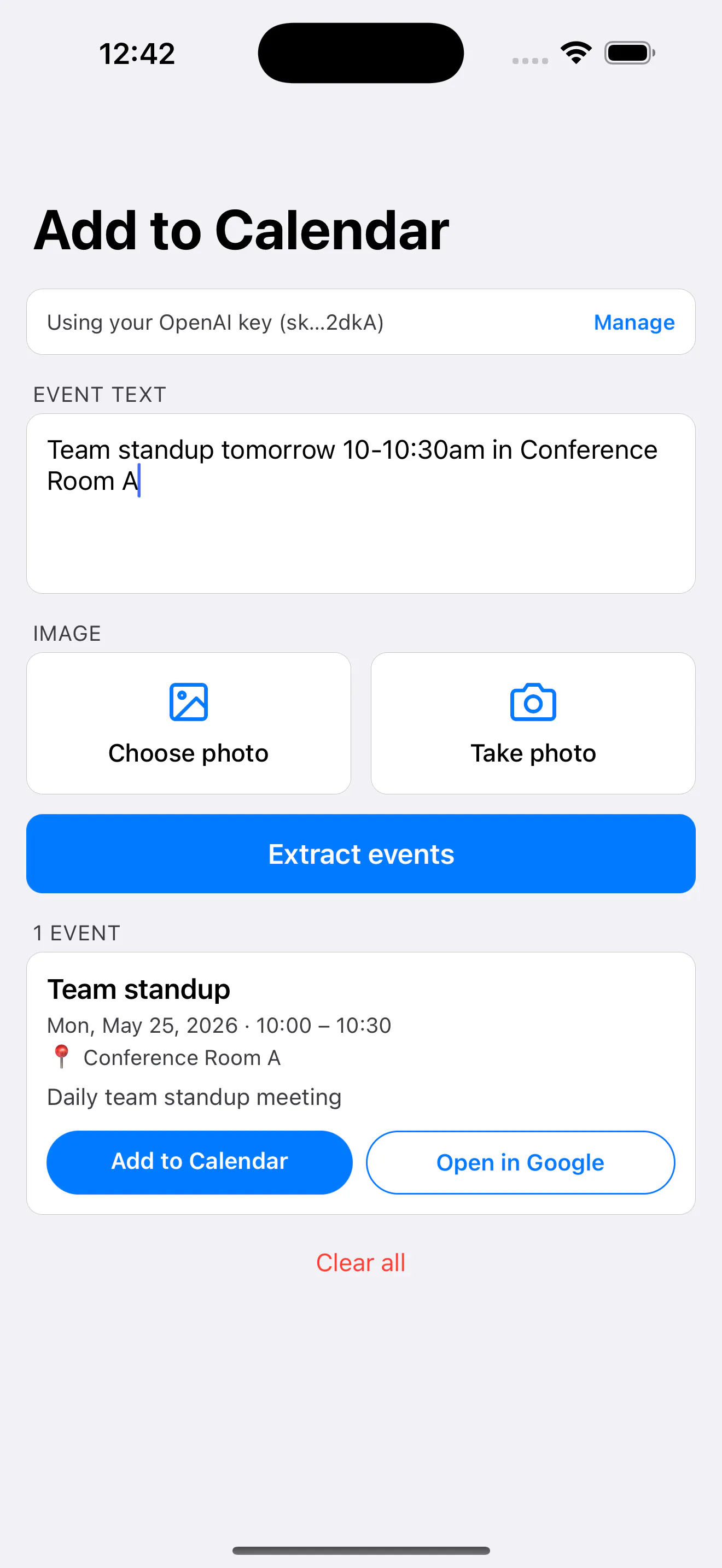
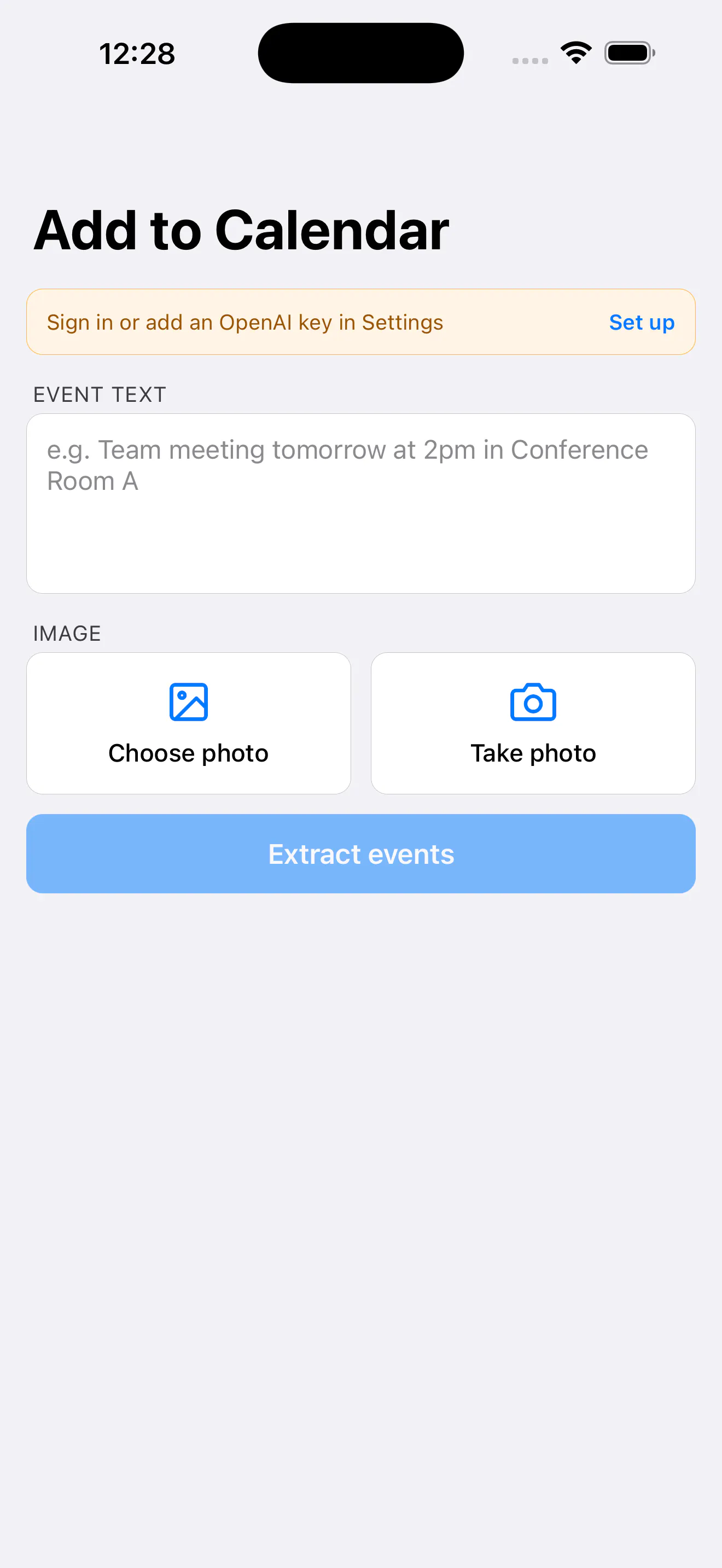
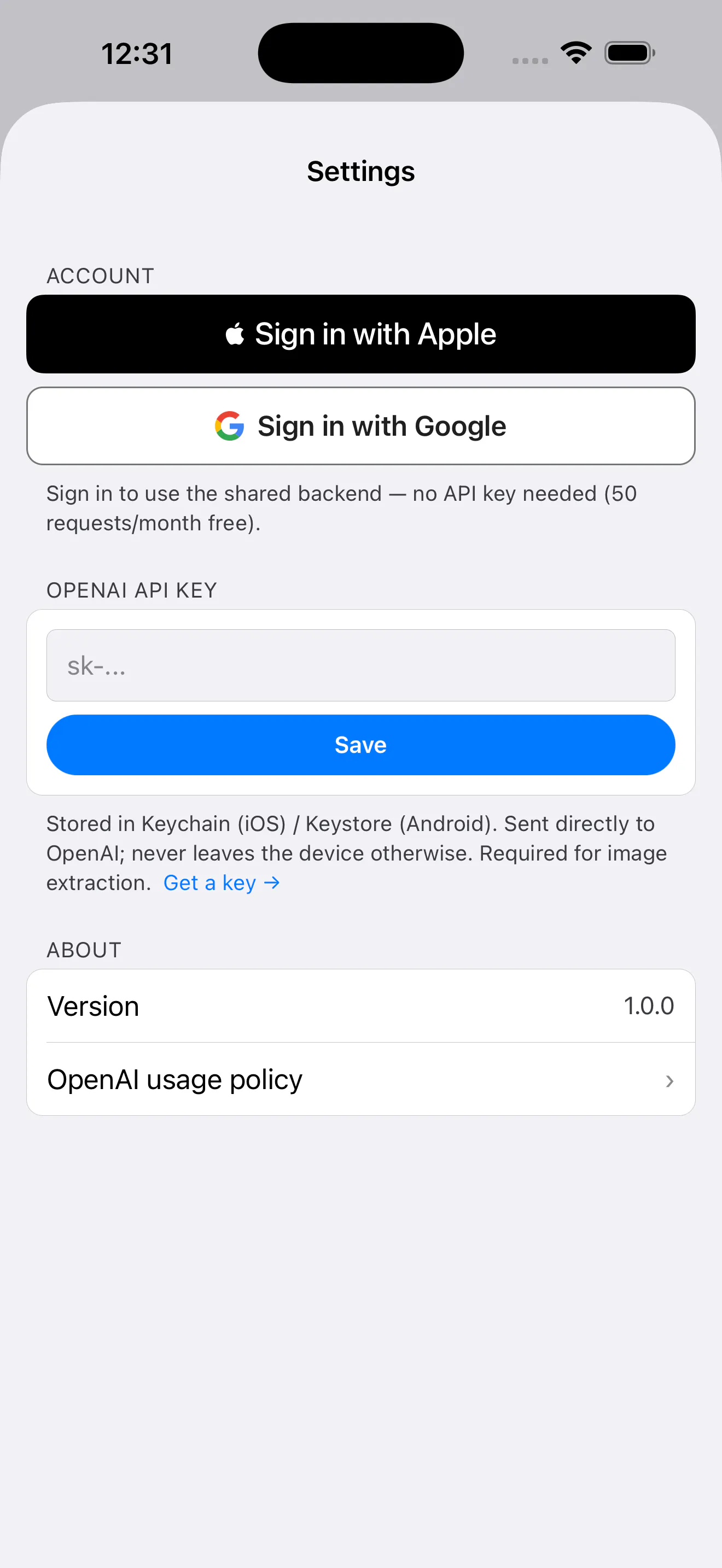
Lets you circle exactly what needs changing on a screenshot and turns that markup into a structured prompt for ChatGPT, Claude, Cursor or other AI tools. For teams handing off visual change requests to AI coding or design agents.

Domain registered 21 days ago

What to know
How it works
Circle what needs changing on any screenshot and it turns that visual markup into a structured prompt for ChatGPT, Claude, Cursor, Perplexity, Grok, or other AI tools.
Best for
Teams handing off web design, app build, or graphics change requests to AI coding or design agents.

Watched for 4 days · last checked today

Details →
RedLinz

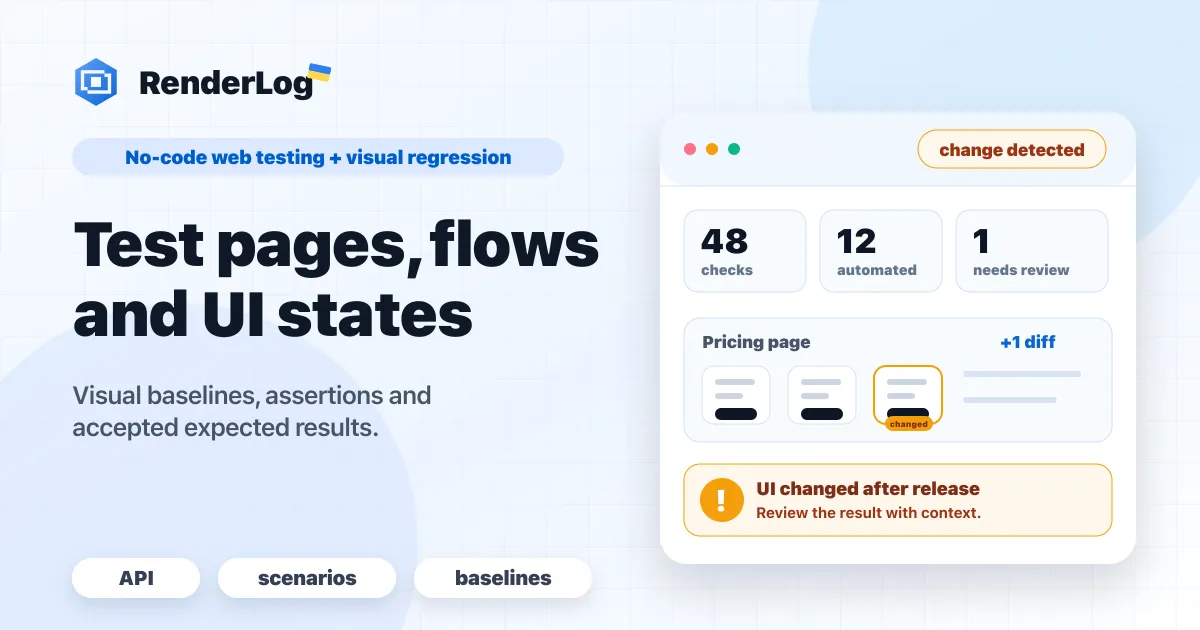
Lets teams run scheduled browser jobs — screenshots, PDF/Markdown/HTML exports and no-code checks for pricing, signup and UI flows — without maintaining their own Playwright setup.

Can export my data
What to know
How it works
Runs scheduled browser jobs to capture screenshots, export pages to PDF/Markdown/HTML, and run no-code checks on pricing, signup, docs and UI flows, keeping outputs, baselines and alerts in one workspace.
What's different
Replaces maintaining your own Playwright infrastructure.
Best for
Teams that need recurring page checks and exports without running browser automation themselves.

Watched for 9 days · last checked today

Details →
RenderLog

Reviso

Live

A visual commenting tool for WordPress: clients click directly on the live page to leave feedback instead of sending screenshots or emails. Built for web designers and agencies.

FreeNo sign-upData stays with you
What to know
How it works
Clients click any element on a live WordPress page and pin a comment there with no login or account; the site owner sees and resolves pins natively inside Bricks, Elementor, or the Gutenberg editor. Includes threaded replies, status tracking, automatic screenshots, PDF sign-off certificates, AI feedback summaries, and Slack/Discord/webhook integrations.
What's different
Built to live inside the page builder itself rather than a separate feedback dashboard, and stores all feedback in the user's own WordPress database.
Pricing
Has a free tier.
Best for
Web designers and agencies collecting client feedback and sign-off on WordPress sites.

Watched for 3 days · last checked 3d ago

Details →

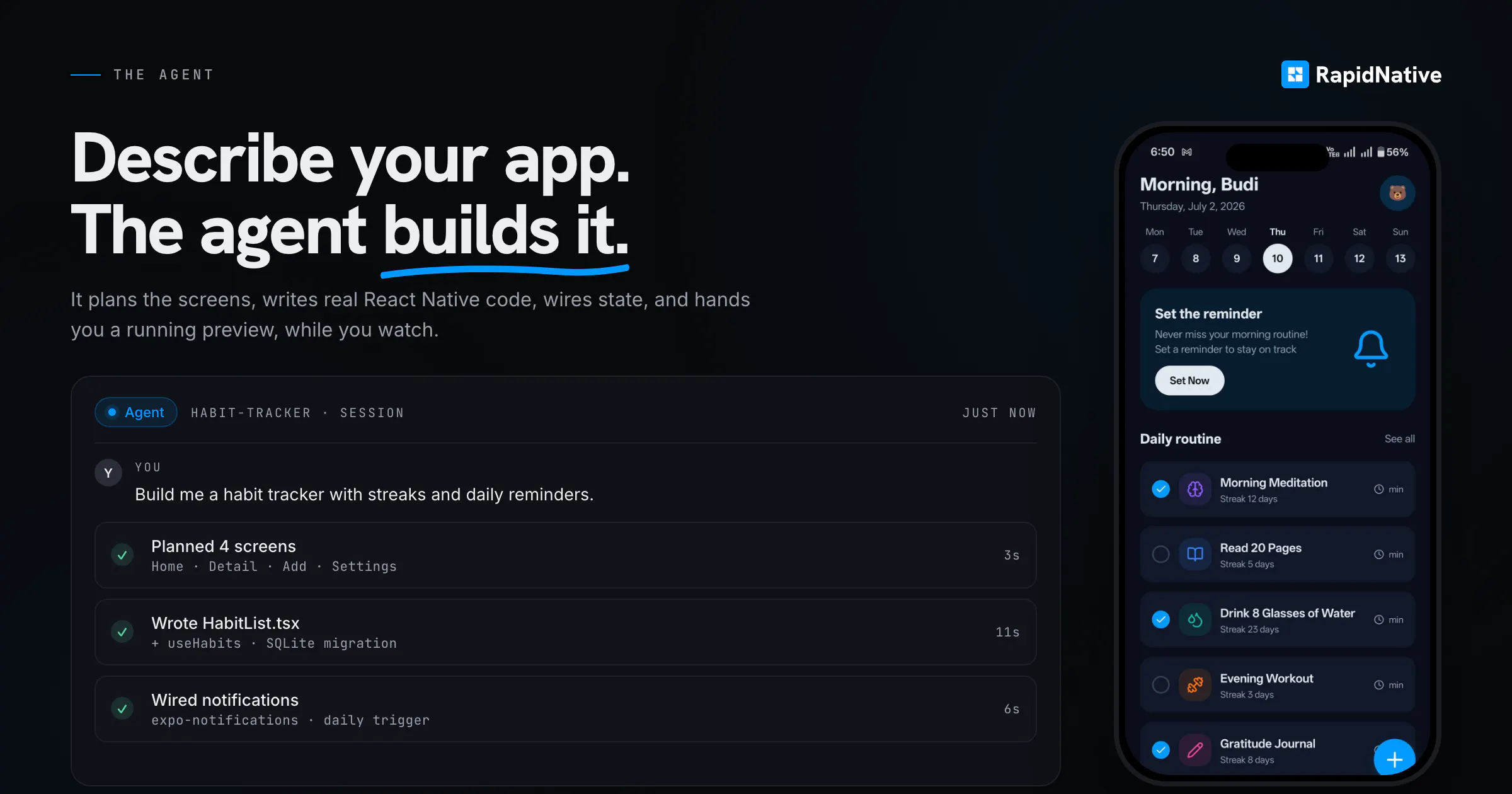
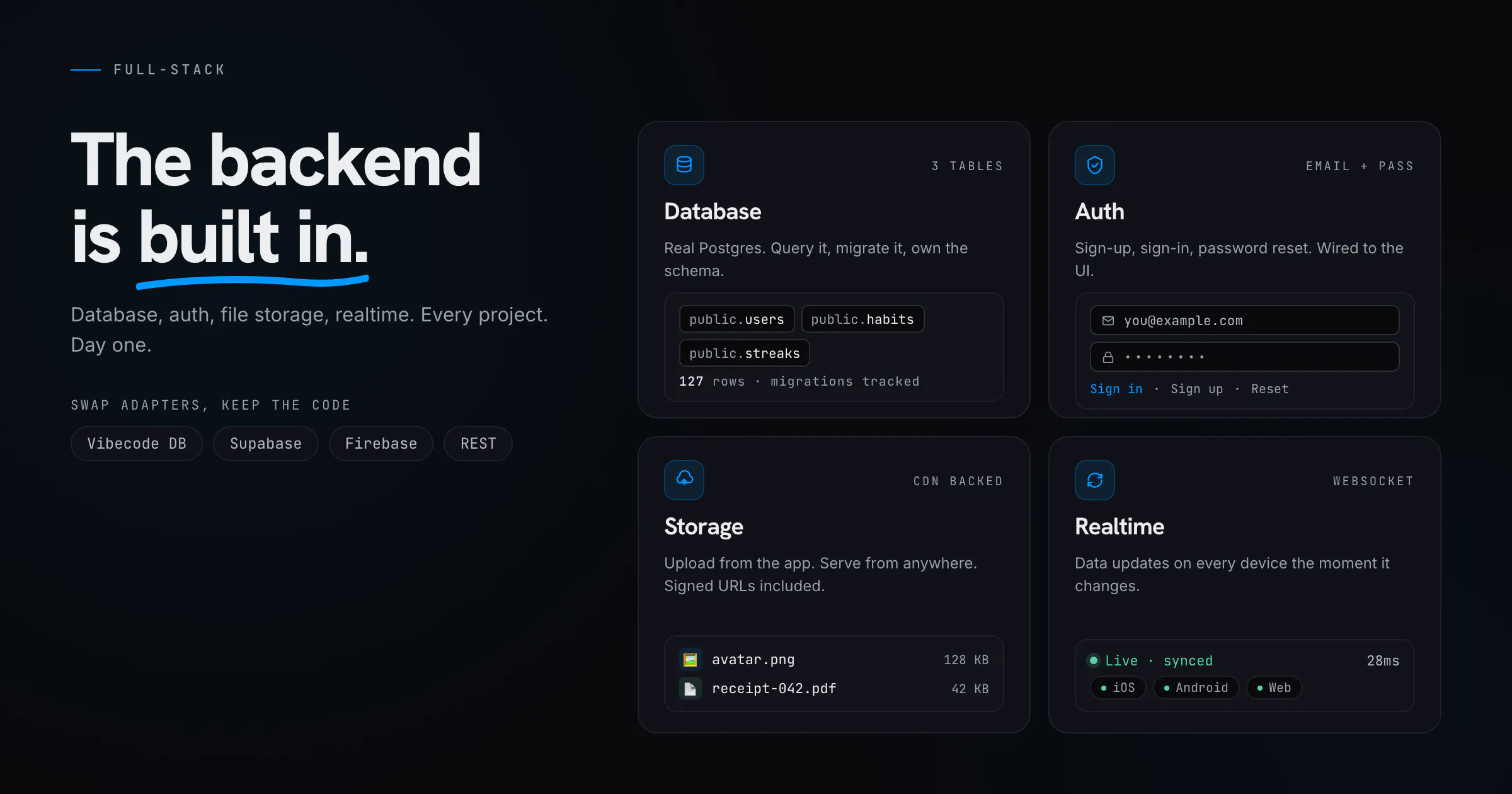
Real mobile apps, from a prompt. Native, not web.

Watched for 9 days · last checked 3d ago

Details →
RapidNative
RapidNative
RapidNative
RapidNative

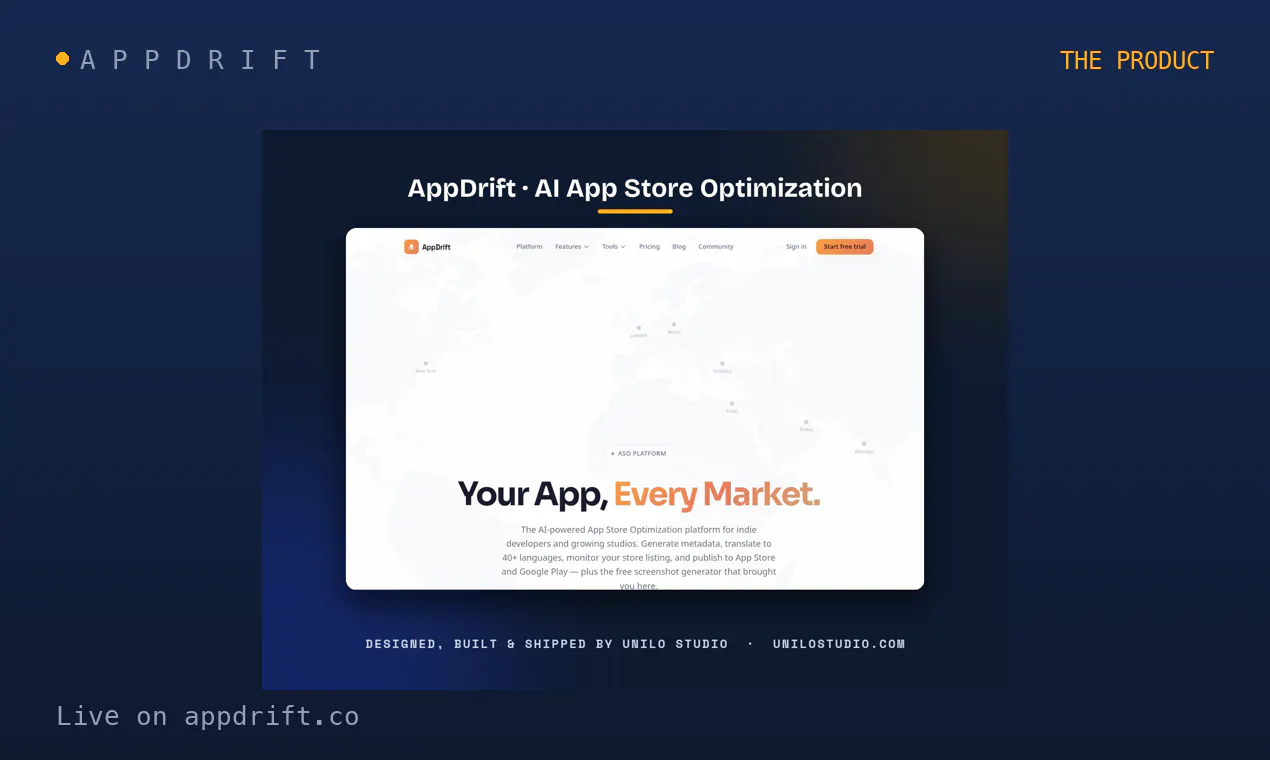
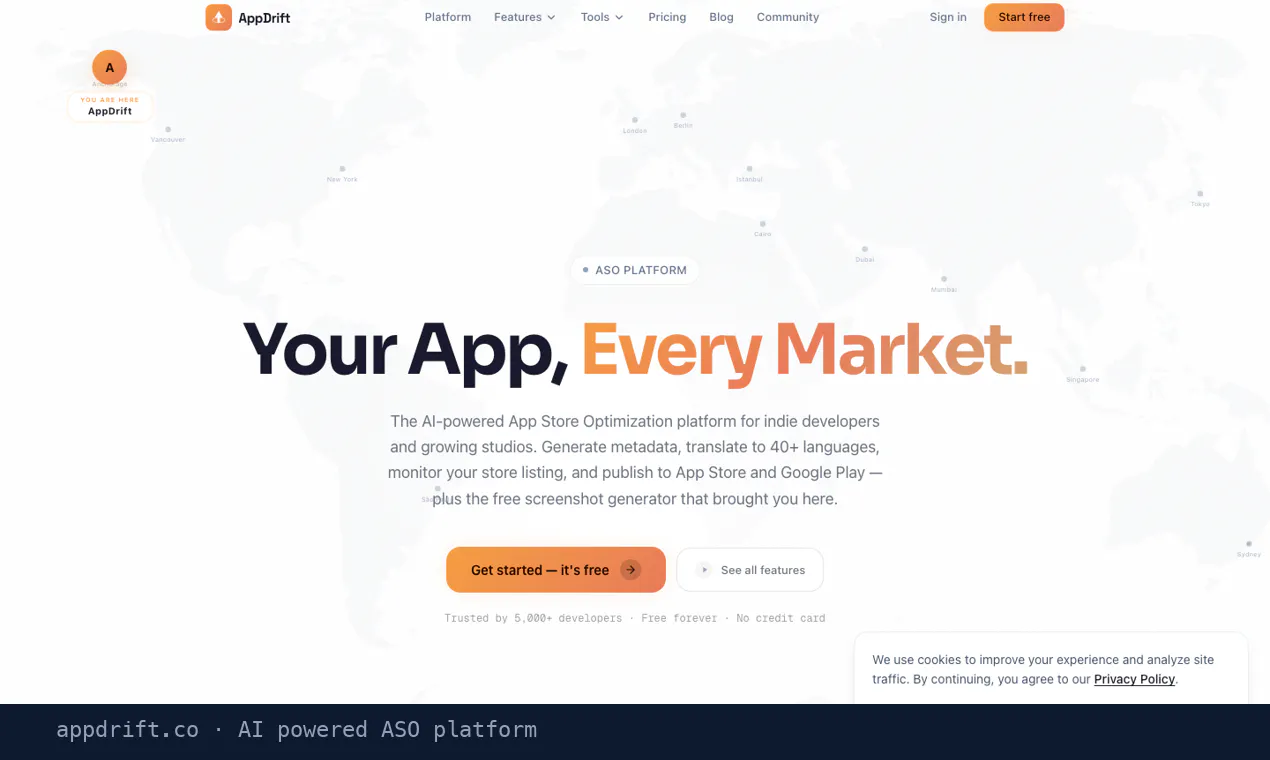
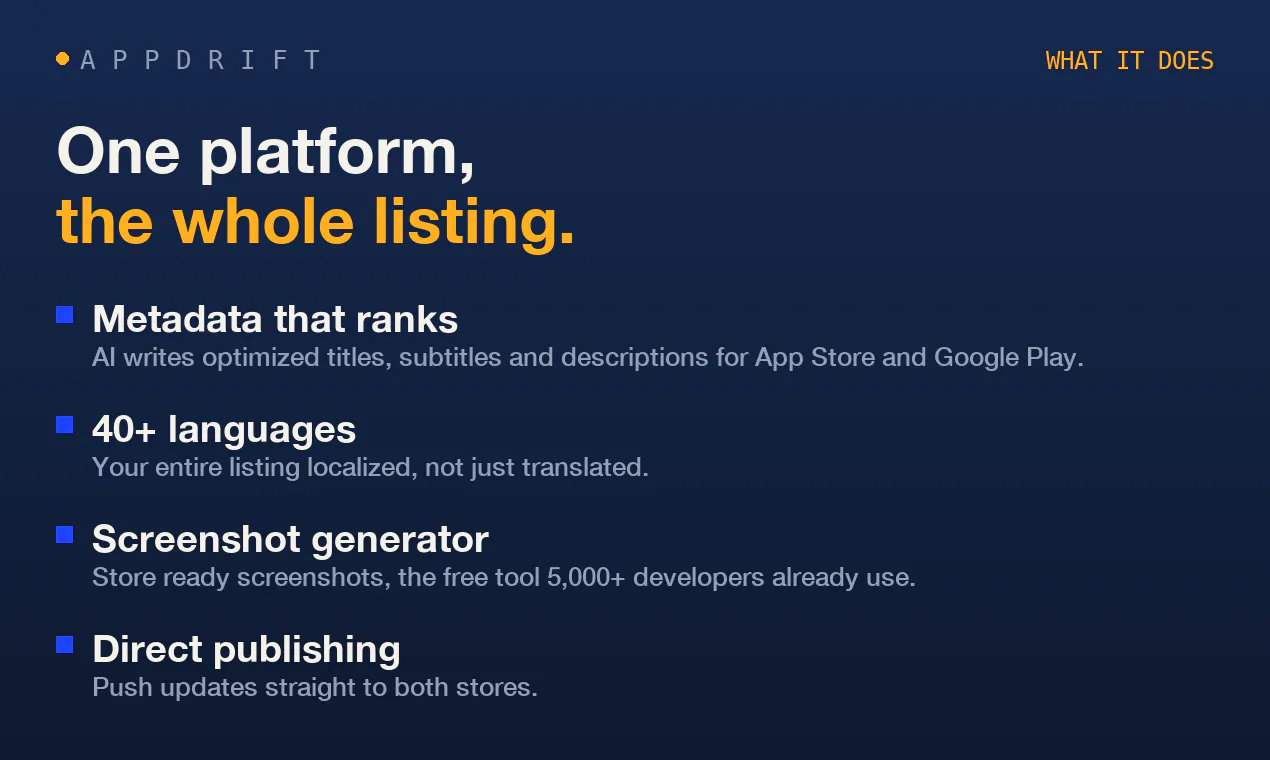
AI ASO: metadata, screenshots and 40+ languages in minutes

Watched for 3 days · last checked today

Details →
AppDrift
AppDrift
AppDrift
AppDrift

A native Windows overlay app that combines clipboard history, encrypted clips, and other utilities in one hotkey-accessible tool, aimed at power users who want to stop juggling separate apps.

FreeNo sign-upWorks offlineNo tracking
What to know
How it works
A native Windows overlay app that bundles five tools into one hotkey-accessible panel: clipboard history search, text-expansion snippets, screen capture with OCR, and others.
What's different
Combines multiple utilities (clipboard manager, text expander, screen capture) into one unified overlay instead of running them as separate apps.
Pricing
Free.
Best for
Windows power users who currently juggle separate clipboard, snippet, and screenshot tools.
Watch out
Runs locally with no cloud sync — clips stay on one machine unless the app supports cross-device sync elsewhere.

Watched for 9 days · last checked 3d ago

Details →

$10k-looking video. Made by you in an hour

Watched for 9 days · last checked 3d ago

Details →
Raylight
Raylight
Raylight
Raylight

Generates App Store and Play Store screenshot sets to boost app-page conversions, aimed at app makers who don't want to hire a designer, sold as one-time credit packs.

Pay once
What to know
How it works
Generates professional App Store and Play Store screenshot sets in minutes, aimed at lifting app-page conversion rates.
Pricing
Sold as one-time credit packs rather than a subscription.
Best for
App makers who want conversion-optimized store screenshots without hiring a designer.

Watched for 9 days · last checked 3d ago

Details →

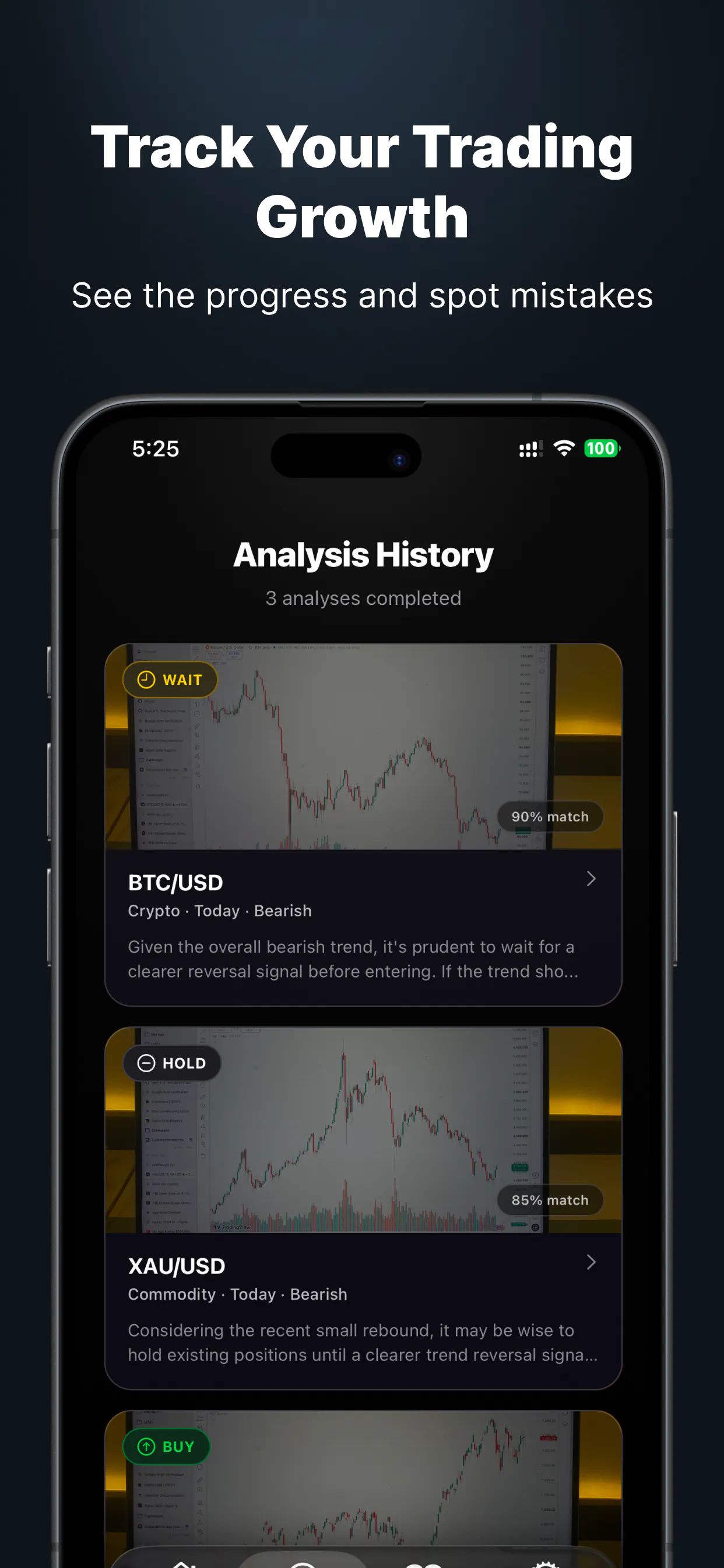
A trading journal that logs your trades, sessions and behavior and reviews your own history and strategy performance, rather than predicting future trades.

Free
What to know
How it works
A trading journal that logs trades, sessions, targets and behavior, reviews binary options expiry patterns with Time and Flag modes, compares your own strategy performance across assets and sessions, and includes TRInk, a local Windows tool for annotating chart screenshots.
What's different
Built explicitly around reviewing your own logged trading history rather than providing signals, predictions, or automated trade execution.
Pricing
Free core journal, with a paid Supporter plan unlocking Assistant insights and Strategy review features.
Best for
Traders who want to review what actually happened in their own trades rather than get predictions or signals.
Watch out
Explicitly not a signal provider, prediction tool, trading bot, or source of financial advice.

Watched for 9 days · last checked 3d ago

Details →

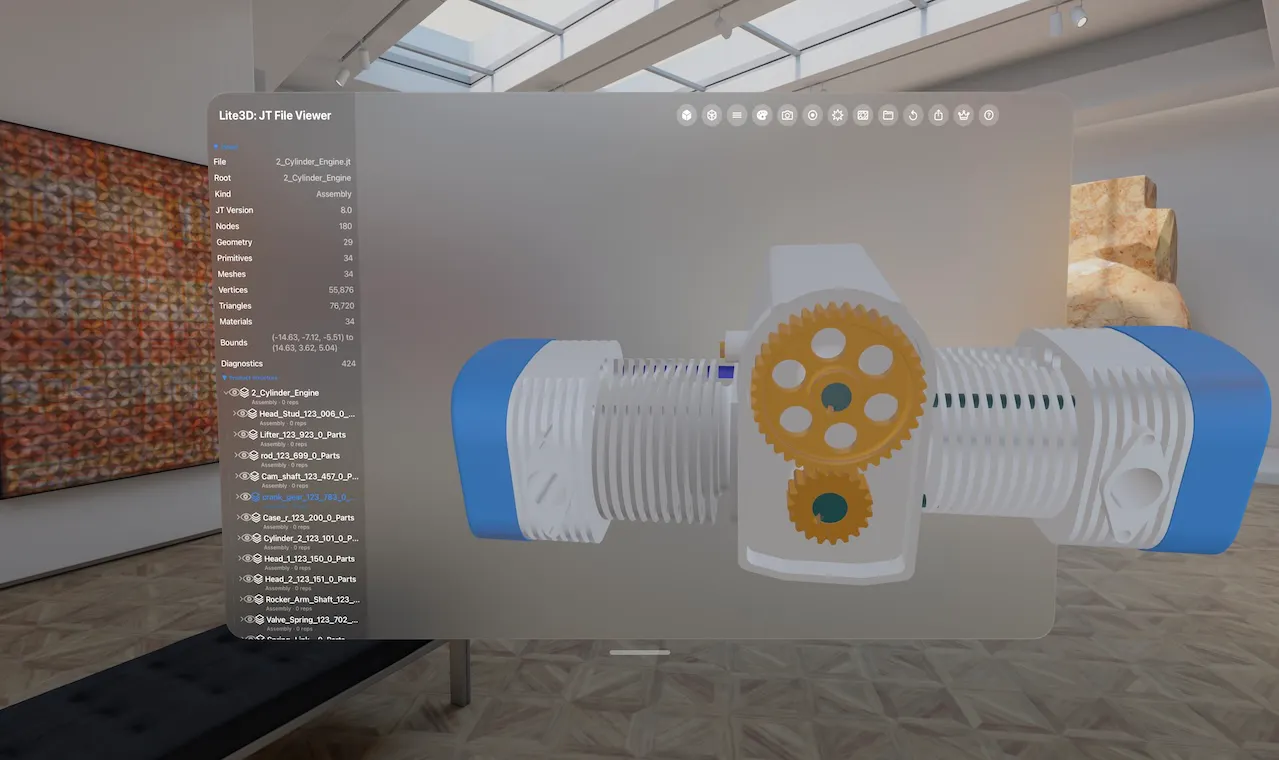
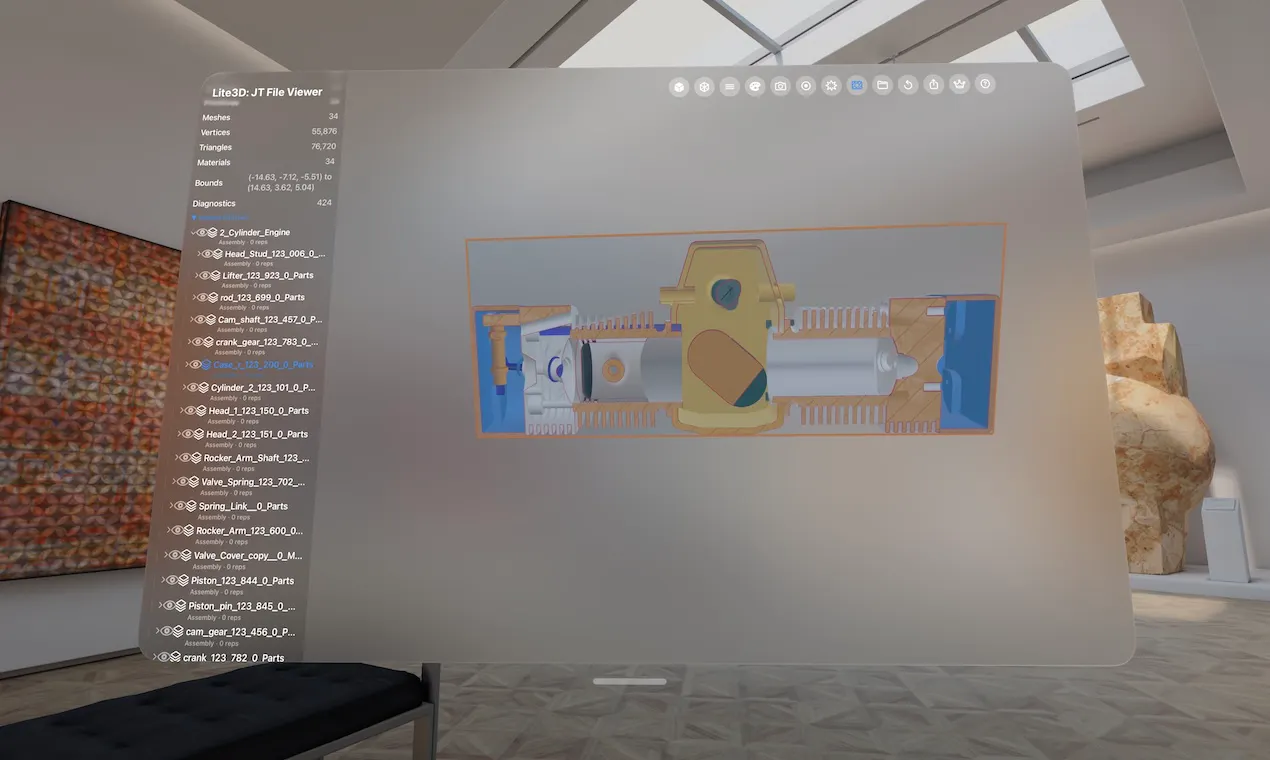
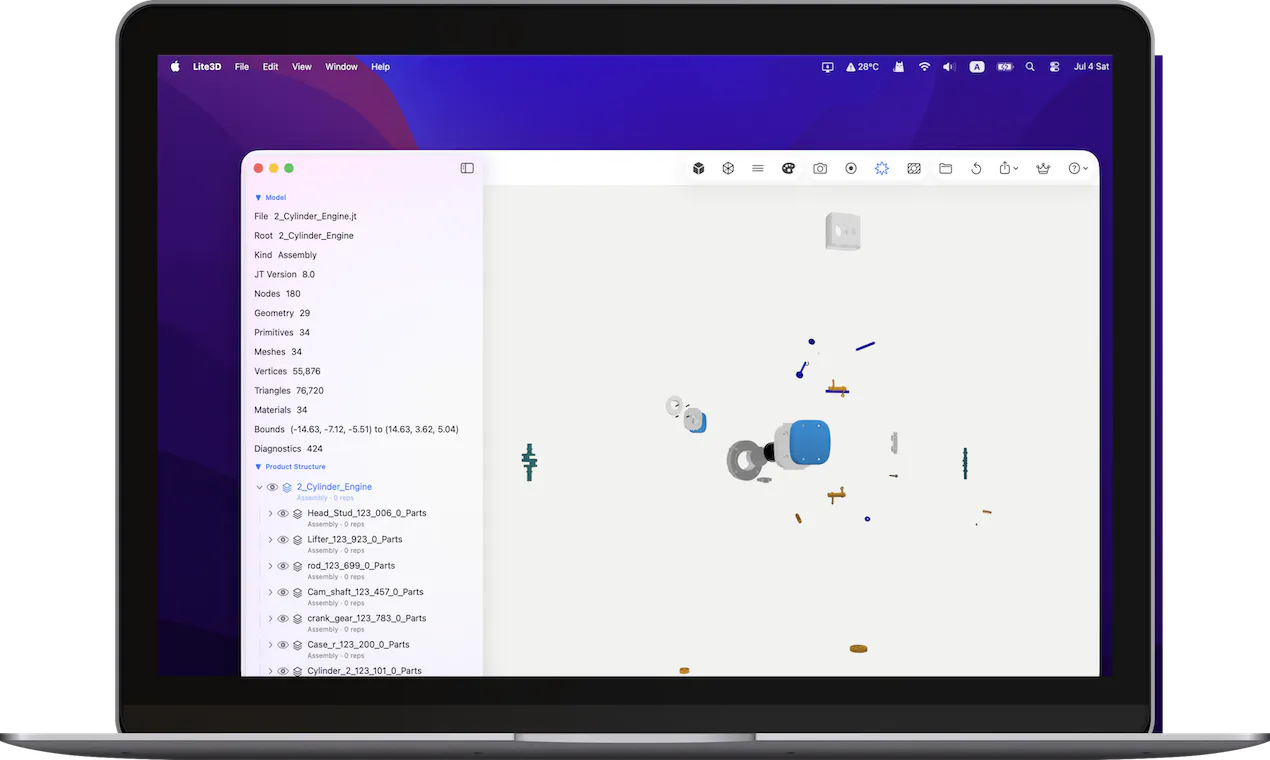
A native Apple app for opening and reviewing JT (.jt) files

Can export my data

Watched for 5 days · last checked 4d ago

Details →
JT File Viewer
JT File Viewer
JT File Viewer

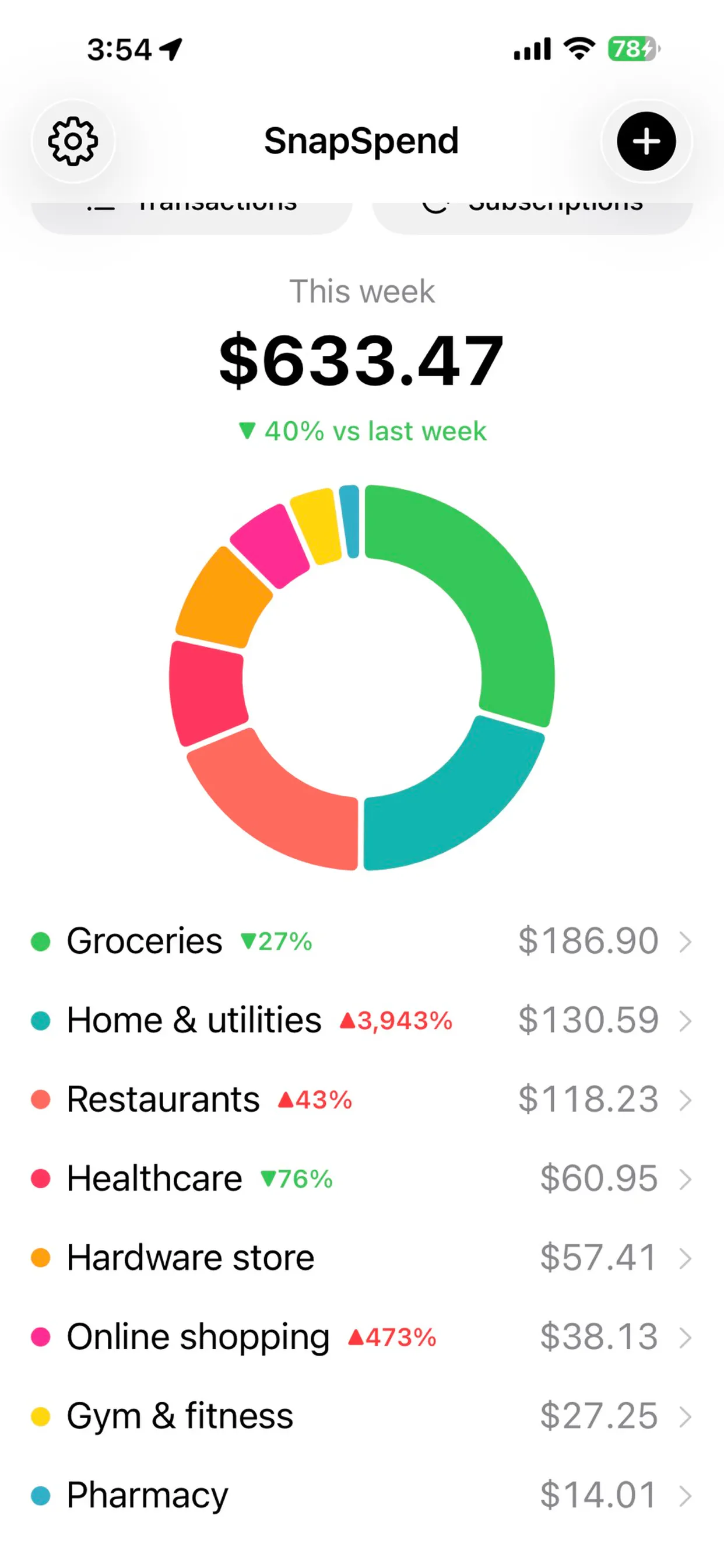
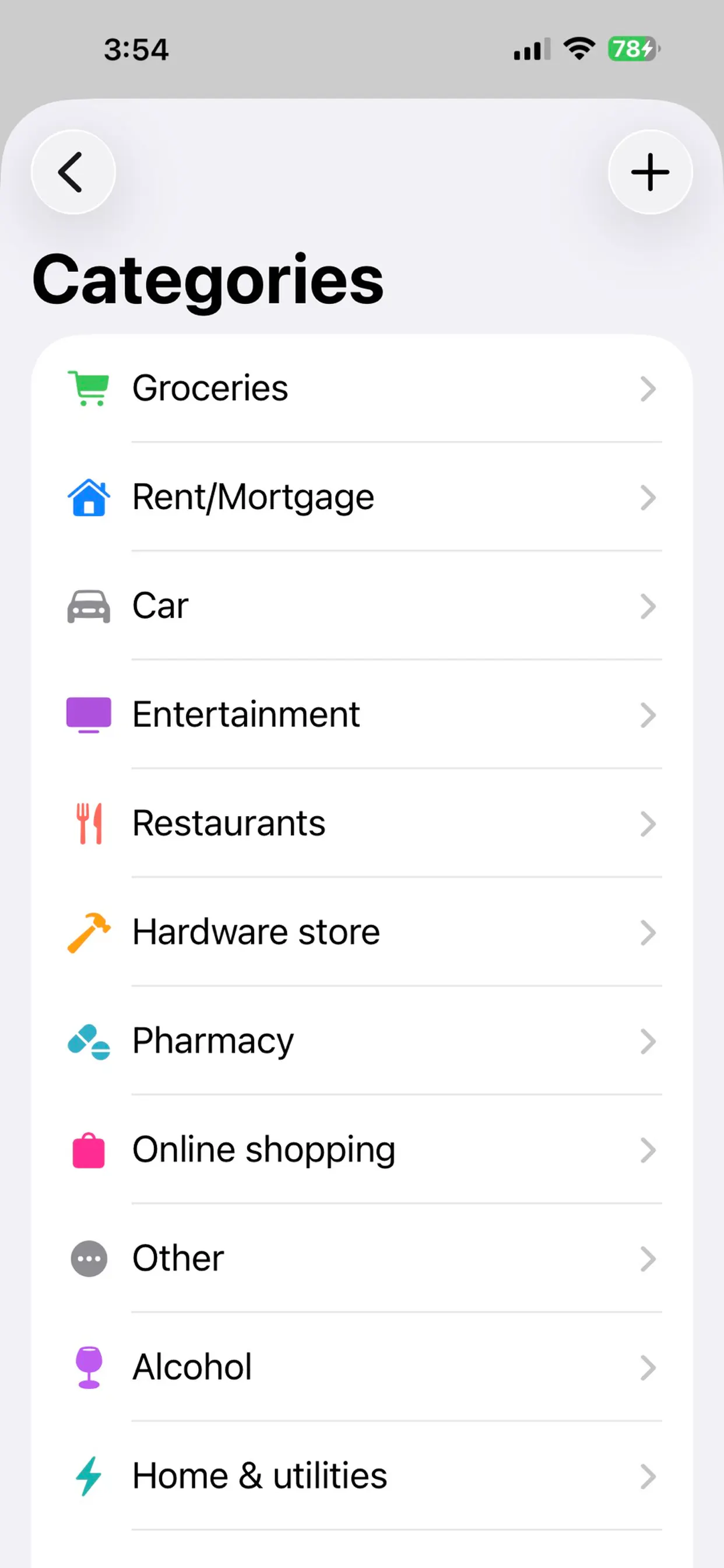
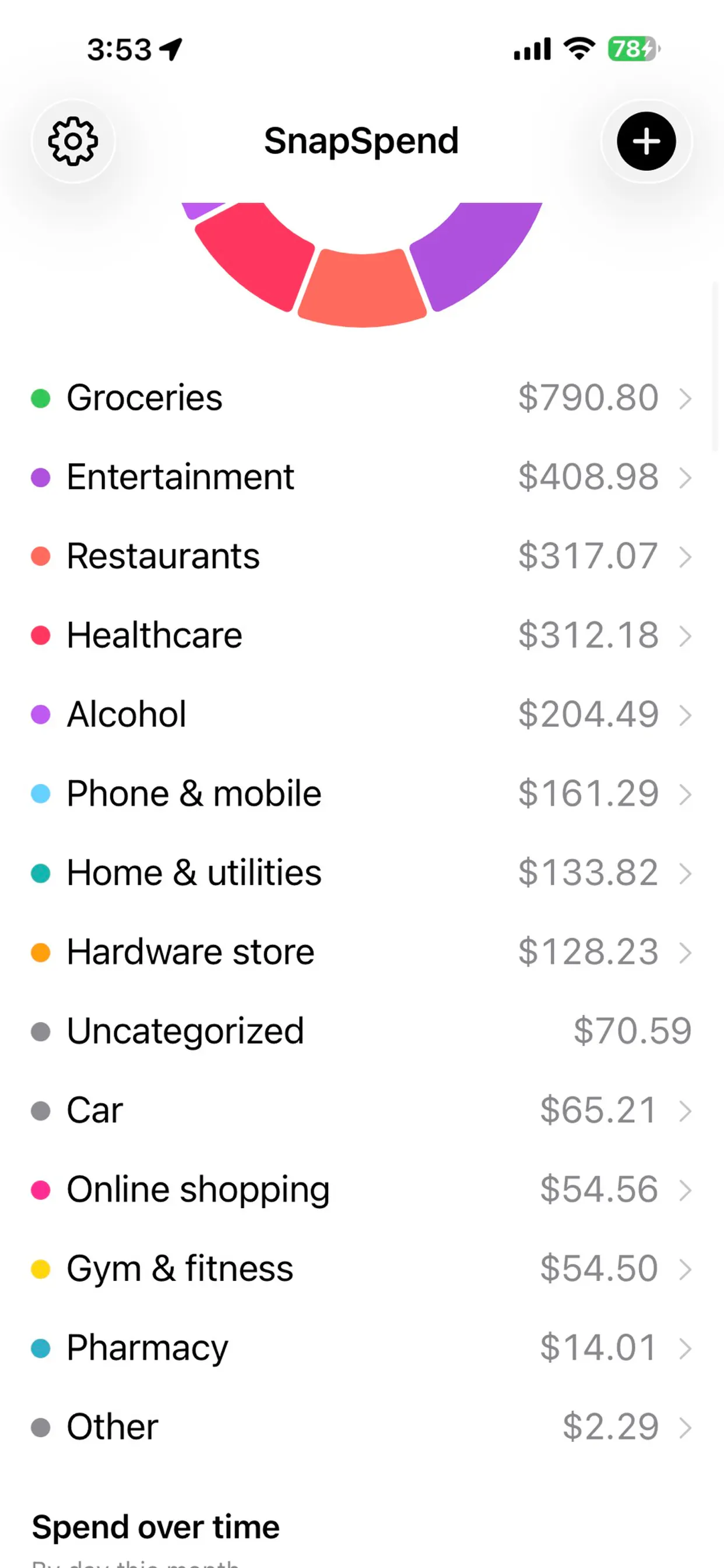
Scans receipts and bank screenshots on your iPhone using on-device ML to auto-categorize spending, with nothing sent to a server. A personal budgeting tool, not a business expense system.

No sign-upWorks offline
What to know
How it works
Scans receipts, order confirmations and banking-app screenshots on an iPhone using Apple's on-device ML, and turns them into categorized, charted spending with one tap to confirm.
What's different
Runs entirely on-device with no account, aggregator, or cloud — financial data never touches a server. It also learns merchant-to-category mappings and retags past transactions.
Best for
iPhone users tracking personal spending who don't want their financial data leaving their device.

Watched for 9 days · last checked today

Details →
SnapSpend
SnapSpend
SnapSpend
SnapSpend

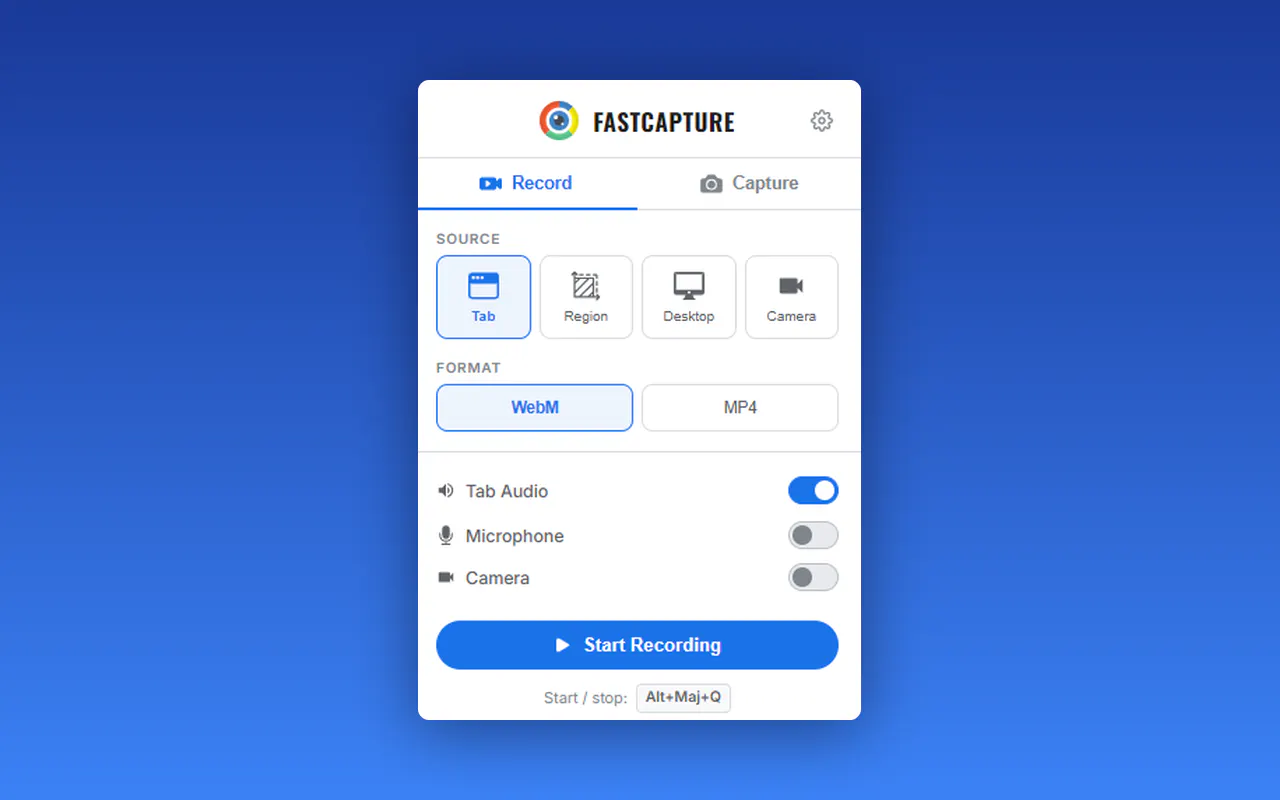
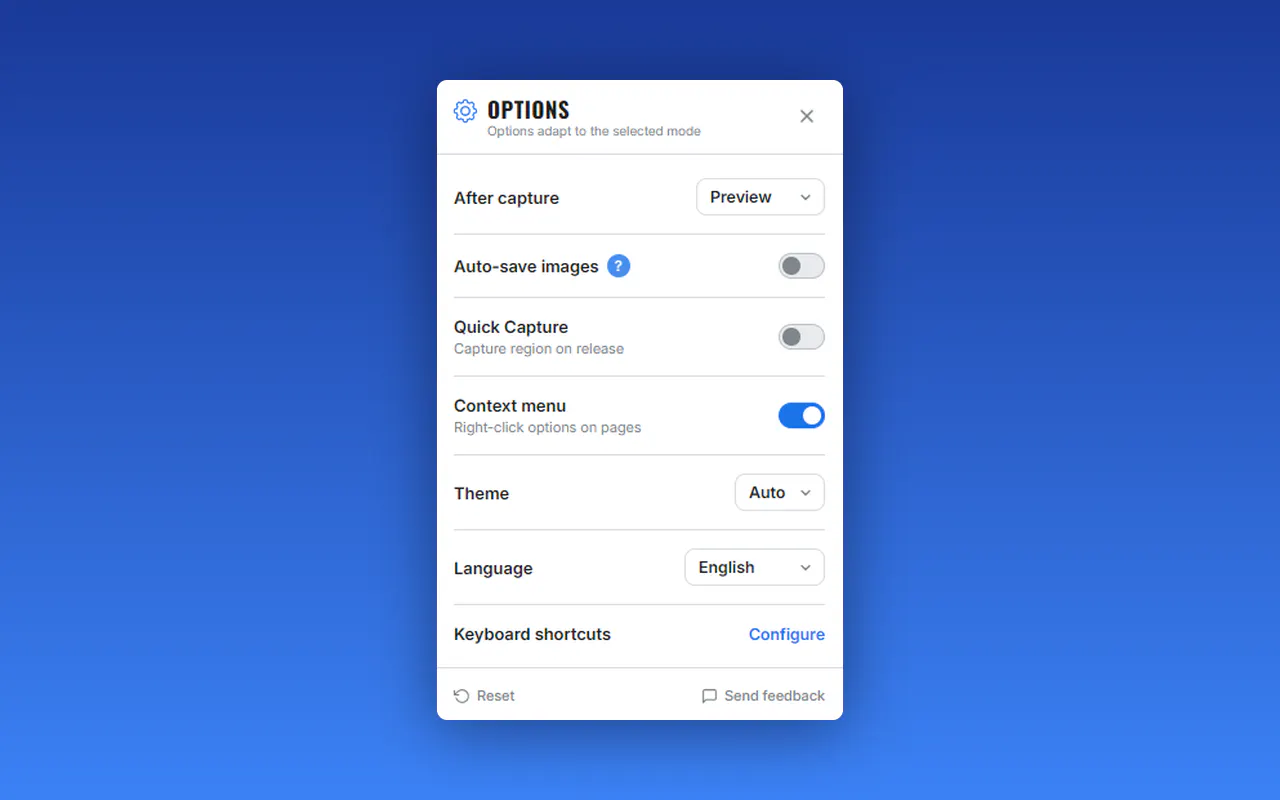
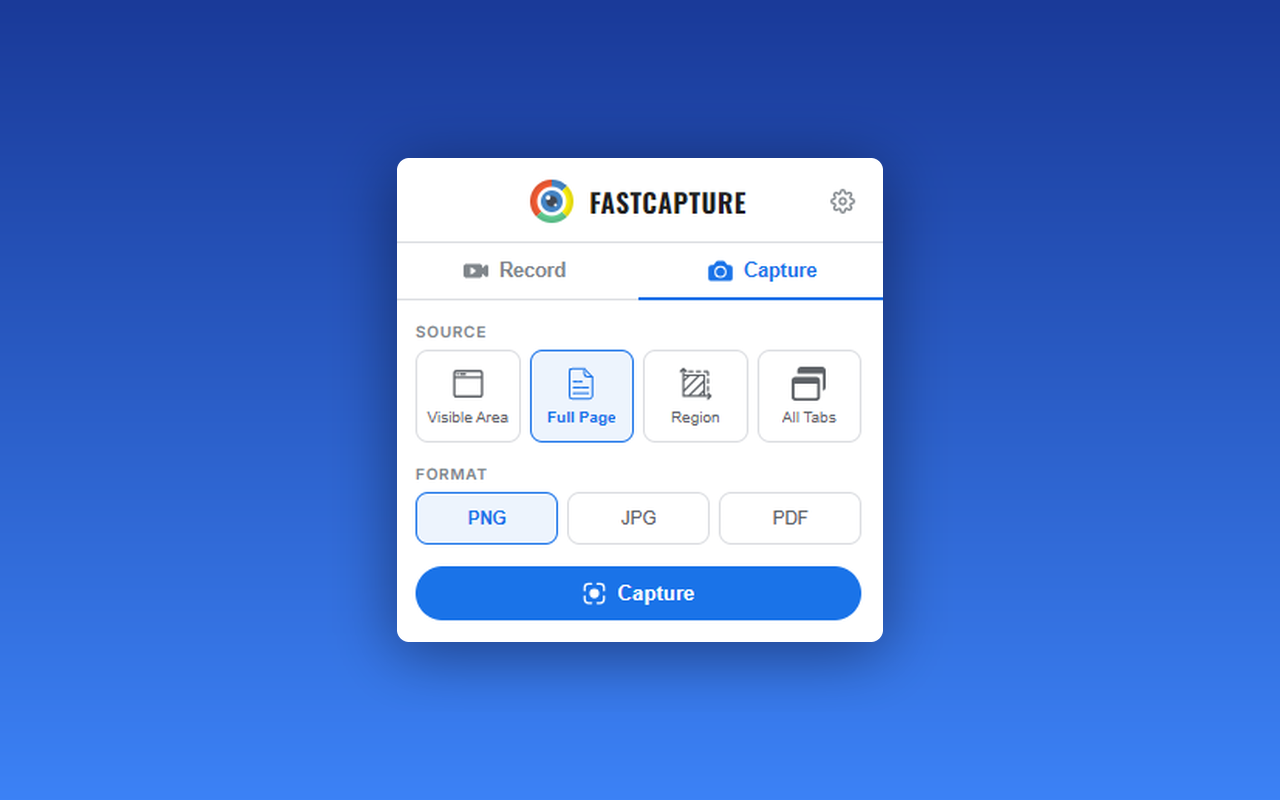
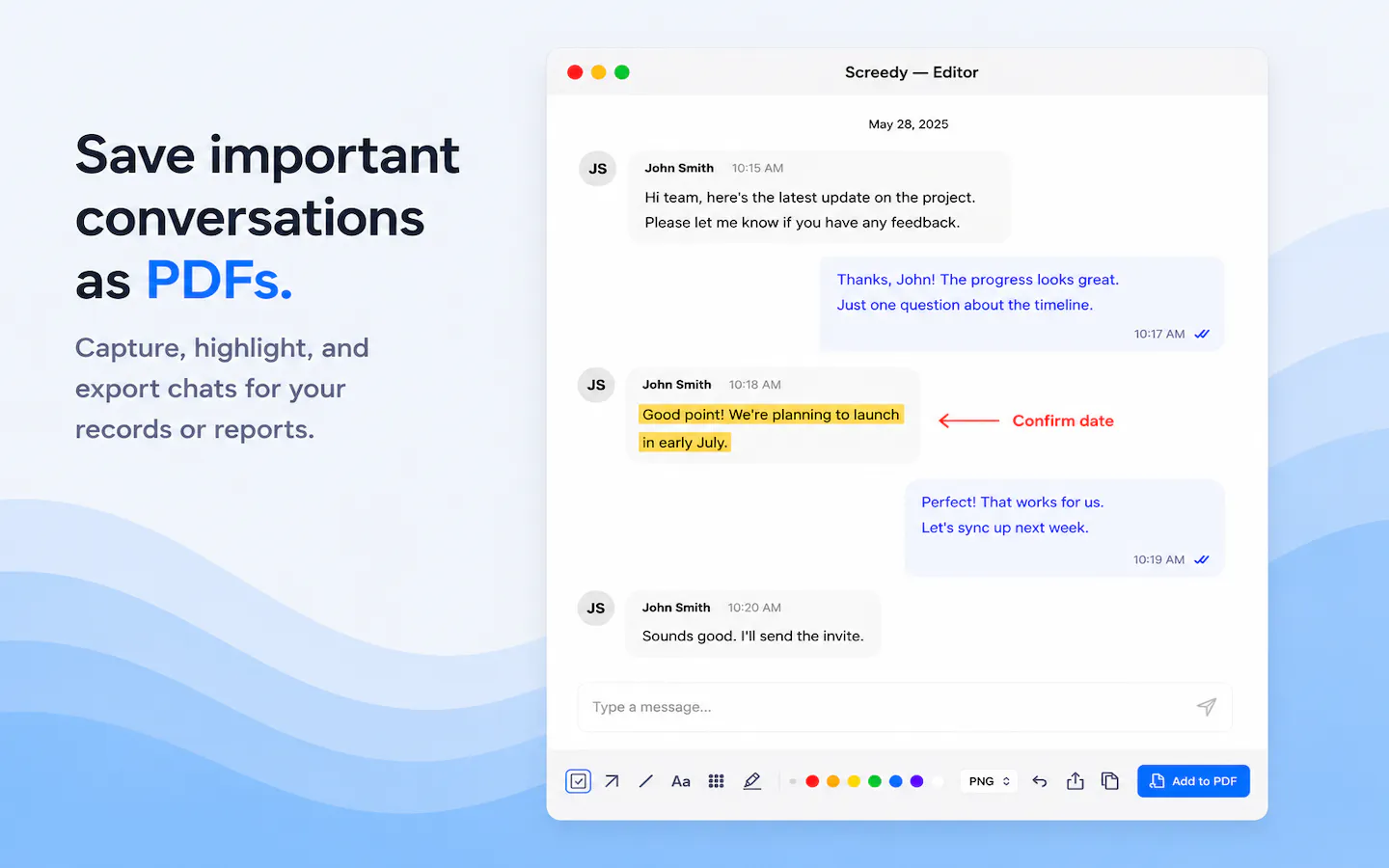
A free Chrome extension for screen and webcam recording, screenshots, and on-page annotation that runs entirely in your browser with no signup or uploads.

FreeNo sign-upWorks offlineData stays with you
What to know
How it works
A Chrome extension for recording your screen or webcam, taking full-page and region screenshots, and annotating directly on the page.
What's different
No signup, no watermark, no upload — everything runs locally in the browser.
Pricing
Free.
Best for
Anyone who wants quick screen capture and annotation without creating an account or uploading footage anywhere.

Watched for 9 days · last checked today

Details →
FastCapture
FastCapture
FastCapture
FastCapture

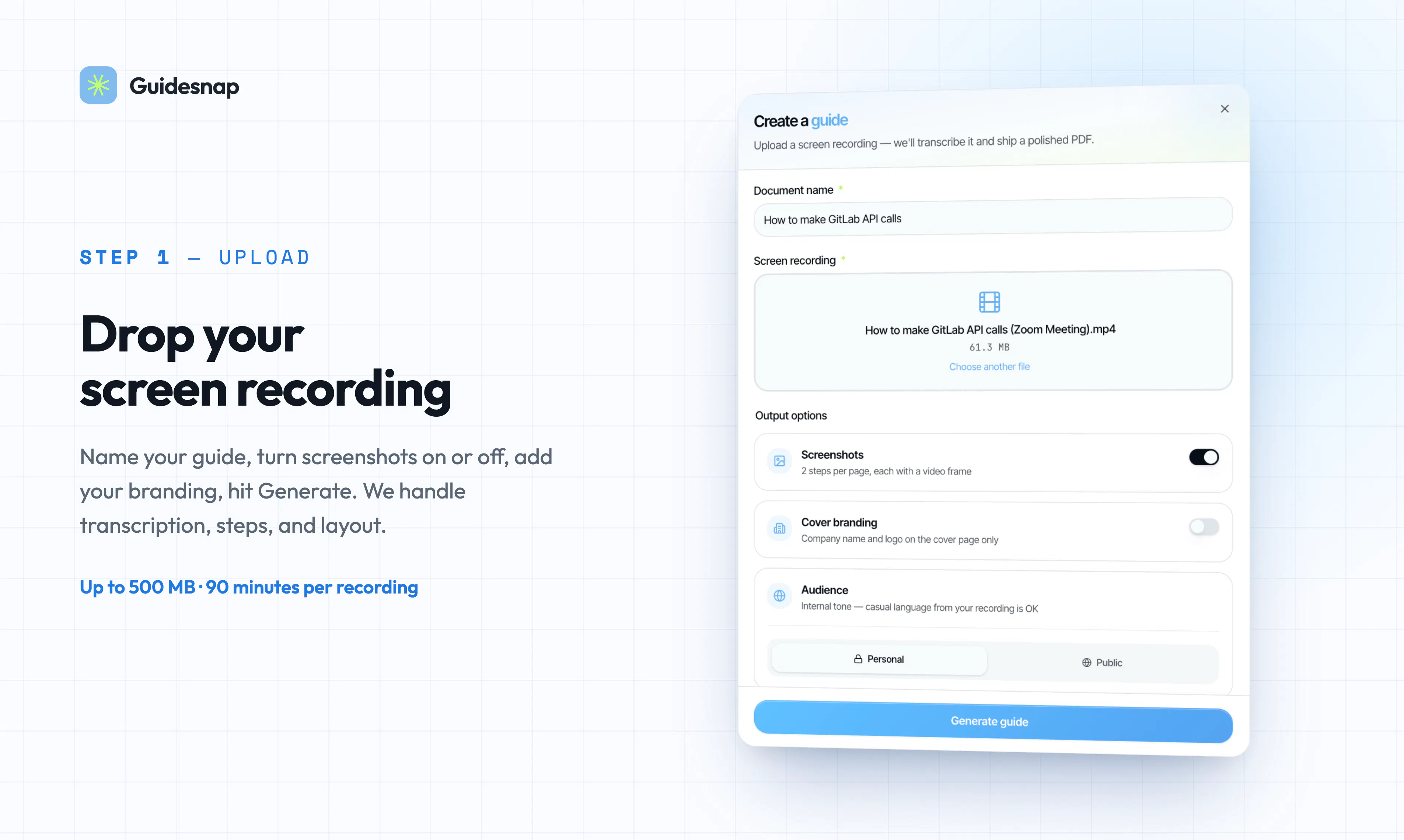
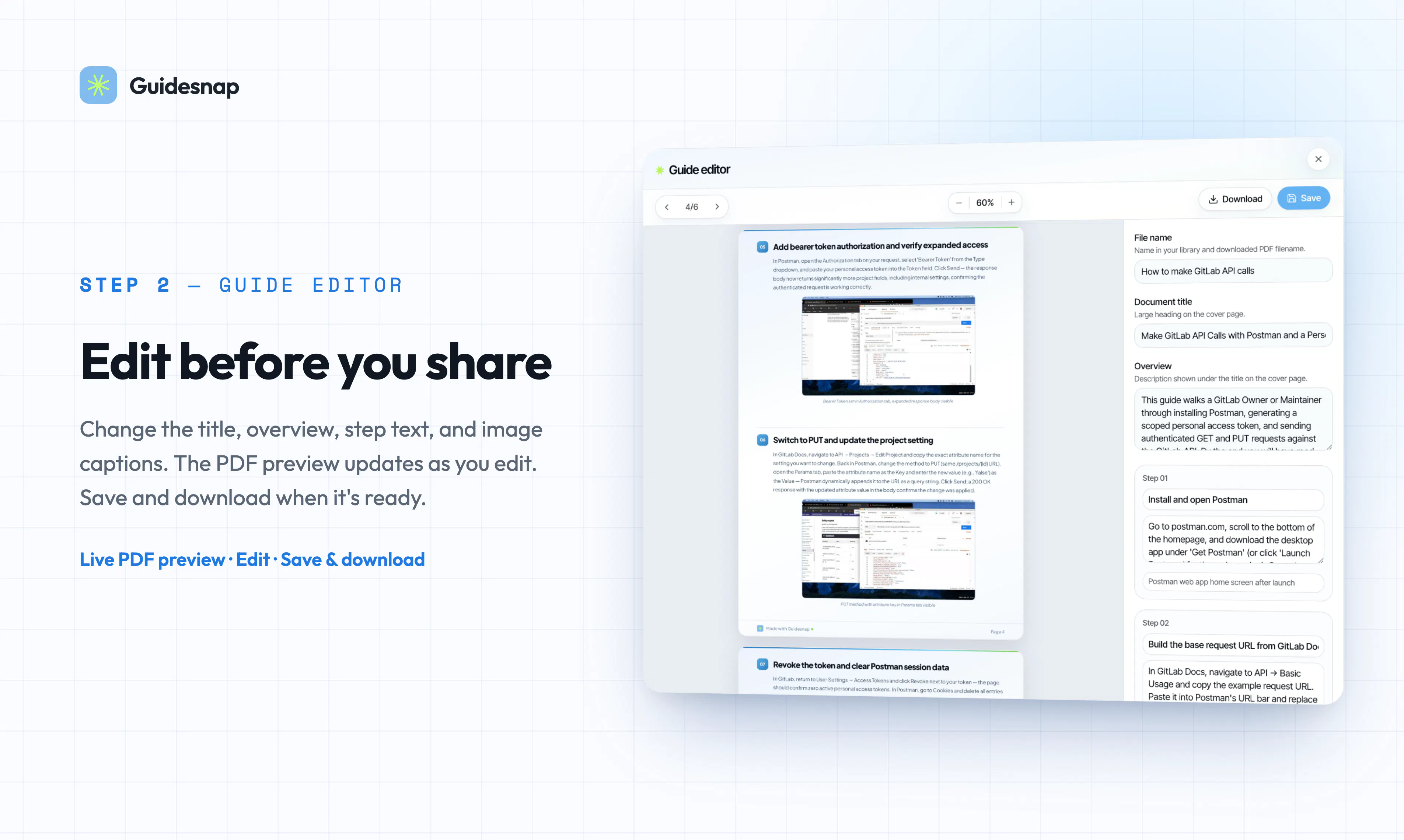
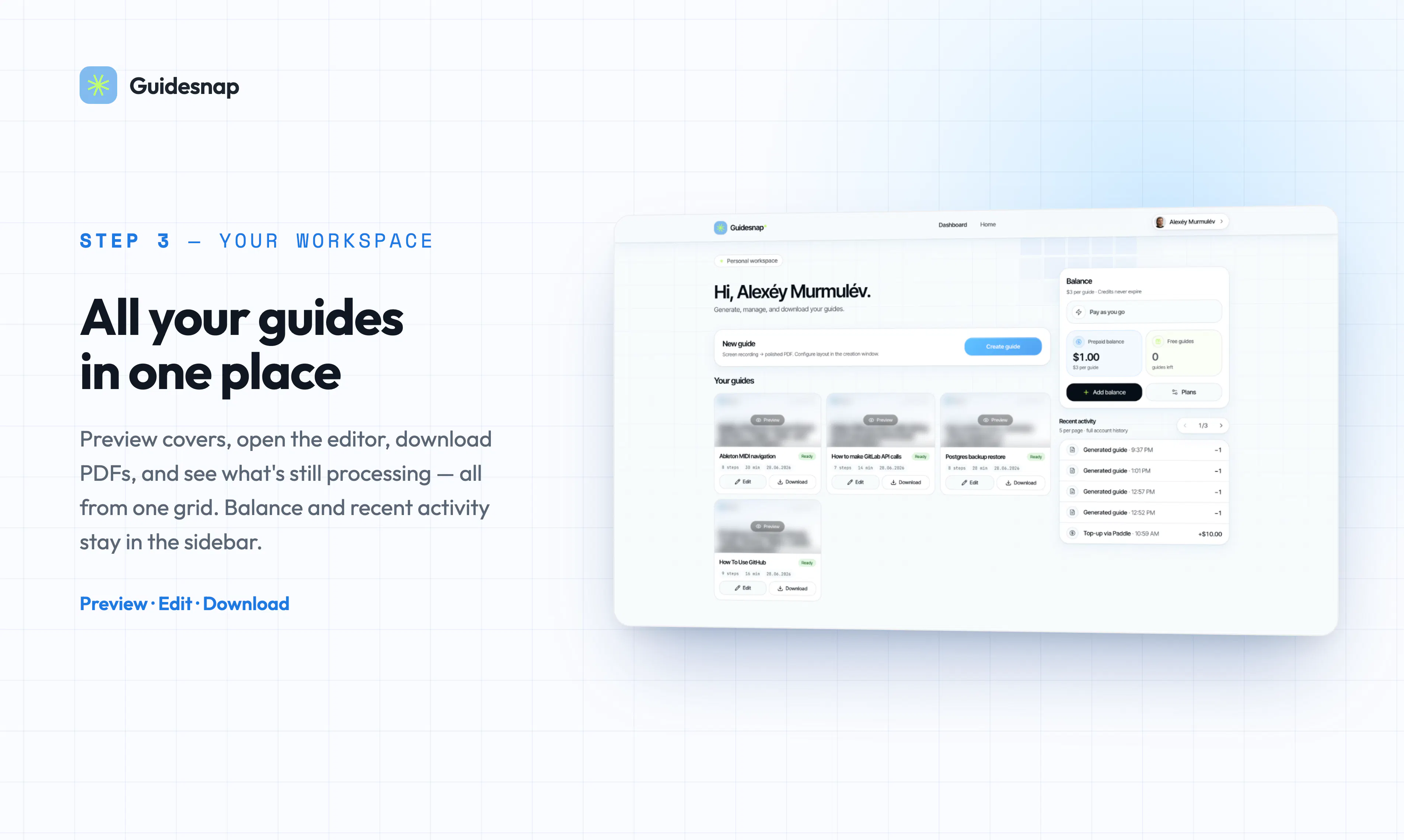
Turn screen recordings into polished PDF guides in minutes

First seen today · last checked today

Details →
Guidesnap
Guidesnap
Guidesnap
Guidesnap

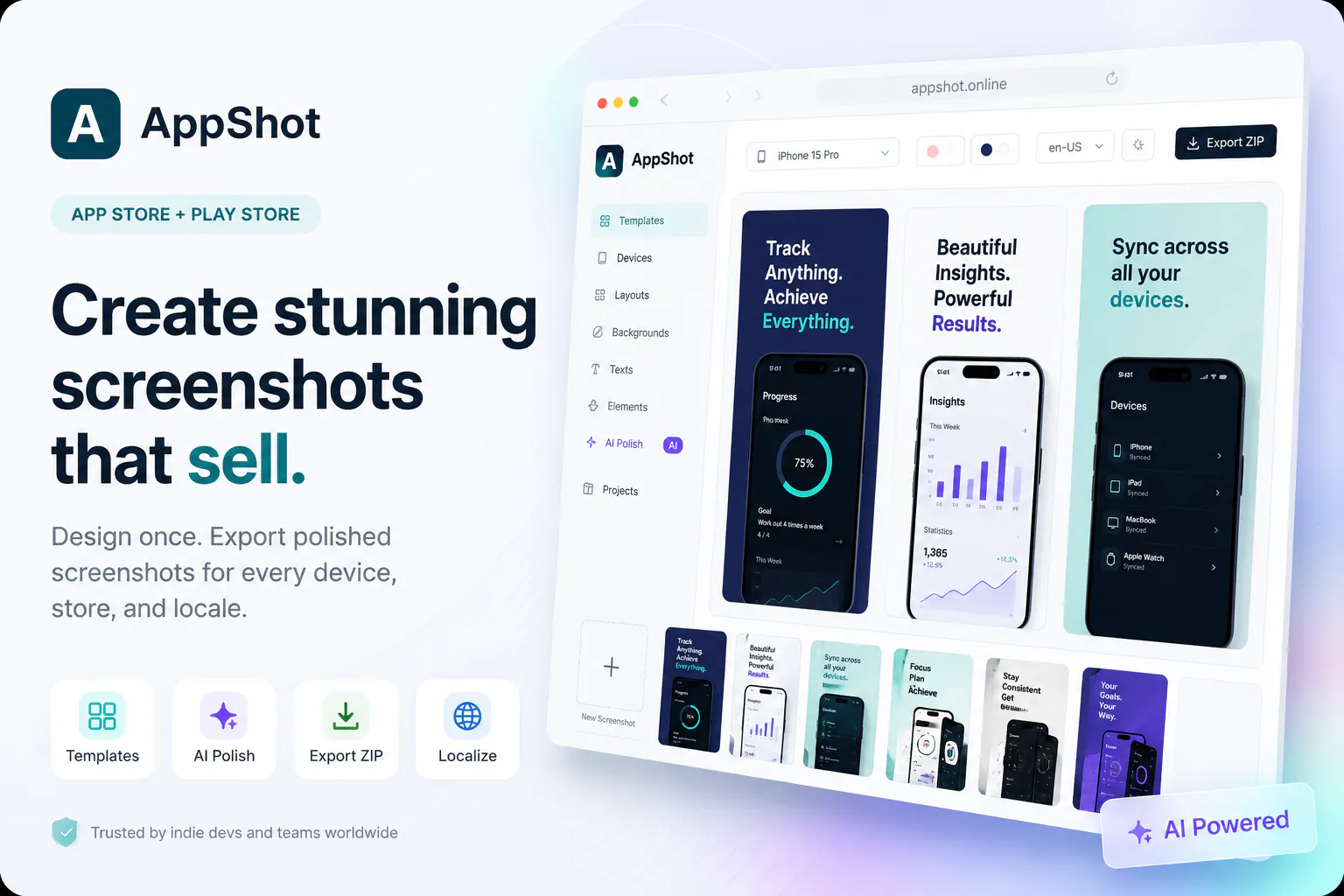
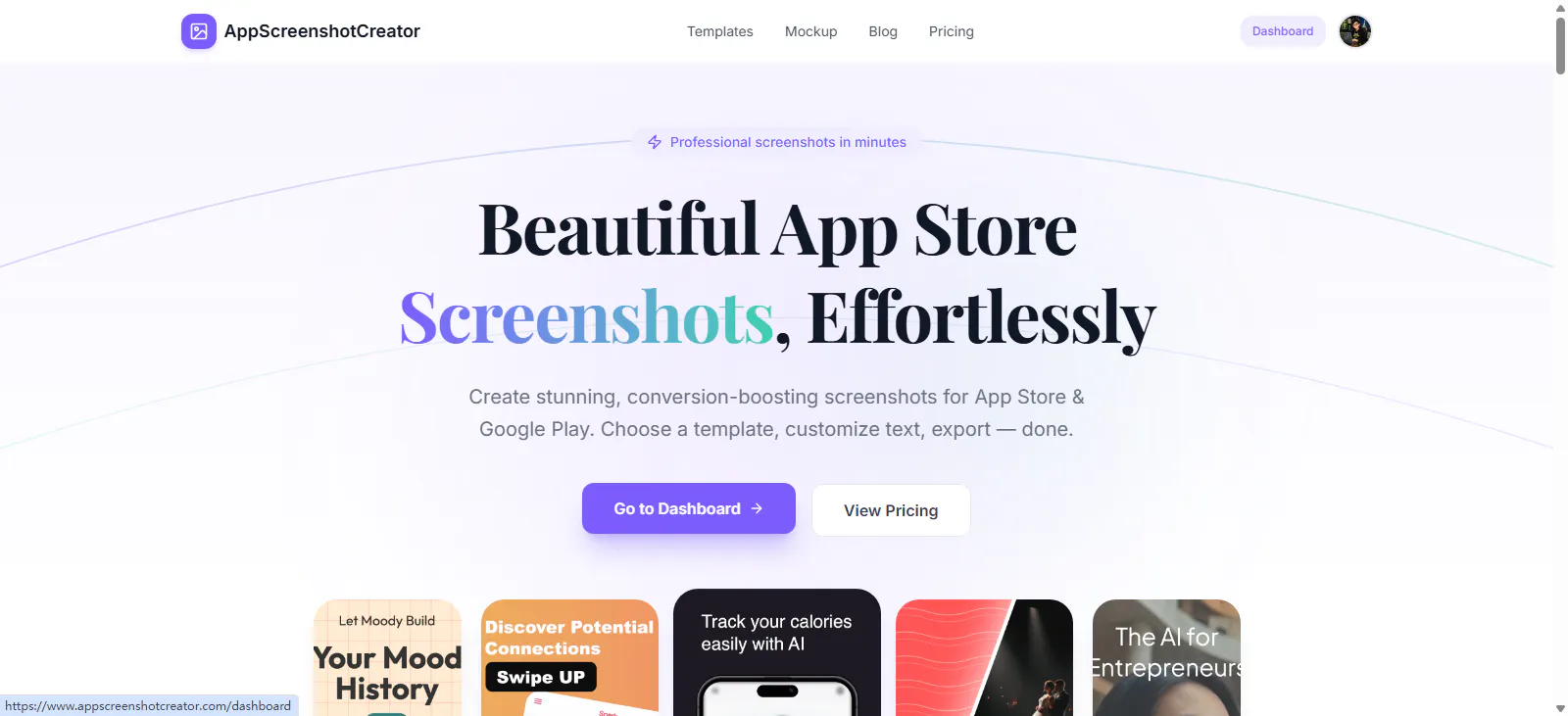
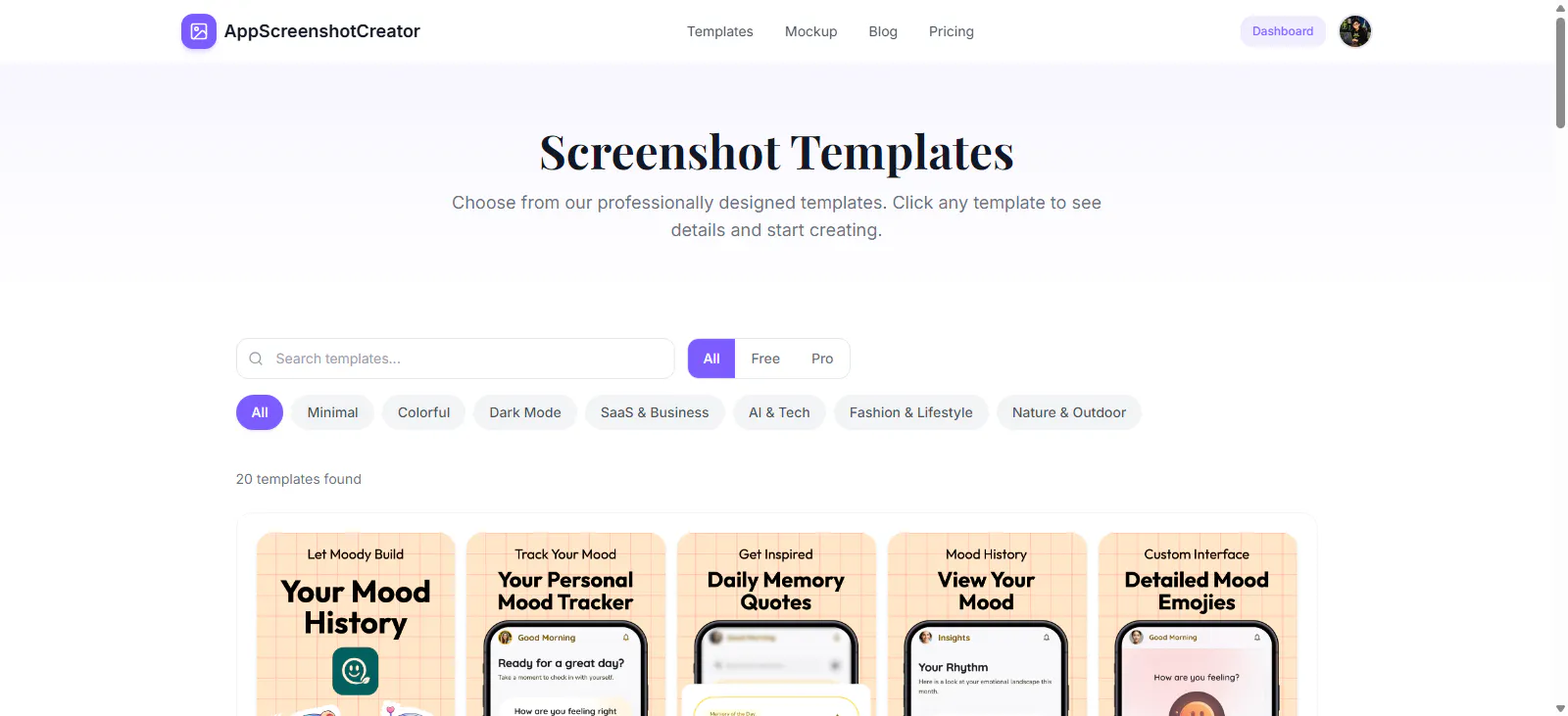
A template-based tool for building App Store and Google Play screenshots — upload your app's own screenshots, customize the layout, and export store-ready assets; a design tool, not a mobile app.

Can export my data
What to know
How it works
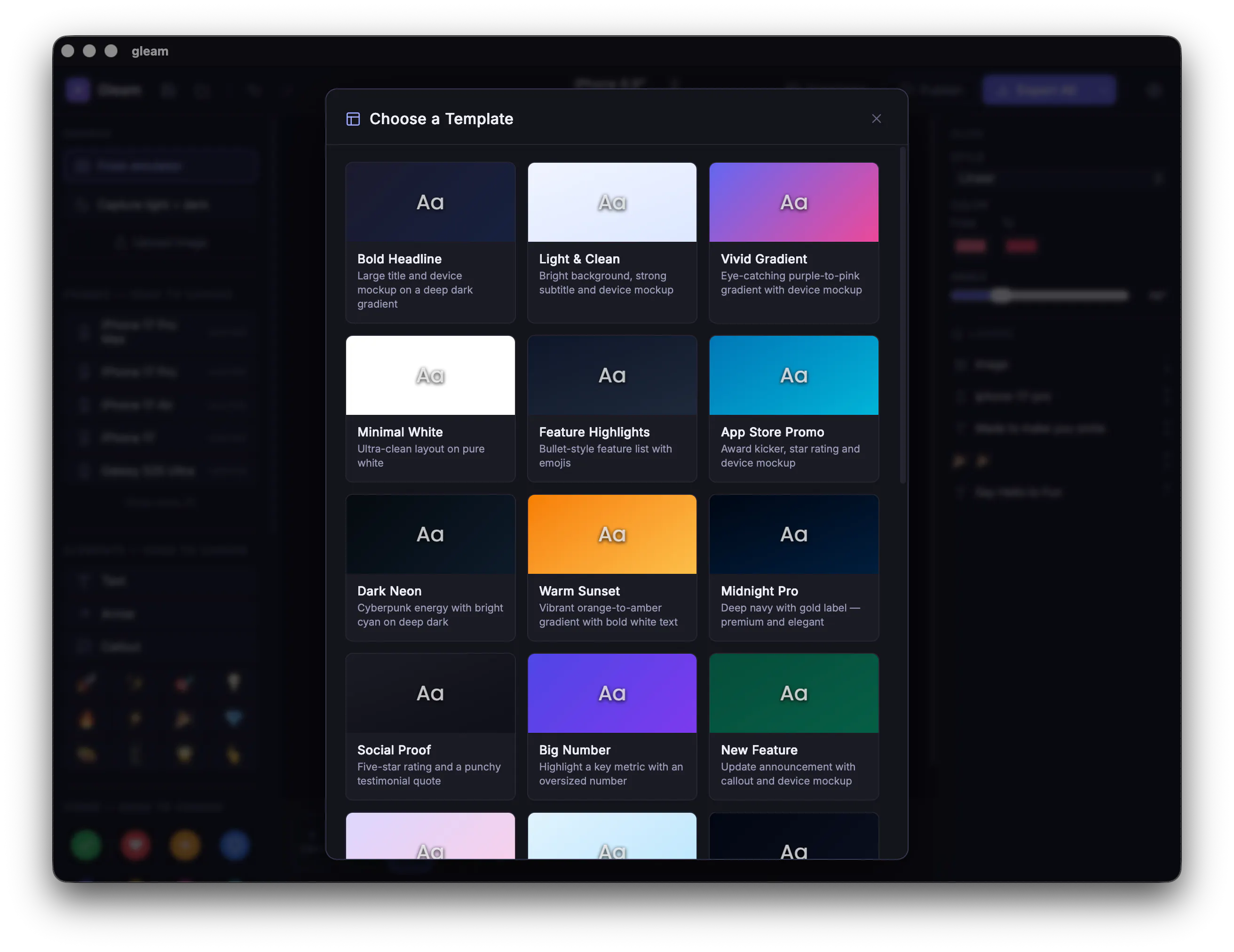
Choose a template, customize colors, text, devices and layouts, then export high-quality App Store and Google Play screenshot assets from your own app screenshots.
What's different
No design skills required.
Best for
Developers, startups and marketers preparing store listings for launch.

Watched for 1 day · last checked 1d ago

Details →
AppShot AI - App Store Screenshot Maker

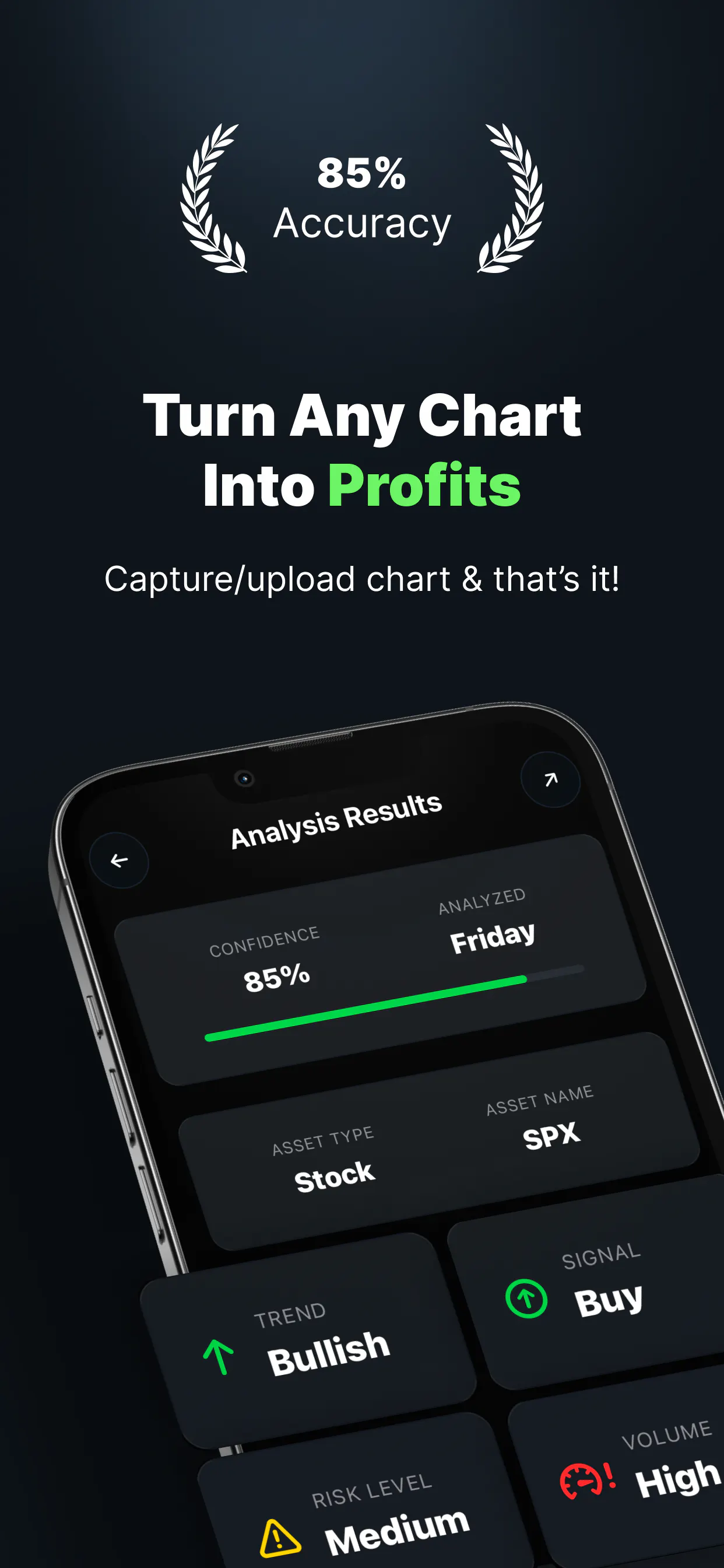
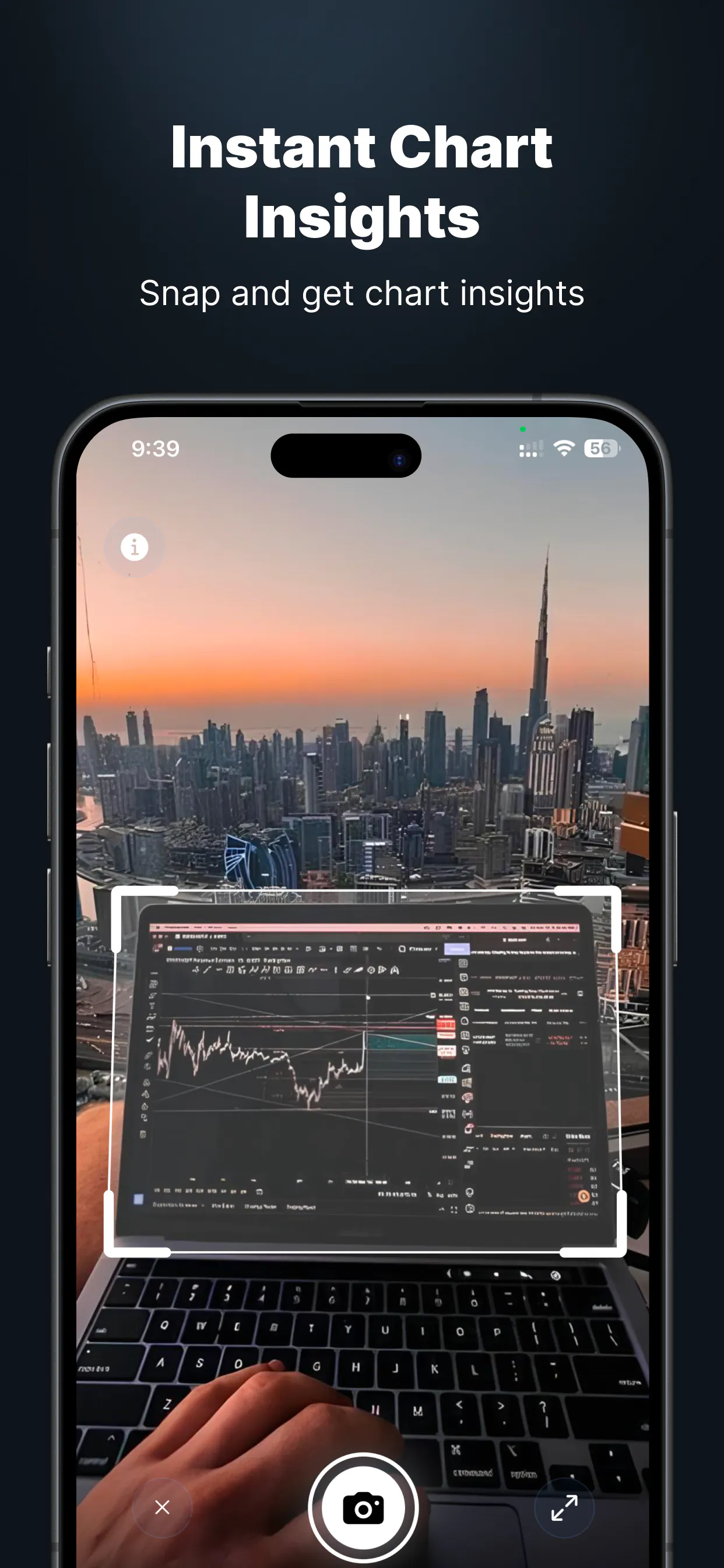
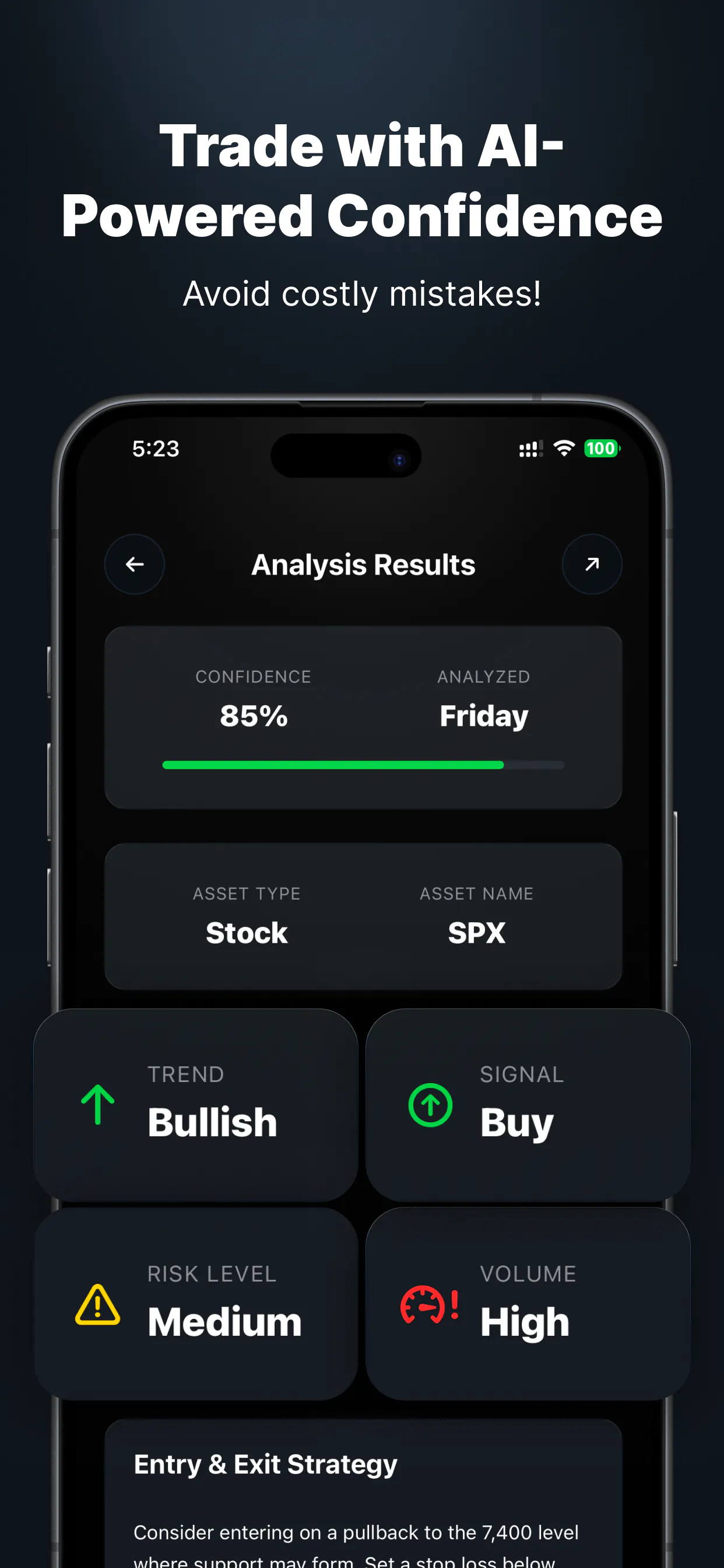
Upload a chart screenshot and get pattern recognition, a confidence score and a trade plan for stocks, forex or crypto, with 12 free analyses a month and a built-in trade journal.

Free
What to know
How it works
Upload or snap a chart screenshot and get a breakdown of trend, pattern recognition, a confidence score, and a trade plan with entry/exit and risk levels, across stocks, forex and crypto.
What's different
Includes 27 pattern guides and a built-in trade journal to track what's actually working.
Pricing
12 free analyses every month, no card required.
Best for
Traders who want a structured read on a chart instead of guessing at patterns.

Watched for 1 day · last checked 1d ago

Details →
Nexus Chart
Nexus Chart
Nexus Chart
Nexus Chart

A free, on-device tool that lets you draw and talk over your screen so your AI coding agent sees exactly what you mean — built for Claude Code, Cursor and Codex users.

FreeNo sign-upWorks offline
What to know
How it works
Draw directly on your screen and talk while your coding agent watches, then get back annotated screenshots, a voice transcript, and a timeline of what you pointed at, all combined together.
What's different
Runs 100% on-device and works with Claude Code, Codex, and Cursor.
Pricing
Free, no account required.
Best for
Developers who need to show an AI coding agent a visual bug or layout idea instead of describing it in words.

Watched for 4 days · last checked today

Details →
Doodler.co

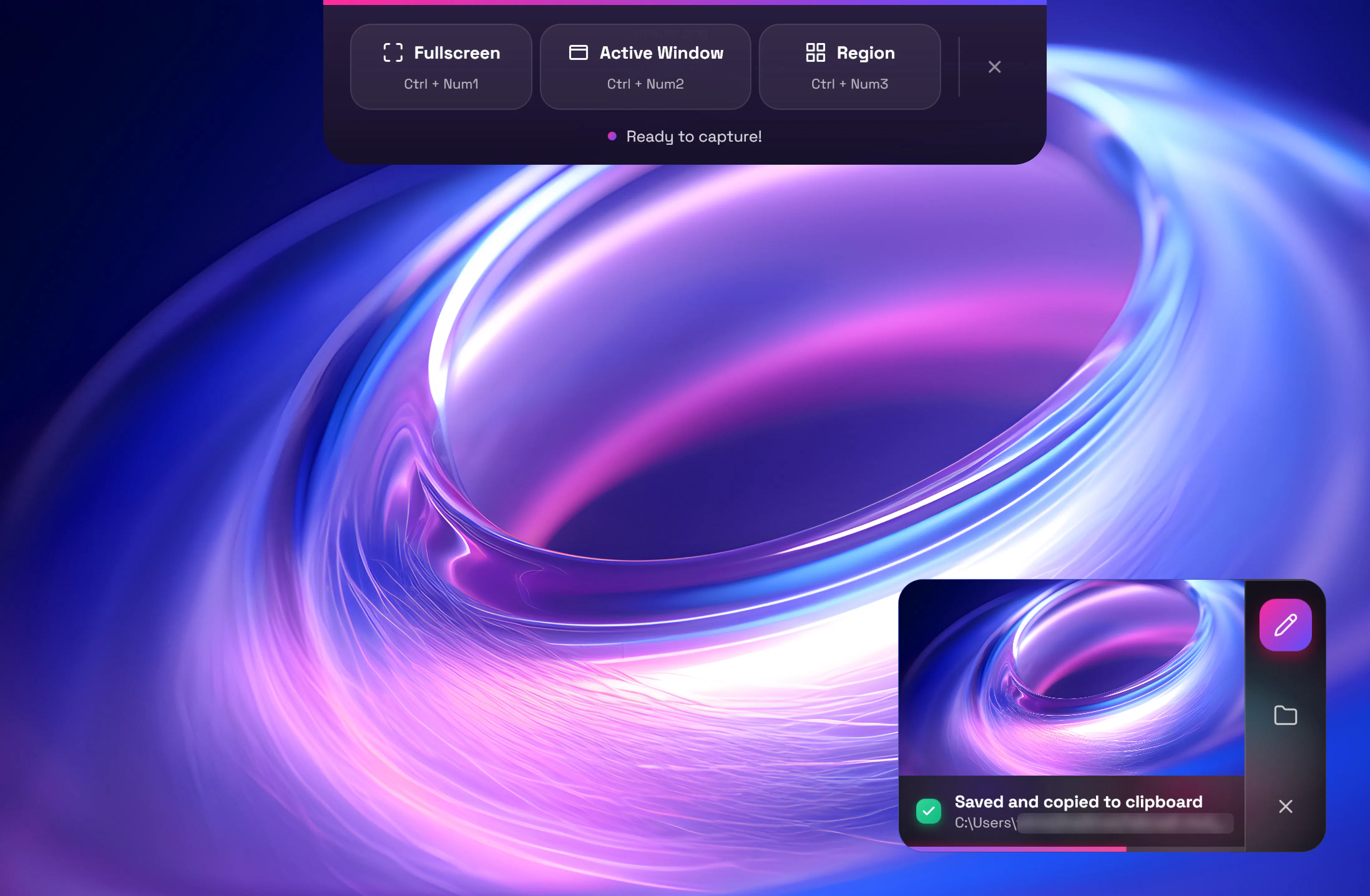
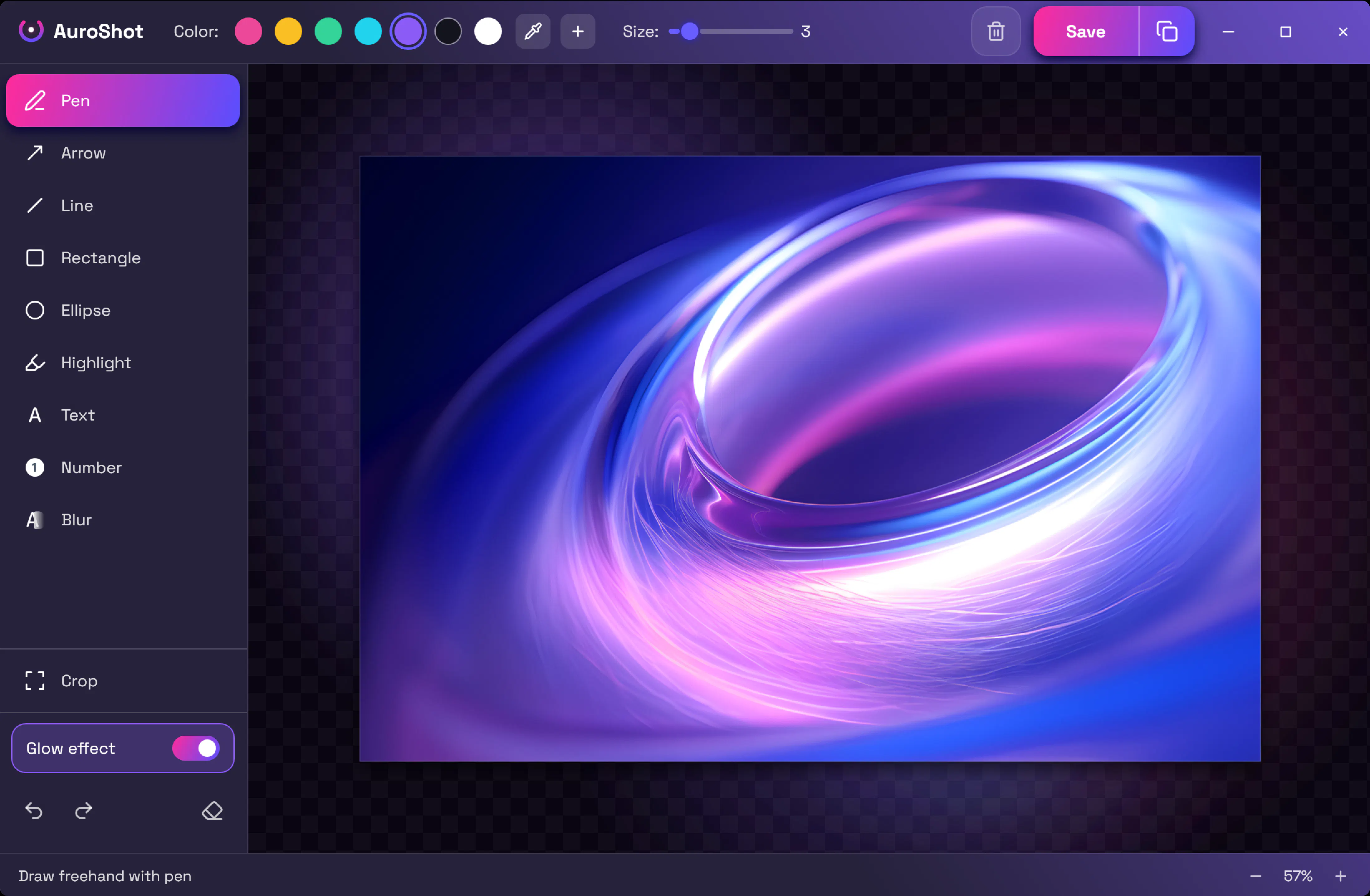
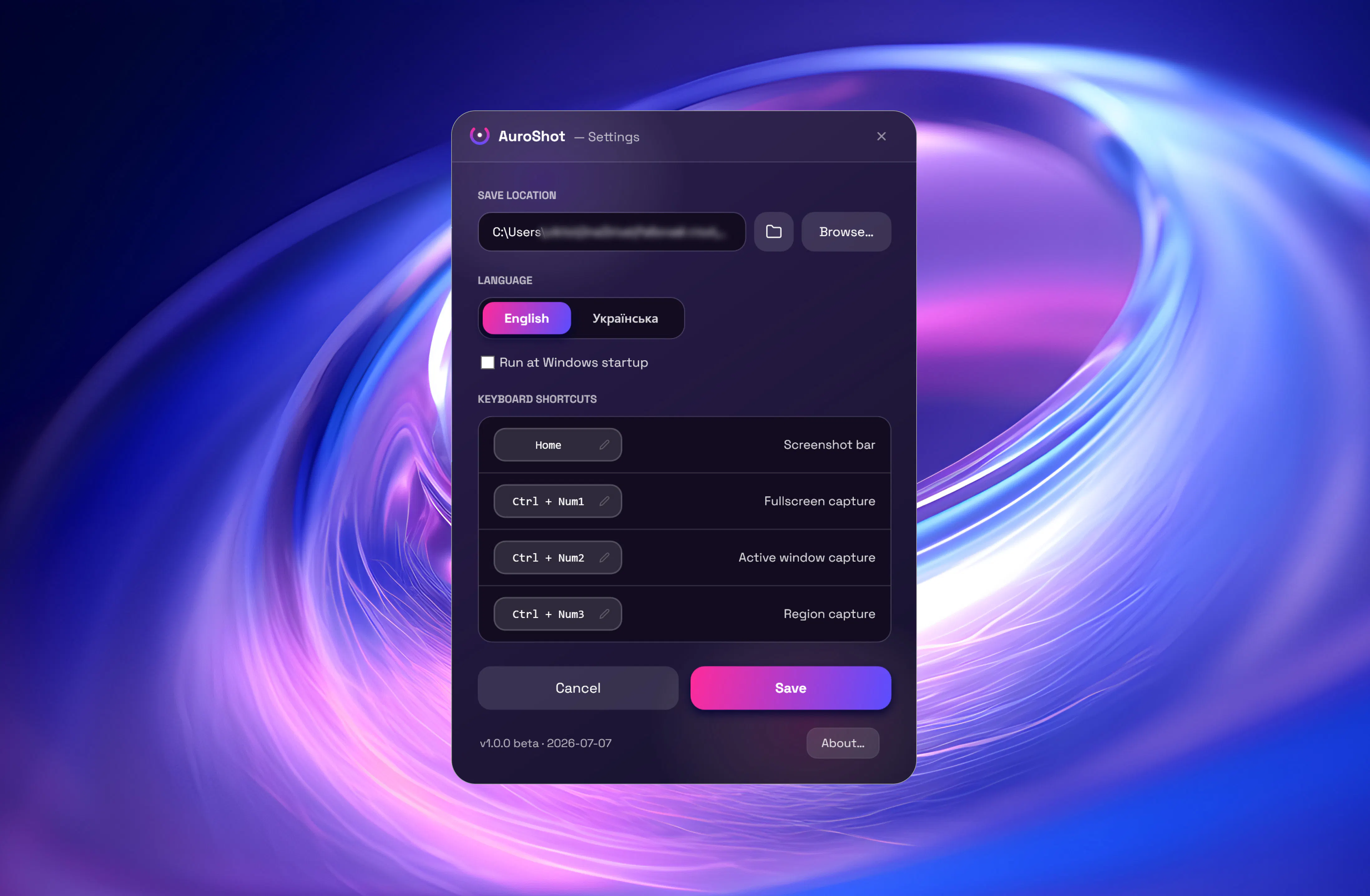
A lightweight Windows screenshot tool with fast capture, 10+ annotation tools and local-only storage, built for a clean everyday screenshot flow rather than heavy workflows.

Works offlineData stays with you
What to know
How it works
A Windows screenshot tool with fast capture modes for screen, window or selected area, plus 10+ annotation tools, automatic clipboard copy and local saving.
What's different
A floating capture panel designed not to steal focus from work or games, with local-first storage — screenshots stay on the device.
Best for
Windows users who want a clean, everyday screenshot flow without a heavy or noisy tool.

Watched for 3 days · last checked today

Details →
AuroShot
AuroShot
AuroShot

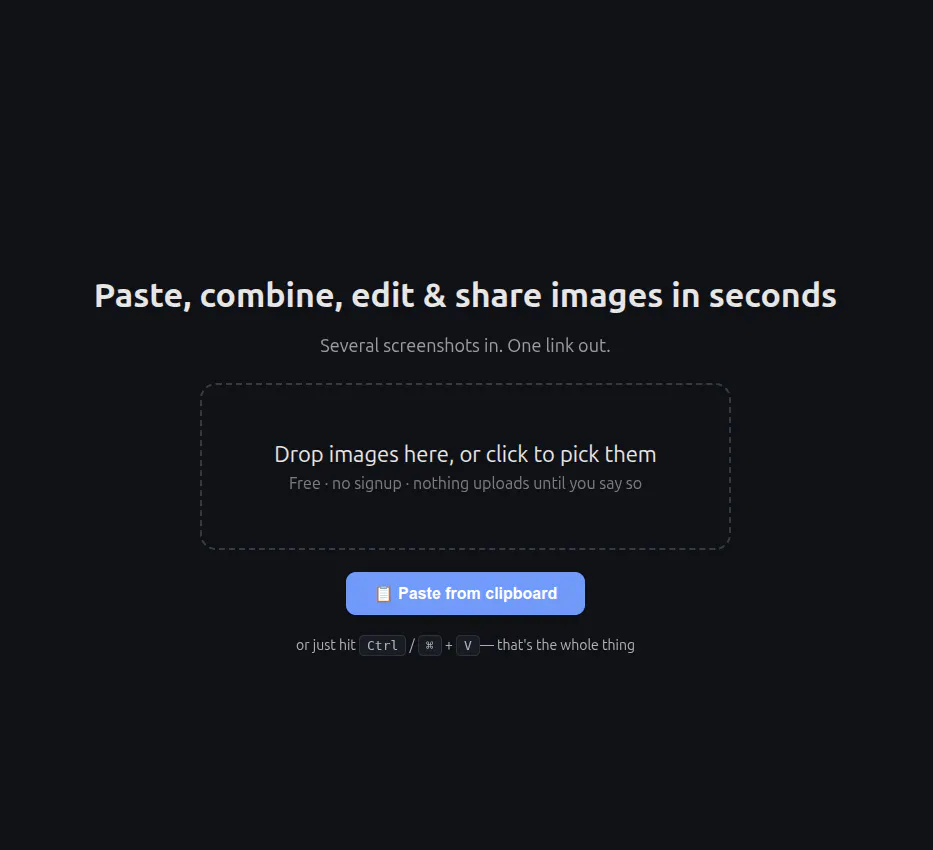
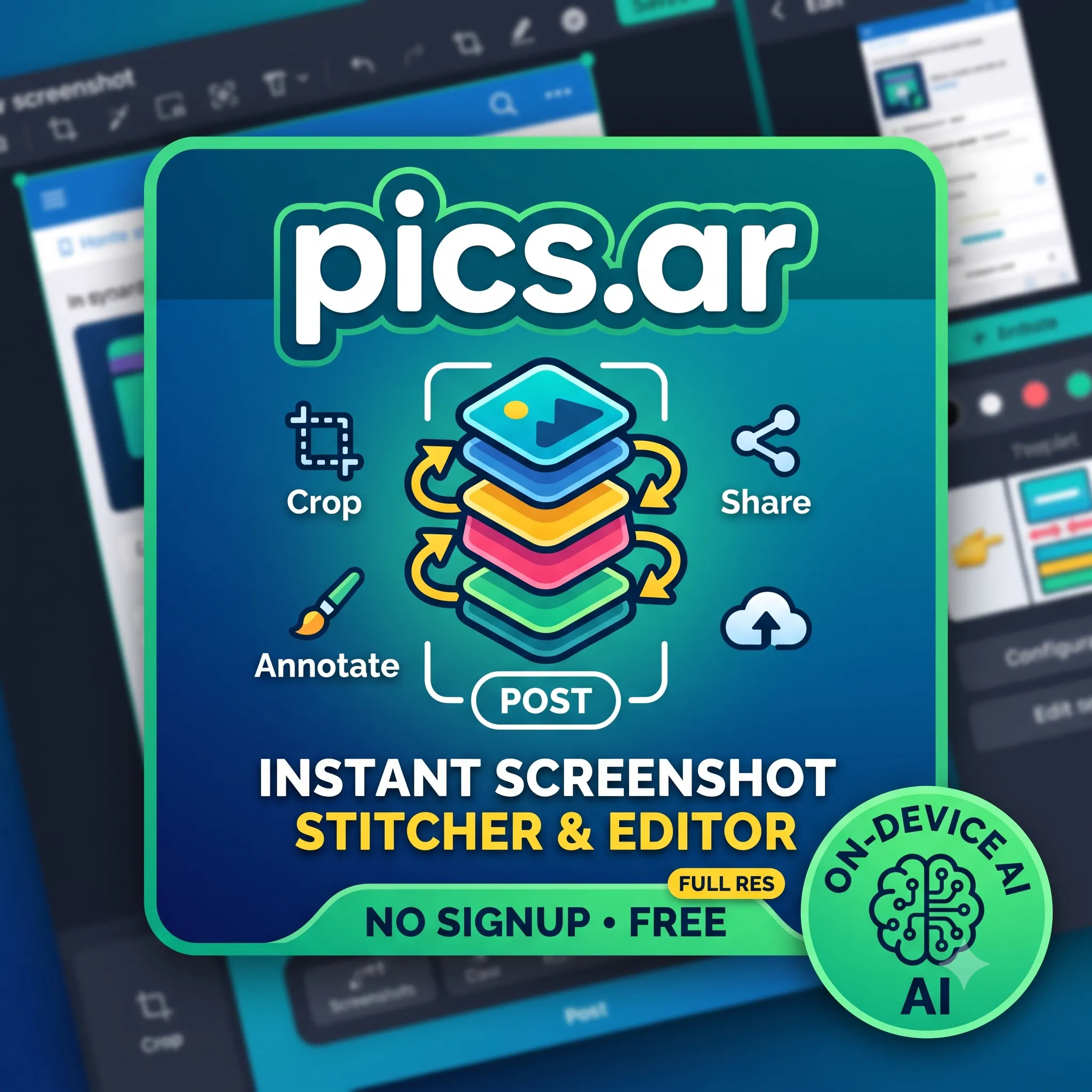
A free, no-signup screenshot editor that runs entirely in your browser with nothing uploaded, letting you paste, annotate, crop and remove backgrounds in seconds.

FreeNo sign-upData stays with you
What to know
How it works
Paste a screenshot into the browser, edit it, and get a shareable link instantly — stack multiple screenshots into one image, annotate, crop, and remove backgrounds with AI running locally.
What's different
The background-removal AI runs 100% in the browser, so images are never uploaded — full resolution with no watermark.
Pricing
Free, no signup.
Best for
People who want to quickly edit and share a screenshot without an account or upload step.

Watched for 4 days · last checked today
Details →
PICS.ar
PICS.ar
PICS.ar

An AI-powered Chrome/Firefox extension that generates tweets and replies, automates Twitter growth actions, and bulk-deletes old tweets. A general Twitter automation tool for individuals and brands.

What to know
How it works
A browser extension for Chrome and Firefox that generates tweets, replies, hashtags and bios directly inside Twitter's interface, and separately automates mass tweet deletion, bulk follow/unfollow, auto-liking and bulk retweeting with keyword, date and engagement filters.
Best for
Individuals, brands and businesses managing Twitter presence at scale who want both AI content generation and bulk account cleanup.

Watched for 7 days · last checked 1d ago

Details →

parry

Live

An AI assistant that turns a message you paste, screenshot or speak into four ready-to-send replies in a tone you pick.

No sign-up
What to know
How it works
You paste, screenshot, or speak a message, pick a tone, and it generates four ready-to-send reply options you can copy and send or regenerate.
What's different
Automatically figures out whether you're replying to someone or asking for writing help, so there's no mode to switch, and lets you create custom tones.
Pricing
No account or credit card required.
Best for
People who want quick reply options for texts, DMs, dating apps, work emails, Slack, or negotiations.

Watched for 9 days · last checked 3d ago

Details →

Elio

Live

A map you can talk to for personalized places and trip planning

Free

Watched for 5 days · last checked 5d ago

Details →
Elio

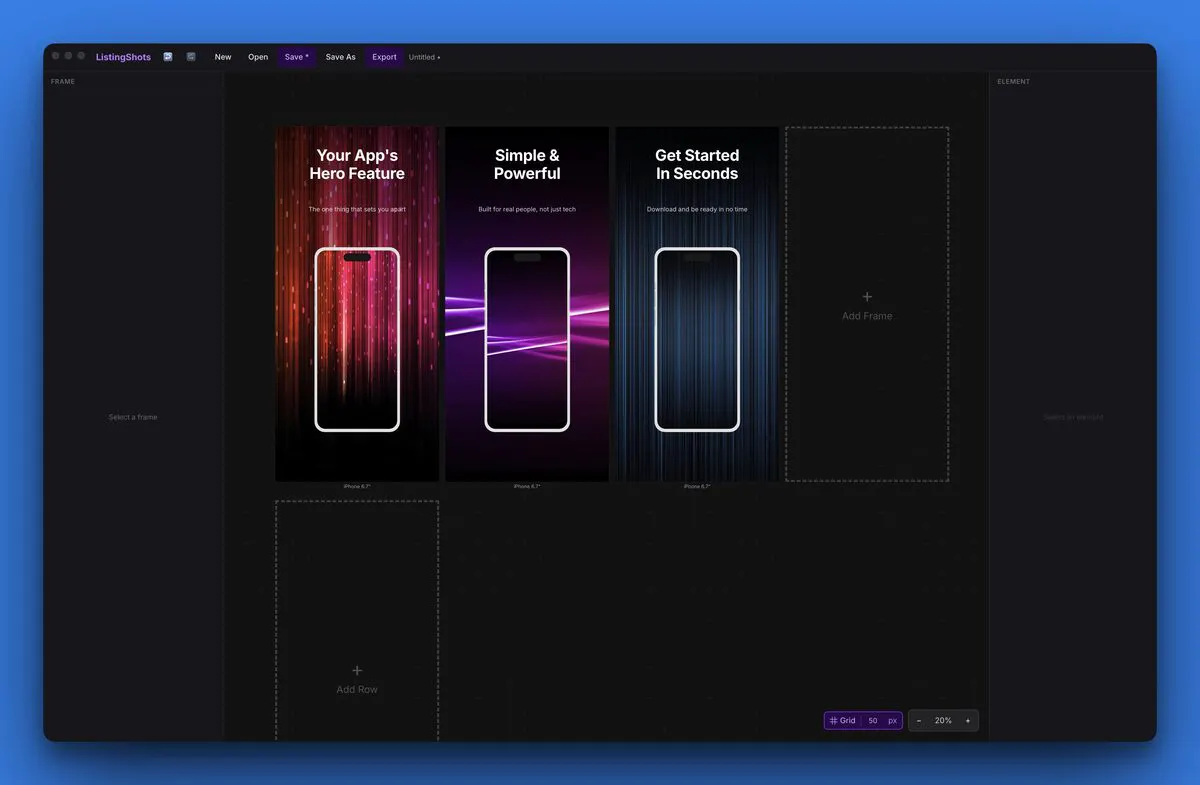
A Mac and Windows desktop app for designing App Store, Google Play and Microsoft Store screenshots -- despite the store names, the tool itself is desktop software, not mobile.

What to know
How it works
A Mac and Windows desktop app for designing App Store, Google Play and Microsoft Store screenshots — despite the store branding, the tool itself runs locally on your computer.
Pricing
$15.99 one-time.
Best for
App developers who need pixel-perfect store screenshots without a subscription design tool.

Watched for 9 days · last checked 3d ago

Details →
ListingShots
ListingShots

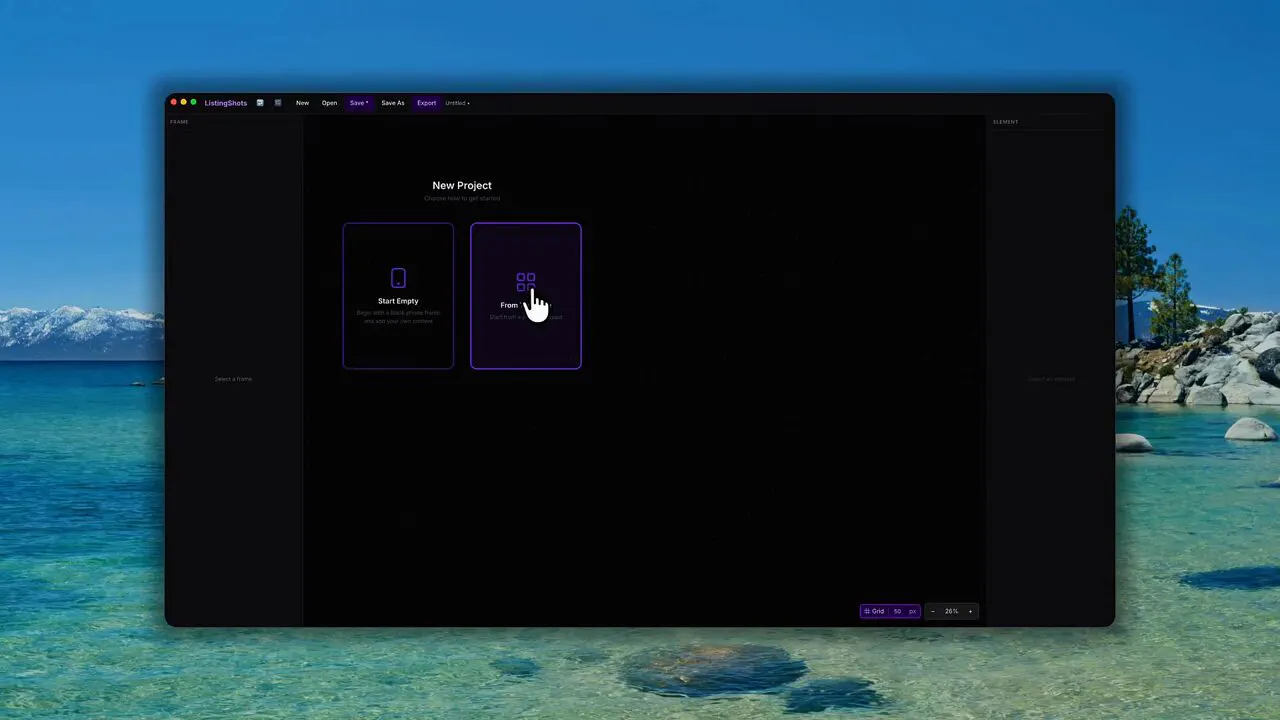
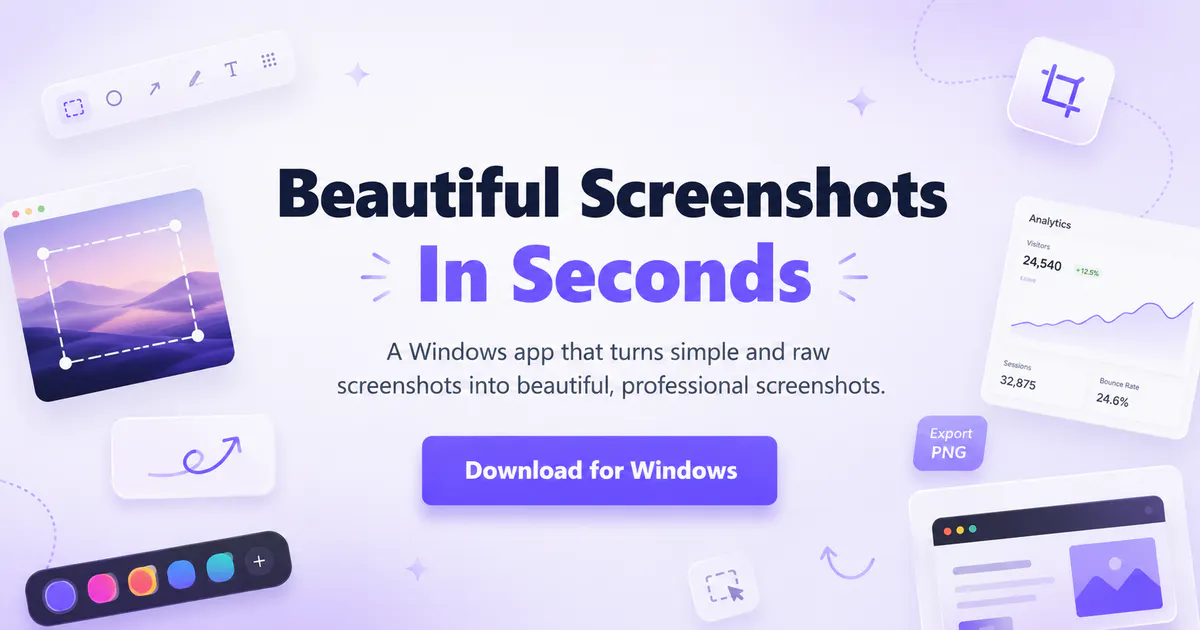
A Windows app for turning plain screenshots into nicer-looking images; the listing is thin but it's a straightforward screenshot beautifier, nothing more.

What to know
How it works
A Windows app that turns plain screenshots into more polished-looking images.
Best for
Windows users who want nicer-looking screenshots without a full editing app.

Watched for 9 days · last checked 3d ago

Details →
Windowshot

Reads a screenshotted dating-app or Instagram DM conversation and drafts a reply in your chosen tone, for people who don't know what to text back.

What to know
How it works
You screenshot a dating-app or Instagram DM conversation, pick a tone, and it drafts a ready-to-send reply.
What's different
Offers three selectable tones (Hot, Honest, Smooth) trained to sound like natural texting rather than generic AI phrasing.
Best for
People who don't know what to text back in a dating conversation and want a quick drafted reply.

First seen today · last checked today

Details →

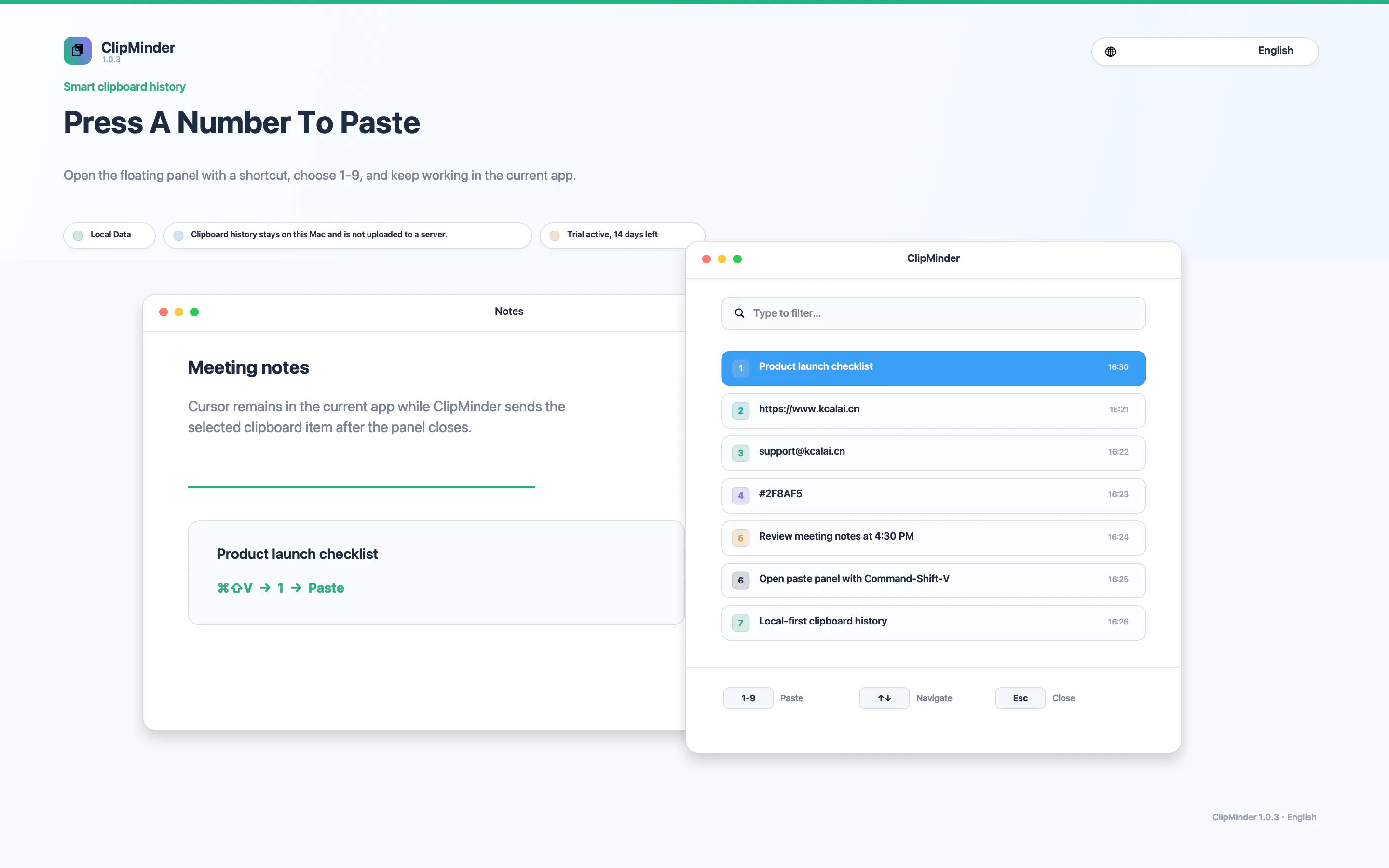
A local-first clipboard and screenshot manager for Mac that keeps a searchable visual history of everything you copy, tagged by source app and time.

Works offlinePay onceNo subscription
What to know
How it works
A local-first clipboard and screenshot manager for Mac that keeps a searchable visual history of everything copied, tagged by source app and time, accessible from a menu-bar dropdown. Colors show as live swatches, screenshots are searchable by the text inside them, and sensitive items like passwords are detected and skipped.
What's different
Fully offline with nothing synced to a server, versus clipboard tools that rely on cloud sync.
Pricing
One-time purchase with lifetime updates, no subscription.
Best for
Mac users who want quick access to clipboard and screenshot history without cloud storage.

Watched for 1 day · last checked 1d ago

Details →

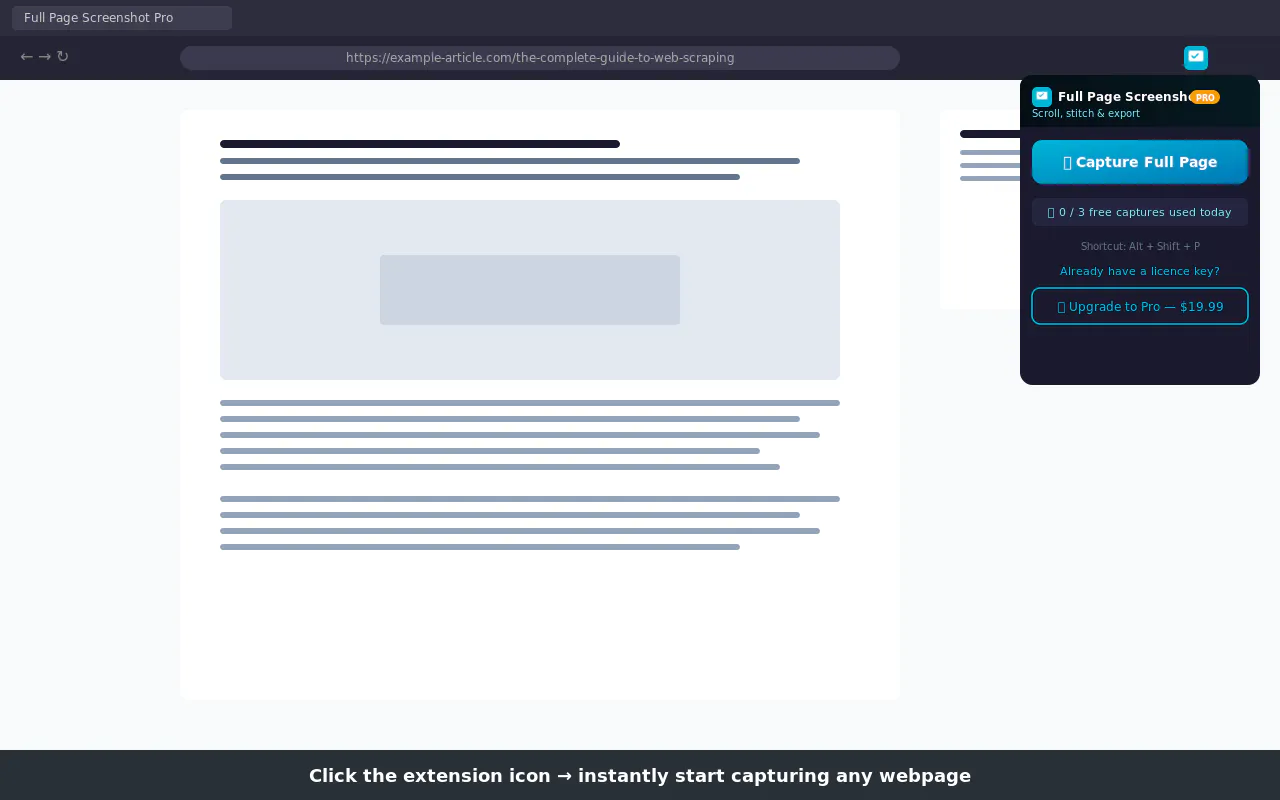
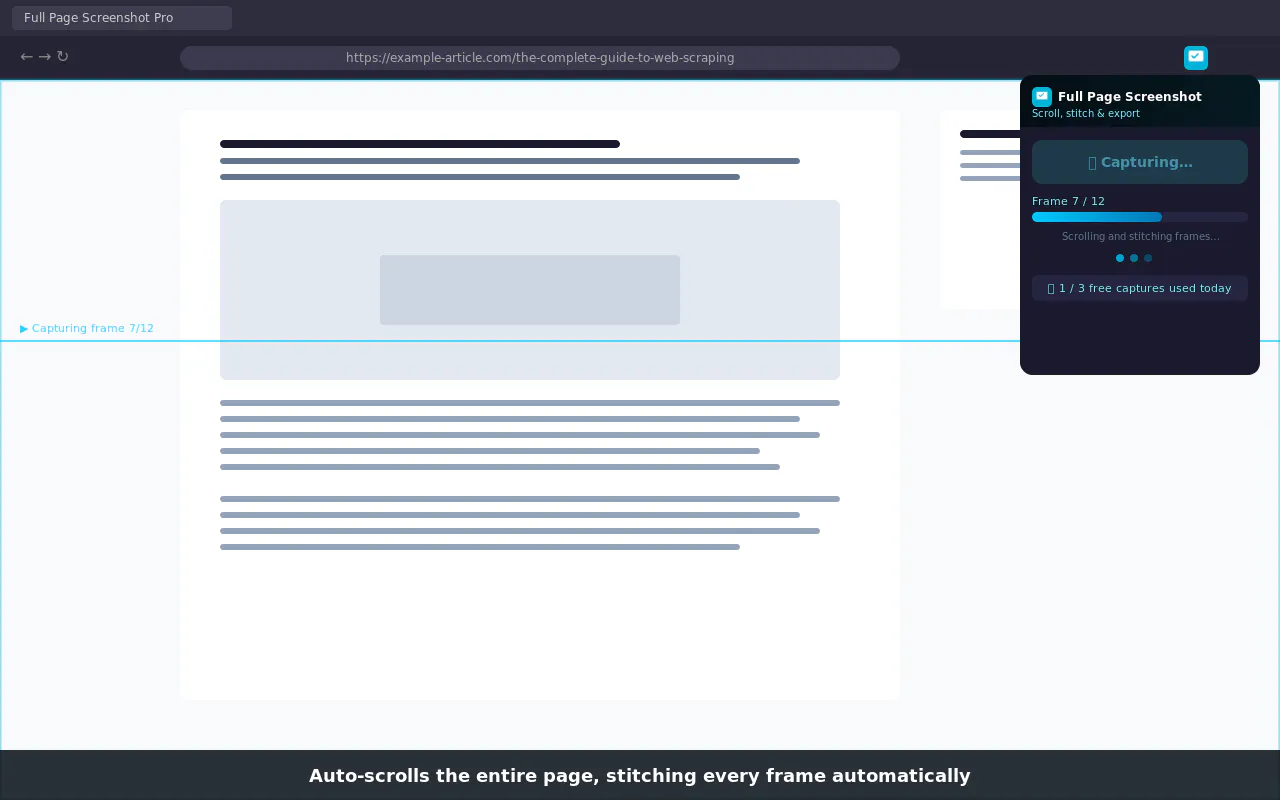
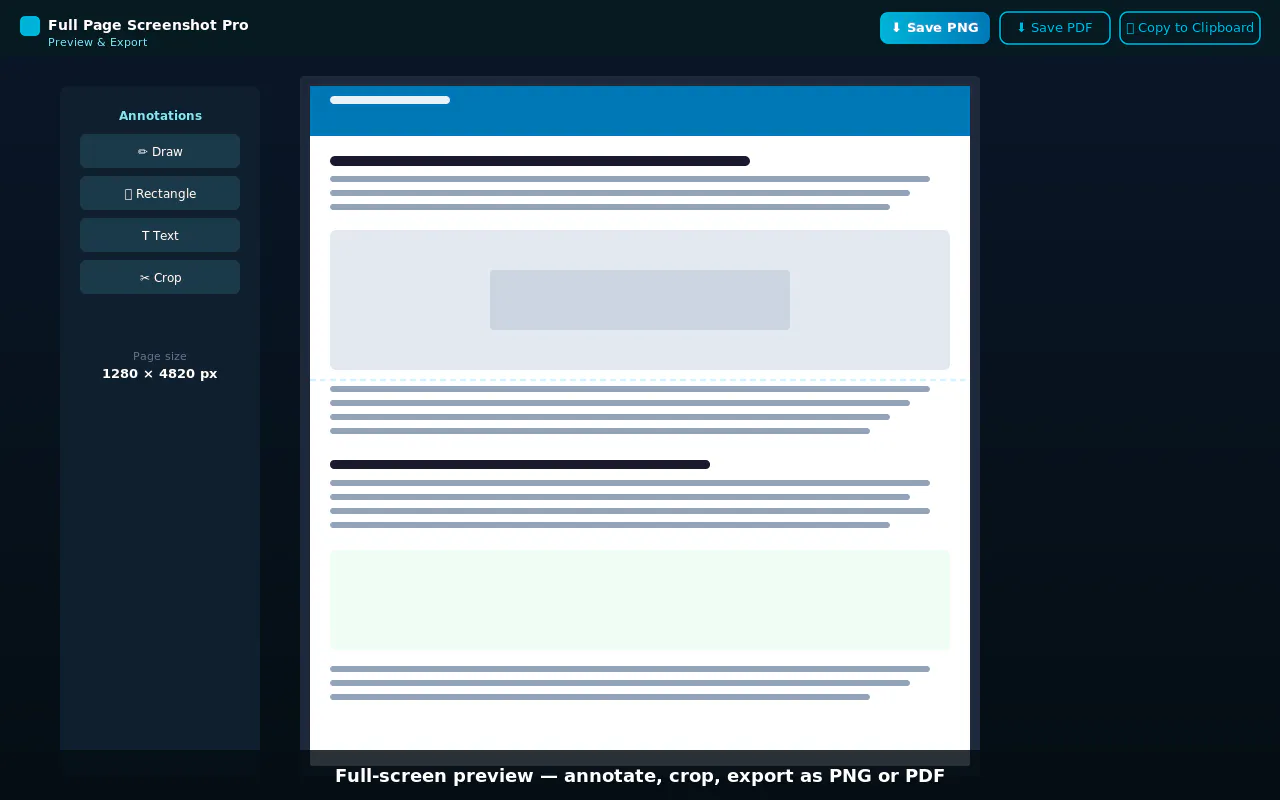
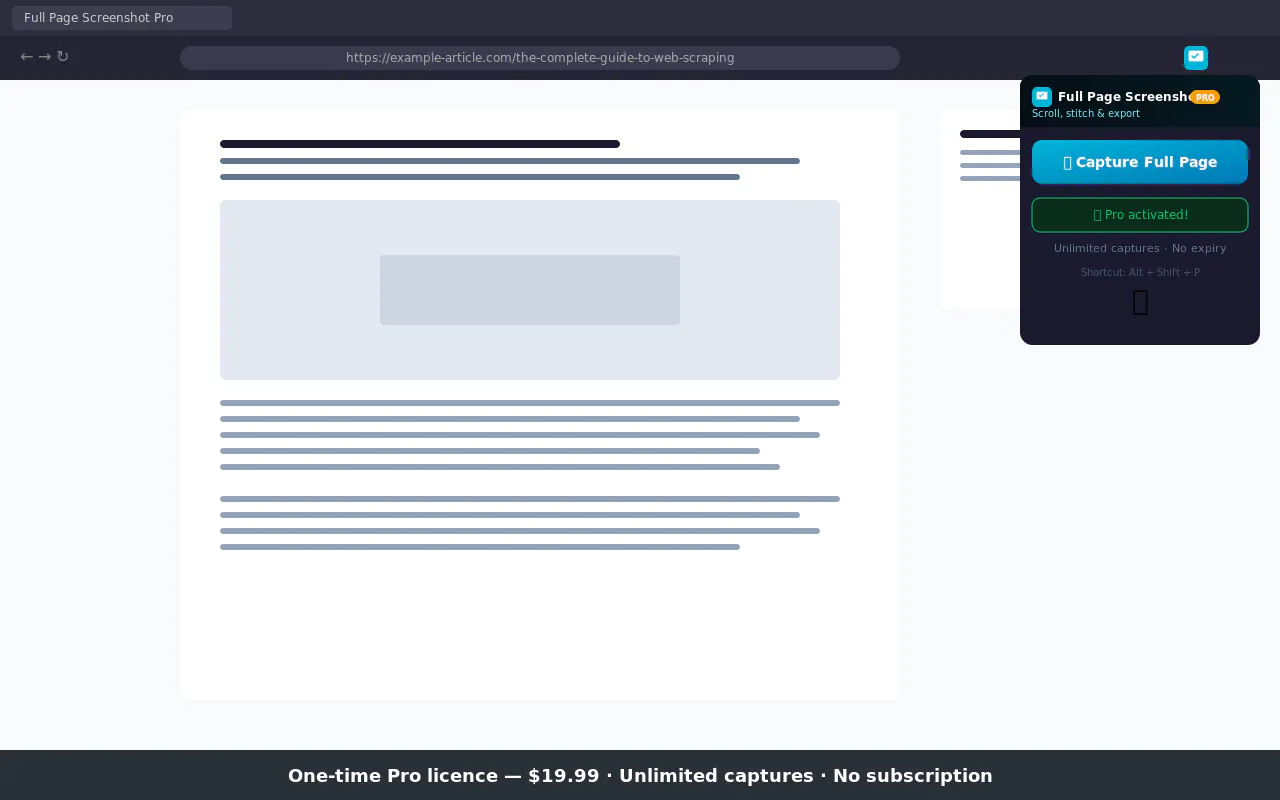
Capture any page, no matter how long — annotations & PDF

Domain registered 9 days ago

No subscriptionCan export my data

Watched for 4 days · last checked 1d ago

Details →
Full Page Screenshot Pro

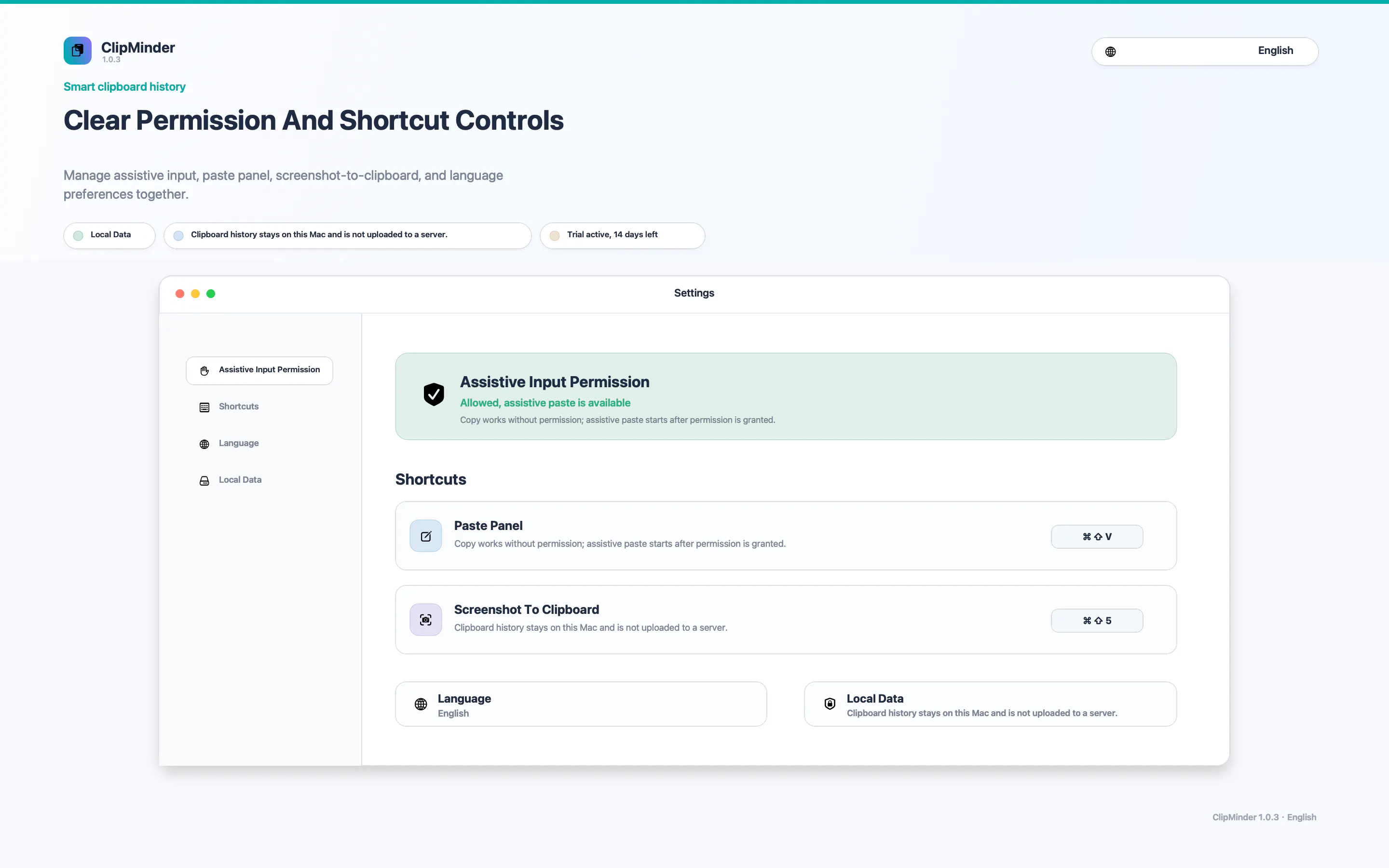
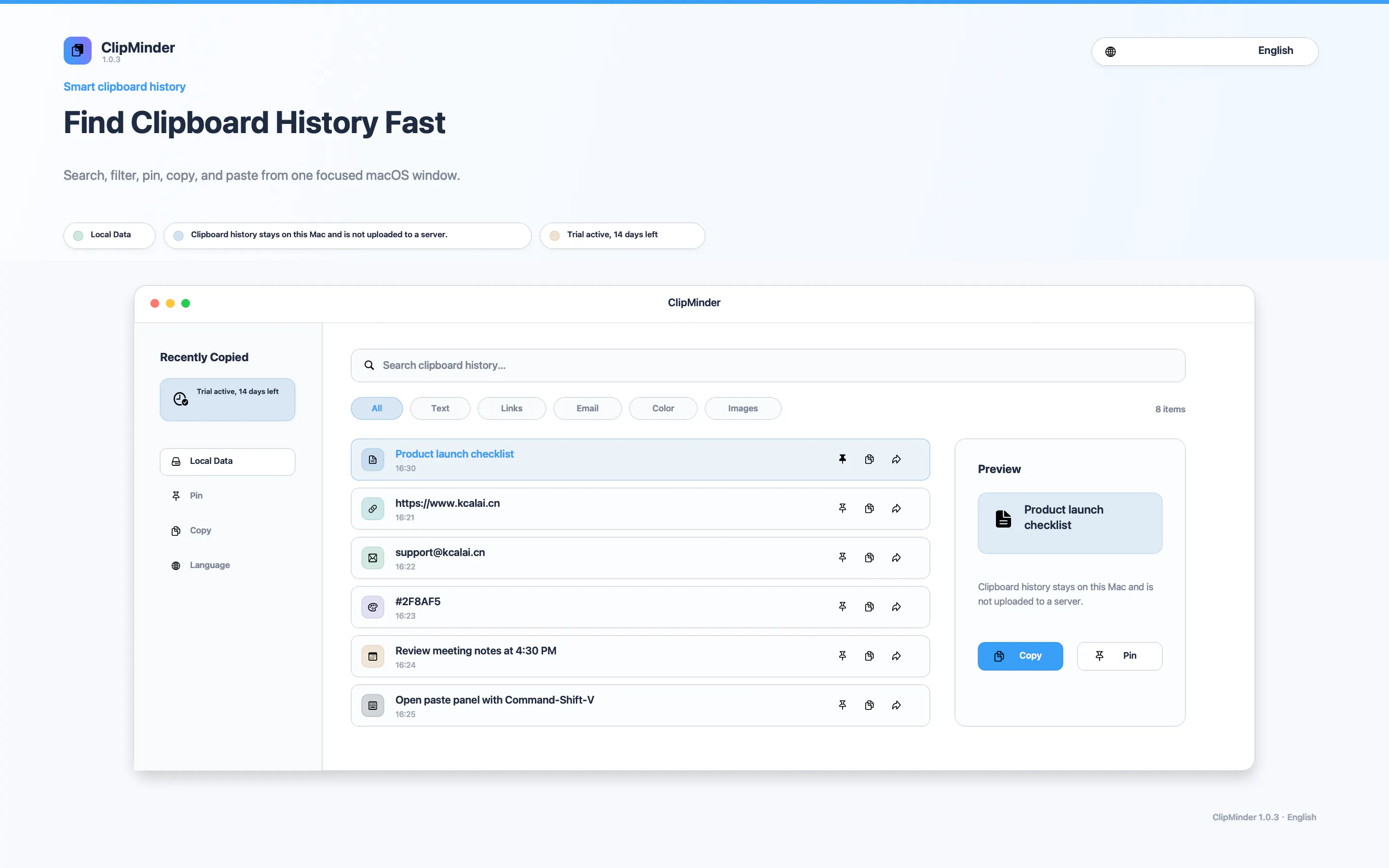
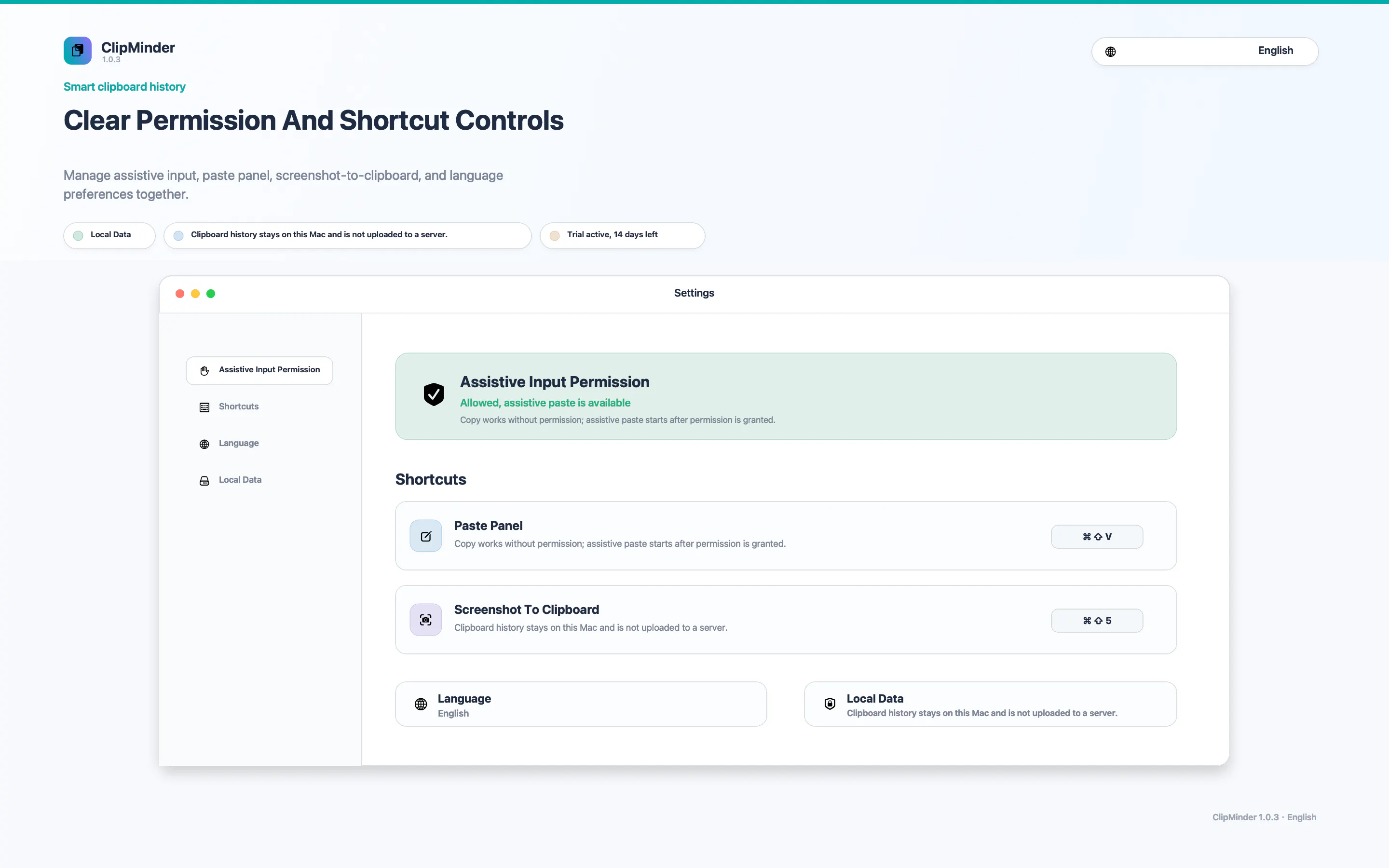
A Mac clipboard history tool that keeps text, images, colors and file paths stored locally, with no cloud sync and no subscription fee.

Works offlineNo subscription
What to know
How it works
A Mac clipboard history app that saves copied text, links, images, screenshots, colors and file paths, then lets you search and paste them back with a global shortcut and numbered quick paste.
Pricing
No subscription.
Best for
Mac users who want clipboard history stored locally without syncing to the cloud.

Watched for 4 days · last checked 2d ago

Details →
ClipMinder
ClipMinder
ClipMinder

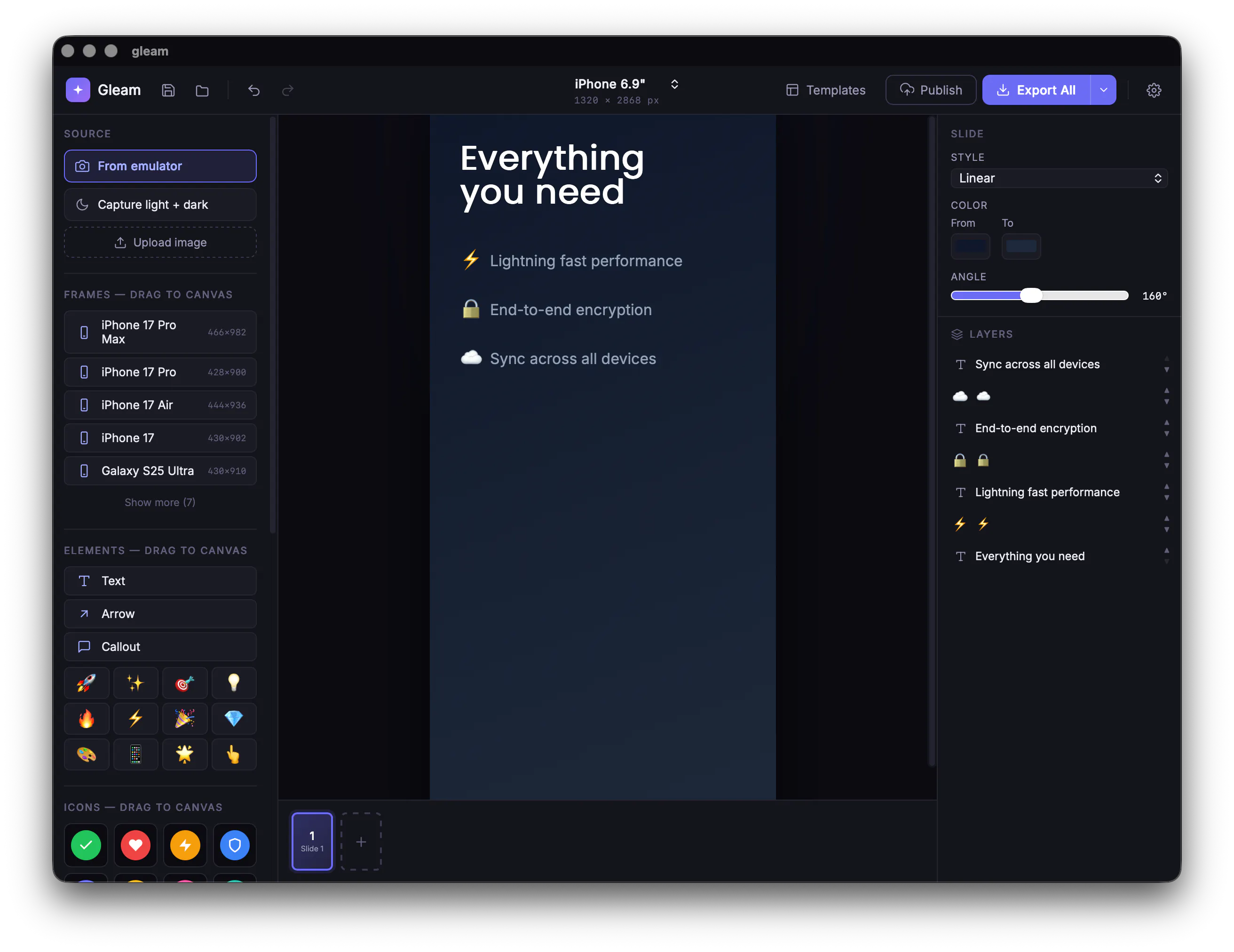
Gleam

Live

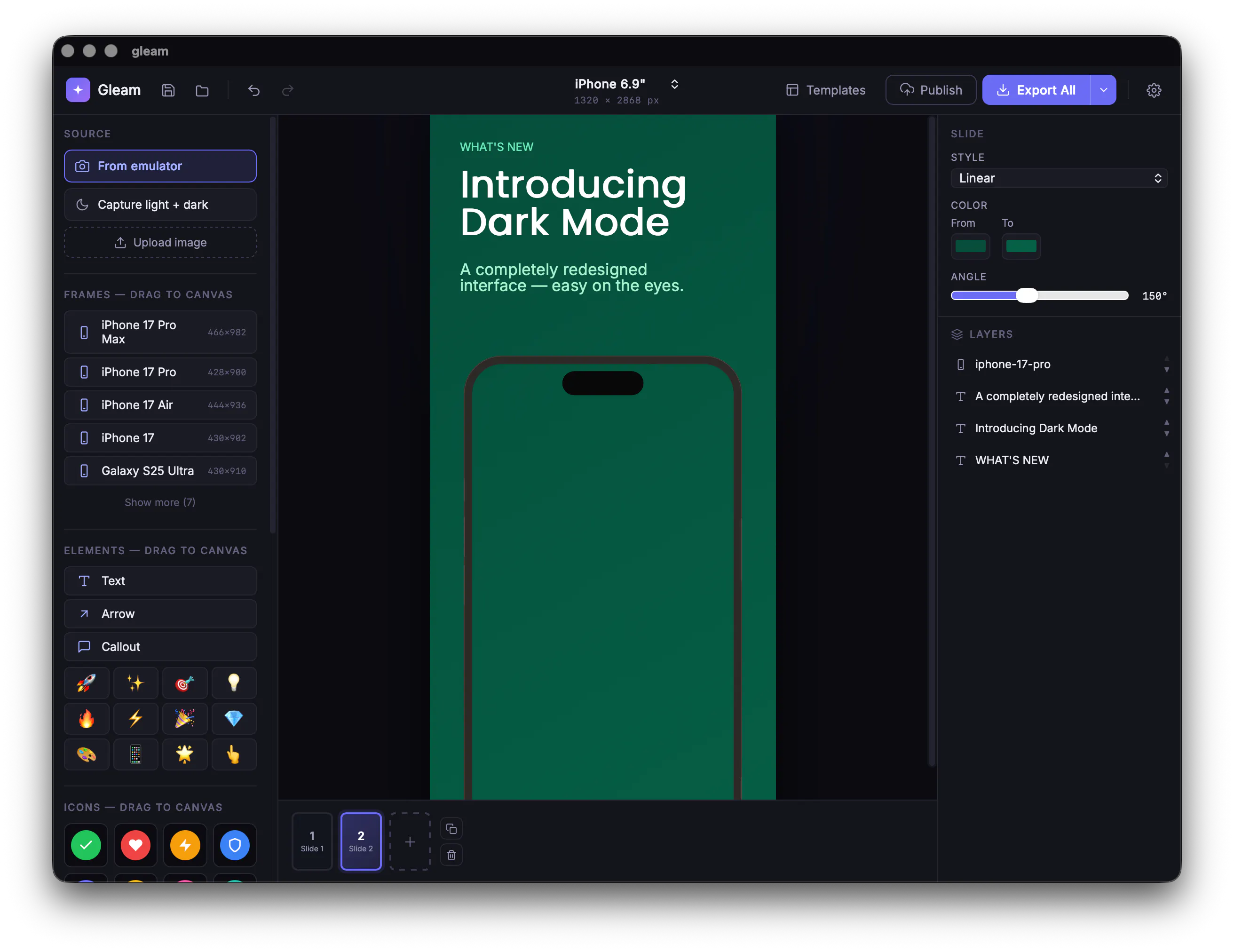
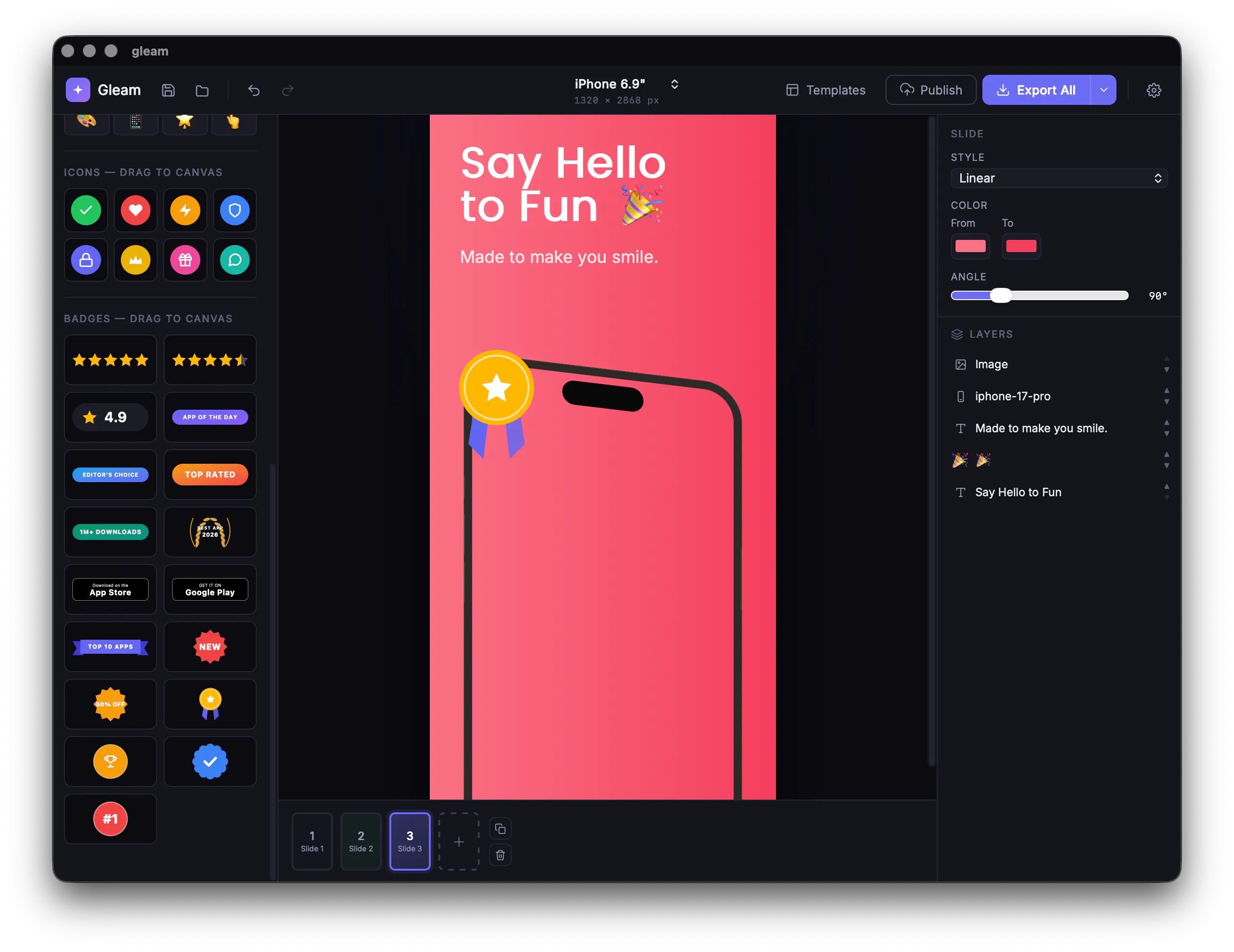
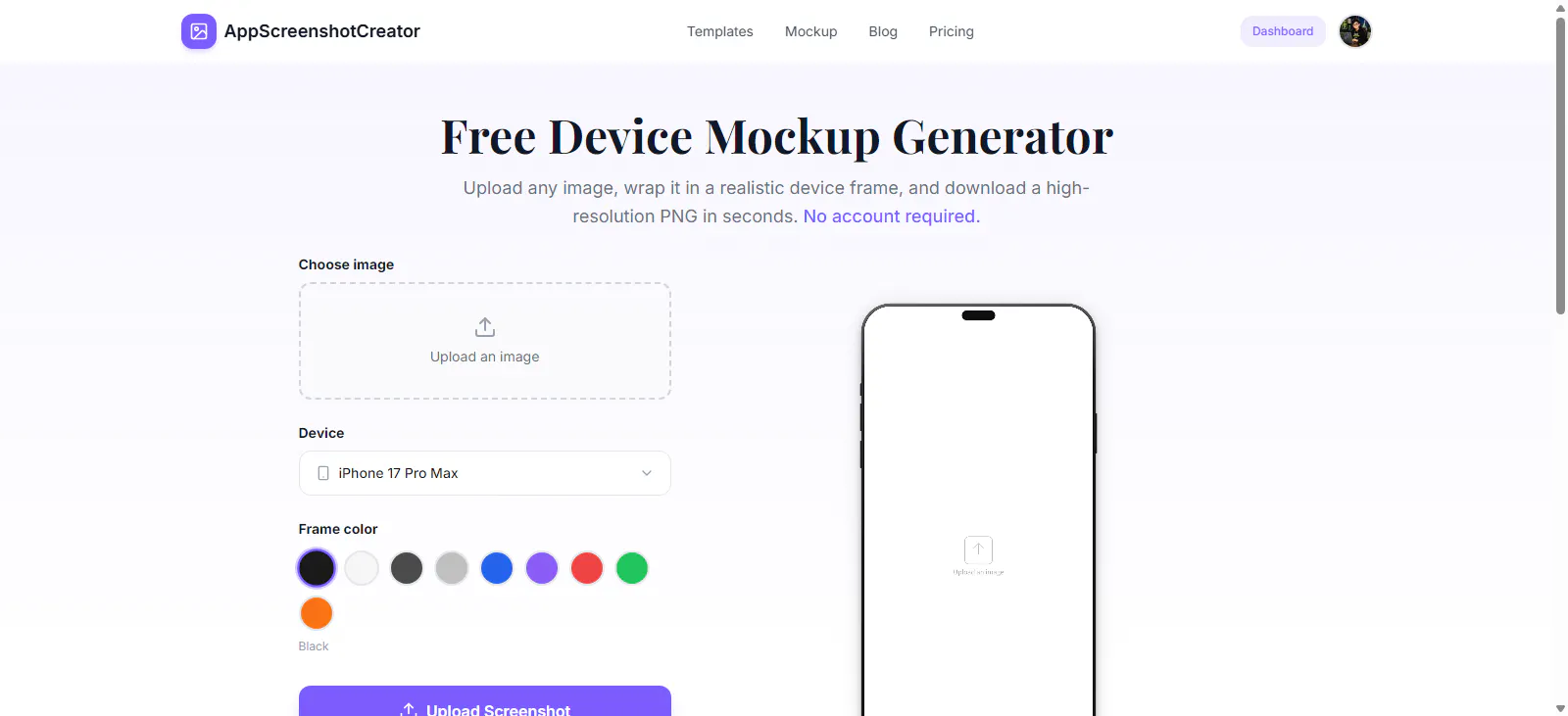
Wraps app screenshots in device frames and backgrounds, exporting every size needed for iPhone, iPad, Android and Mac stores in one click. A one-time-purchase desktop app (not mobile), runs fully offline.

Domain registered 11 days ago

Works offlinePay onceNo subscription
What to know
How it works
Takes a plain app screenshot and wraps it in device frames, backgrounds, and text layers, exporting every size required for iPhone, iPad, Android, and Mac app stores from one project in one click.
What's different
Runs completely offline on macOS, Windows, or Linux, keeping data private, unlike browser-based mockup tools.
Pricing
$19 one-time payment, no subscription.
Best for
App developers preparing store screenshots who want to skip manually recreating frames in Figma or Photoshop.

Watched for 4 days · last checked 2d ago

Details →
Gleam
Gleam
Gleam
Gleam

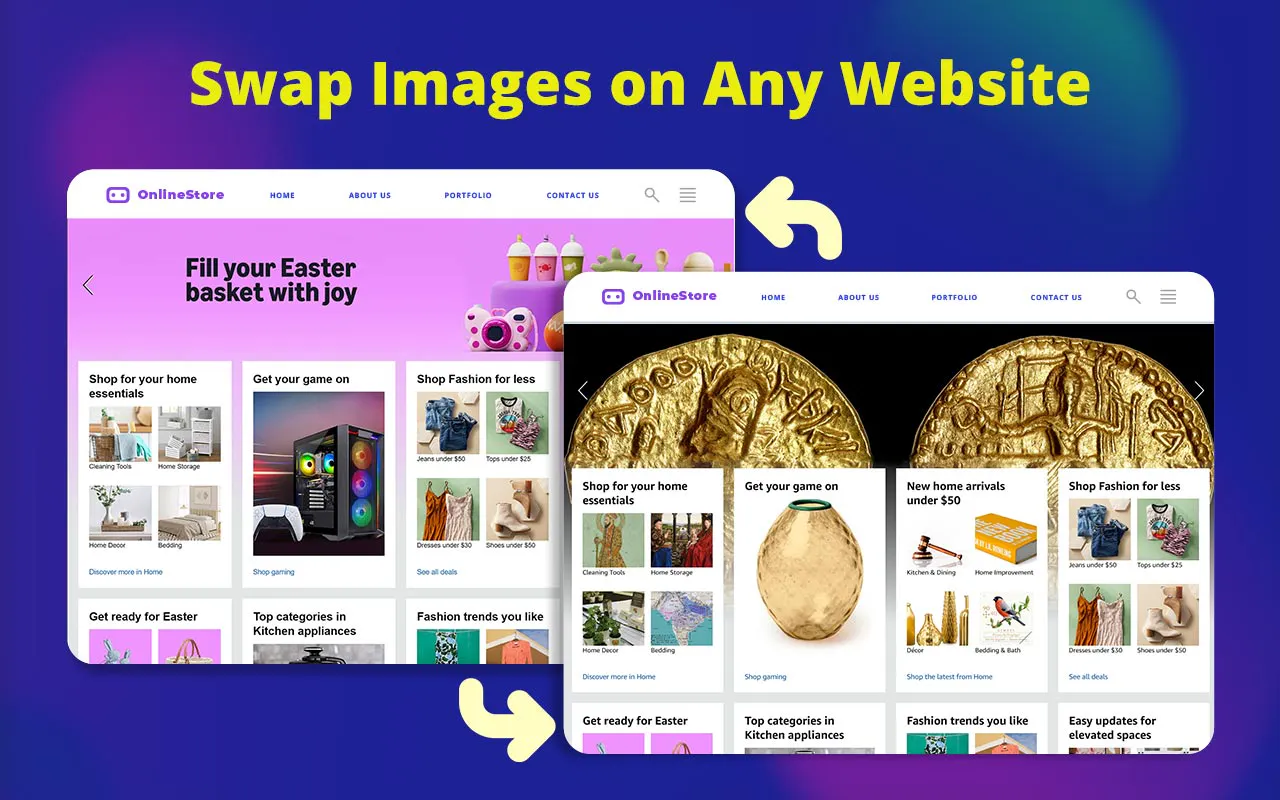
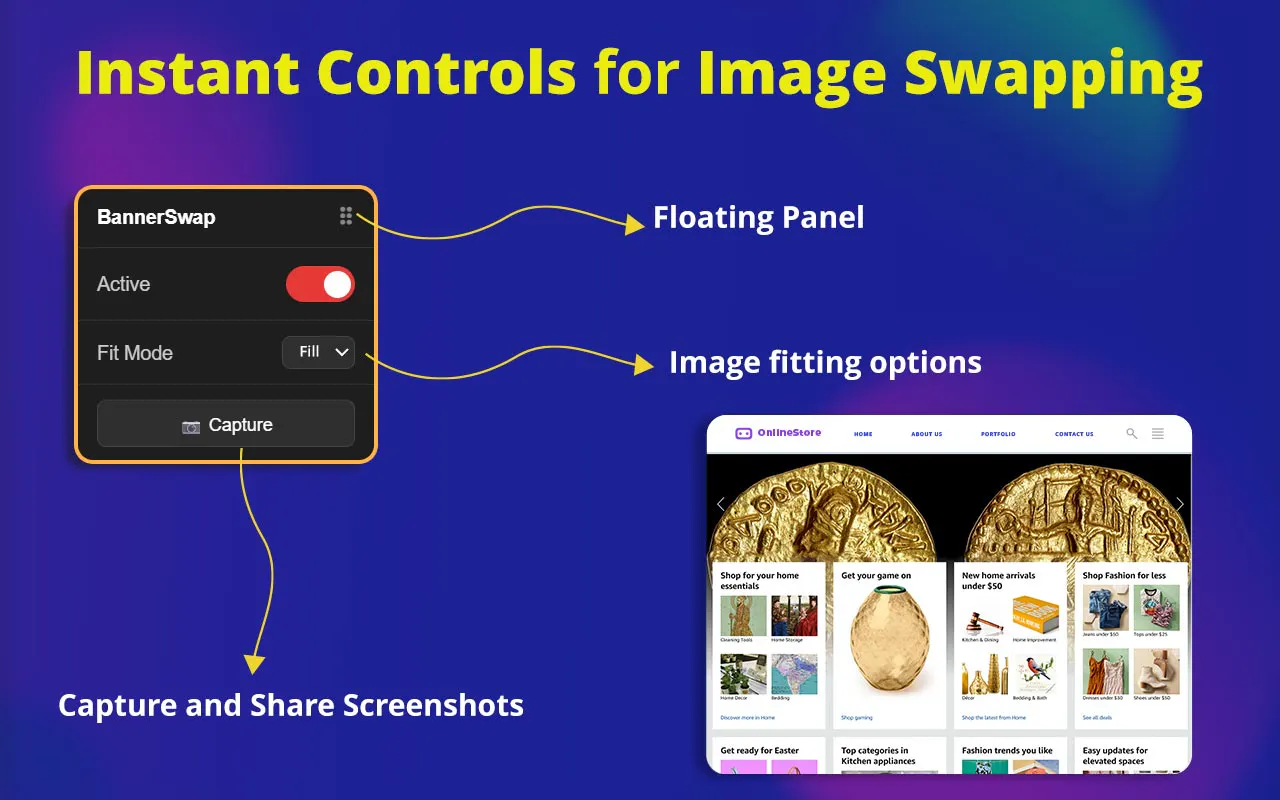
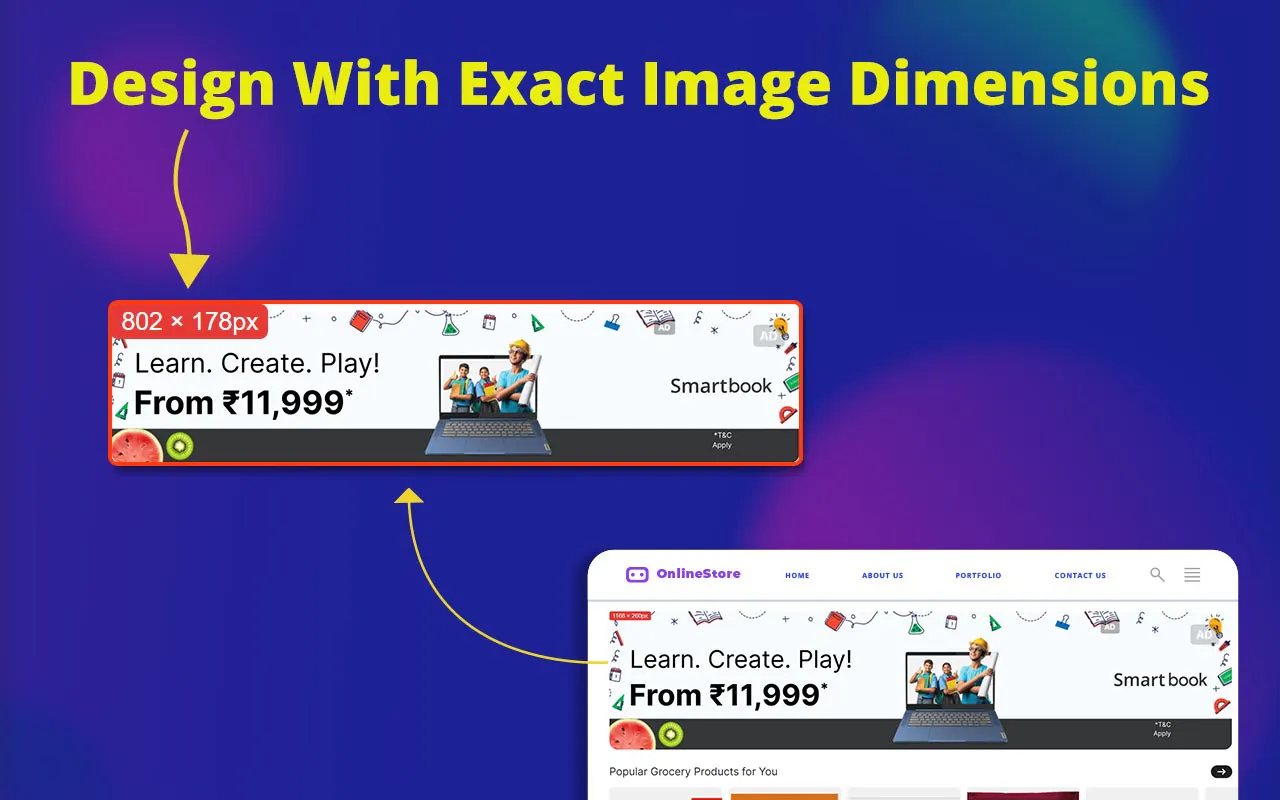
A browser tool that swaps any image on a live website so you can preview your own design in a real layout, without building mockups — for designers, marketers, and developers.

What to know
How it works
You click any image on any live website and instantly swap it with your own design to preview it in a real layout, using a floating control panel with fit controls, pixel dimensions on hover, and screenshot capture for sharing.
What's different
No code and no mockup file needed — the preview happens directly on the real website.
Best for
Designers, marketers, and developers who want to preview a design in its real-world context instead of building a mockup.

Watched for 4 days · last checked 1d ago

Details →
BannerSwap
BannerSwap
BannerSwap
BannerSwap

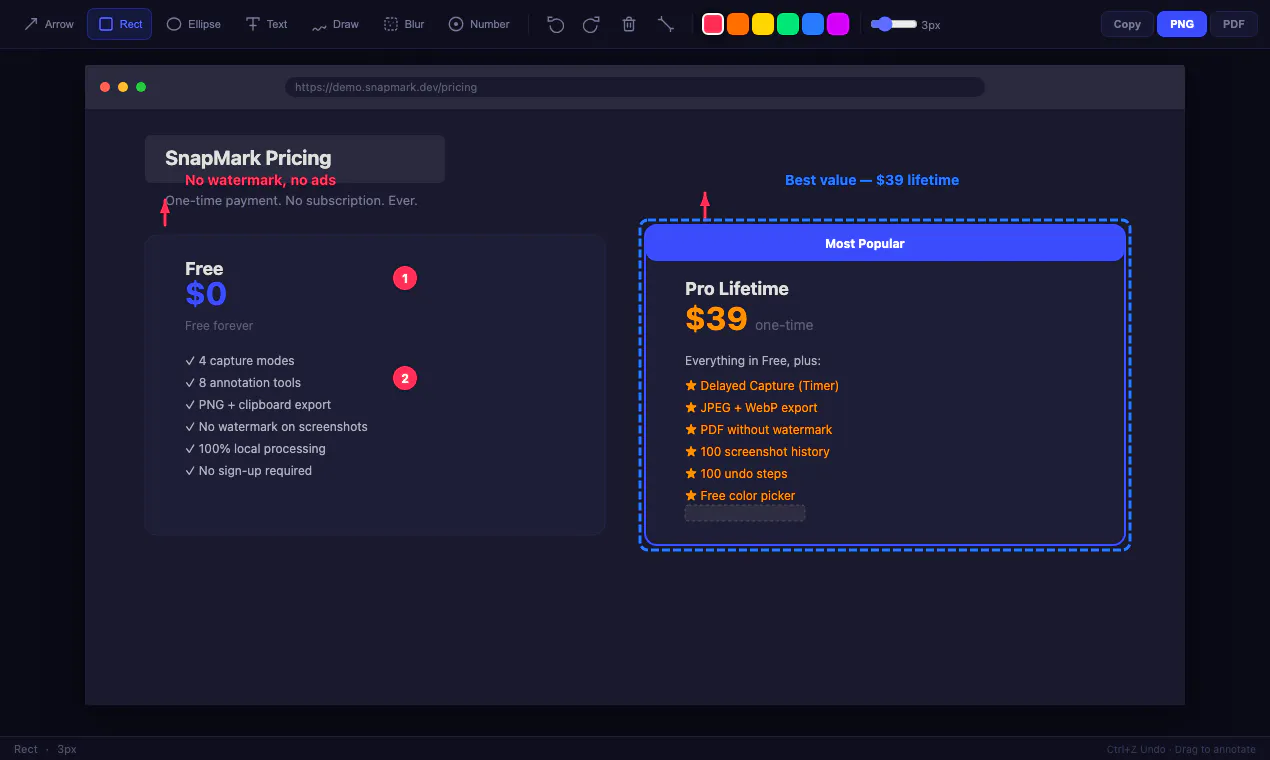
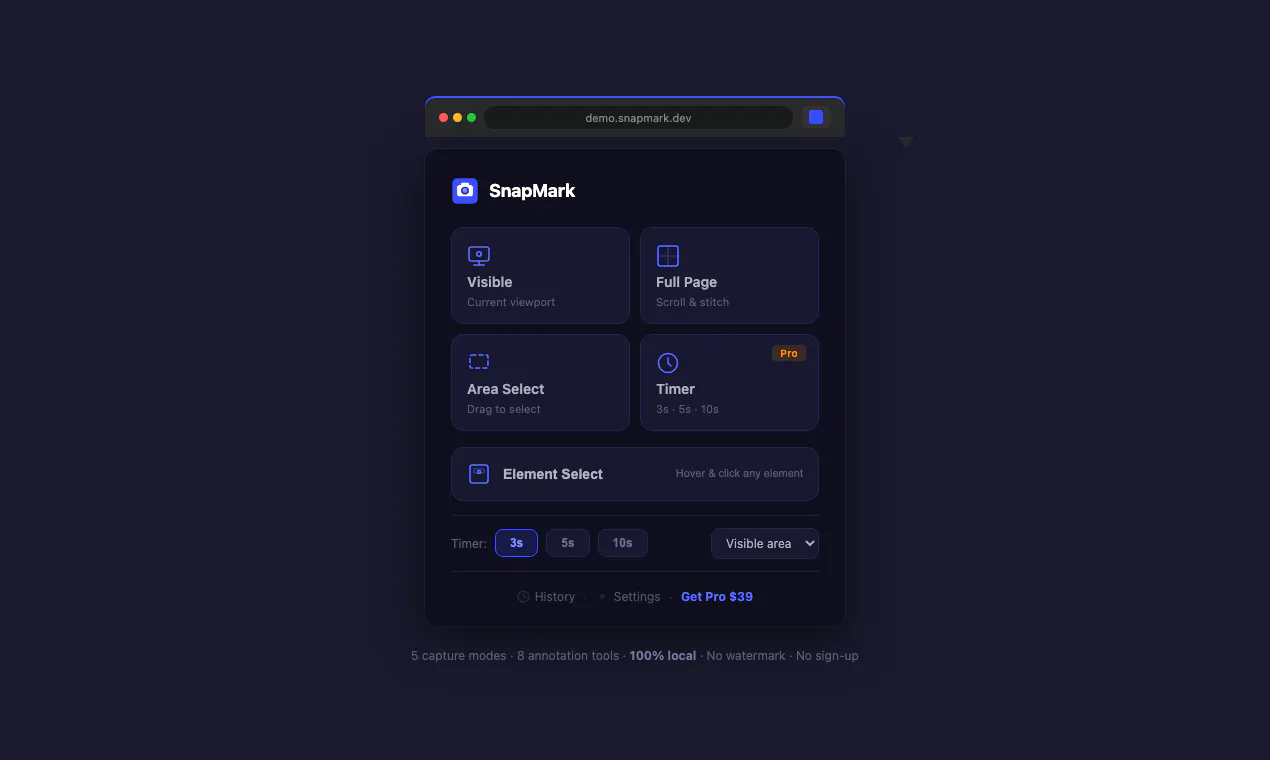
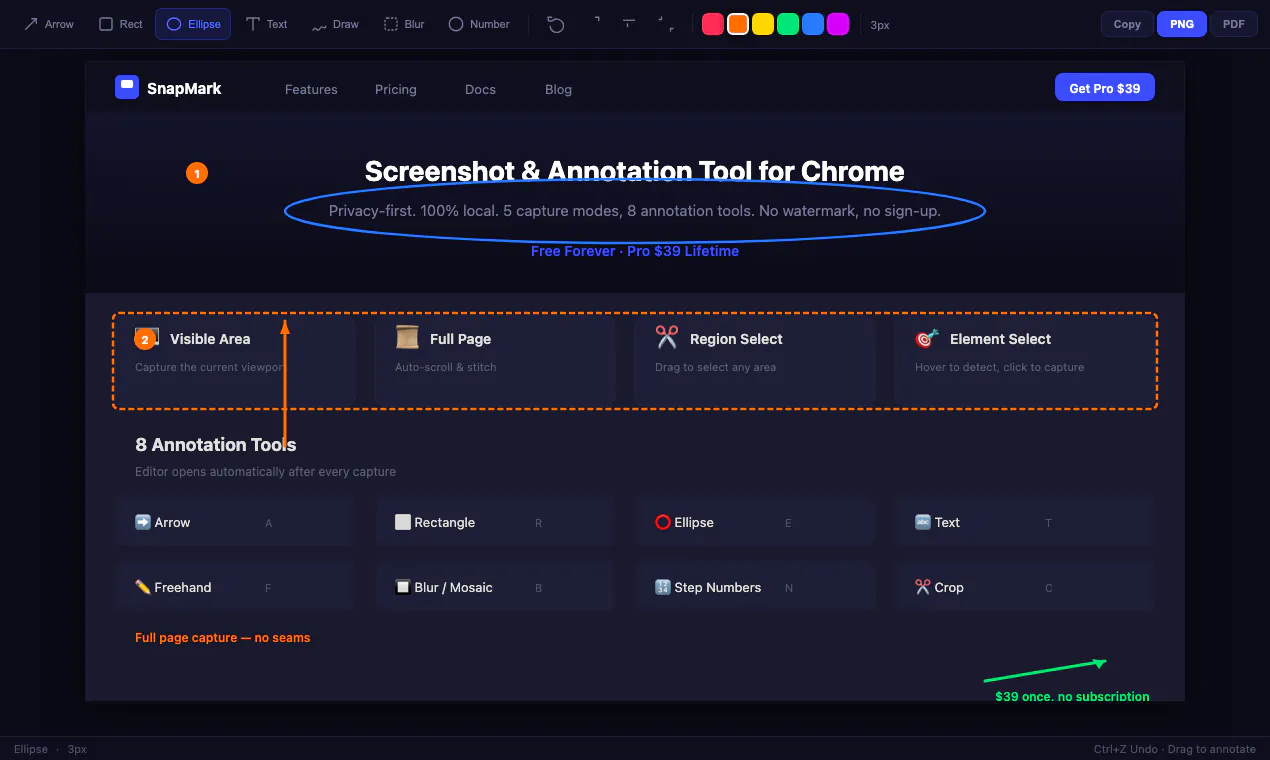
Screenshot & annotate. All local. Free or $39 once.

FreeNo sign-upWorks offlineData stays with you

Watched for 4 days · last checked today

Details →
SnapMark
SnapMark
SnapMark
SnapMark

Turns a product's logo and screenshots into a short AI-generated launch trailer with voiceover, aimed at founders launching a product.

What to know
How it works
You drop in a logo and a few screenshots and an AI agent crew turns them into a branded 30-second launch trailer with voiceover.
Best for
Founders who want a launch trailer for their product without producing video themselves.

Watched for 5 days · last checked 4d ago

Details →
LaunchReel

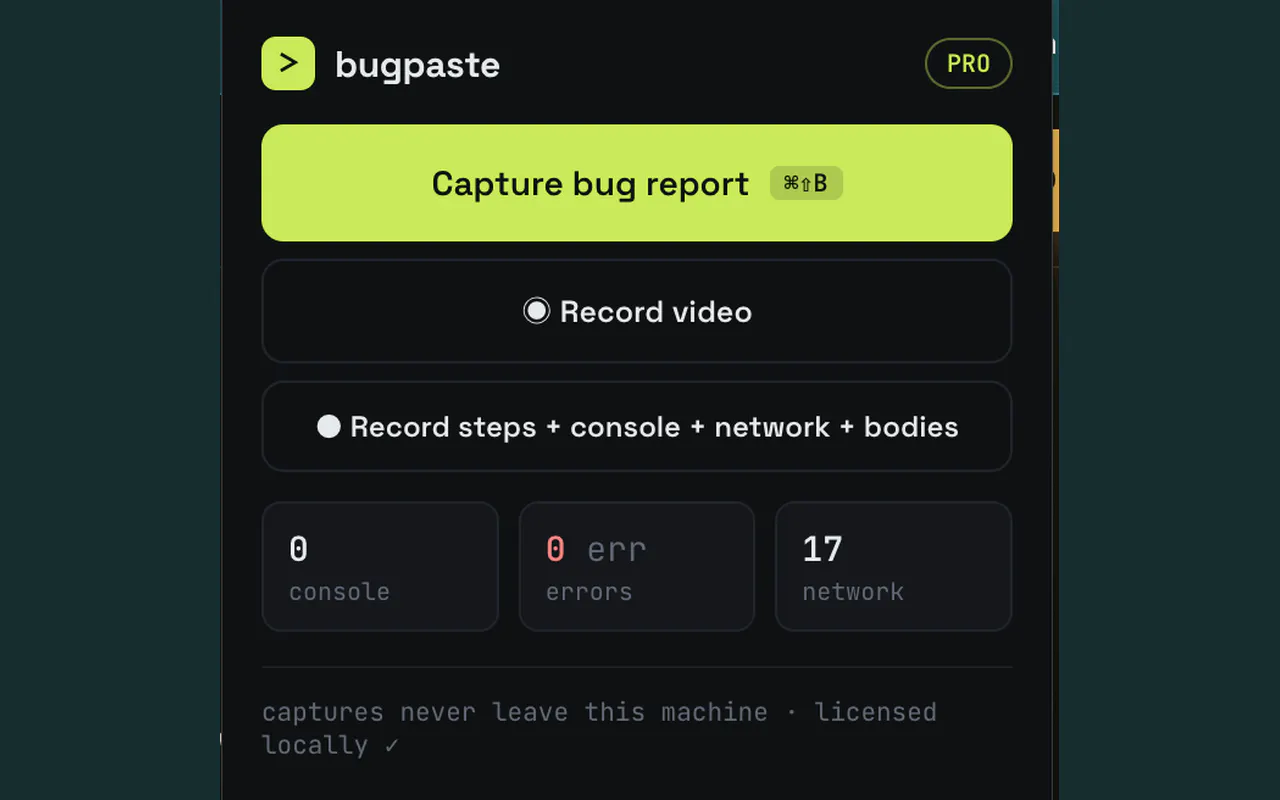
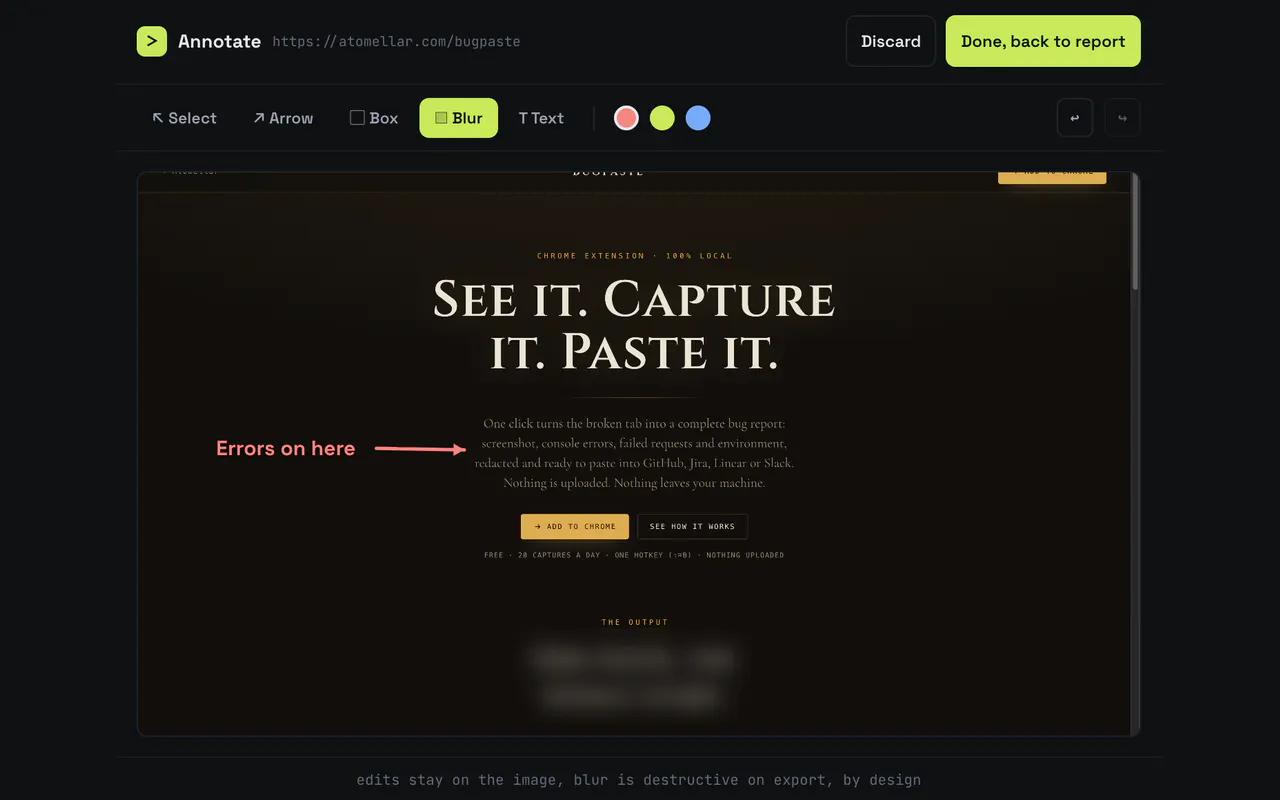
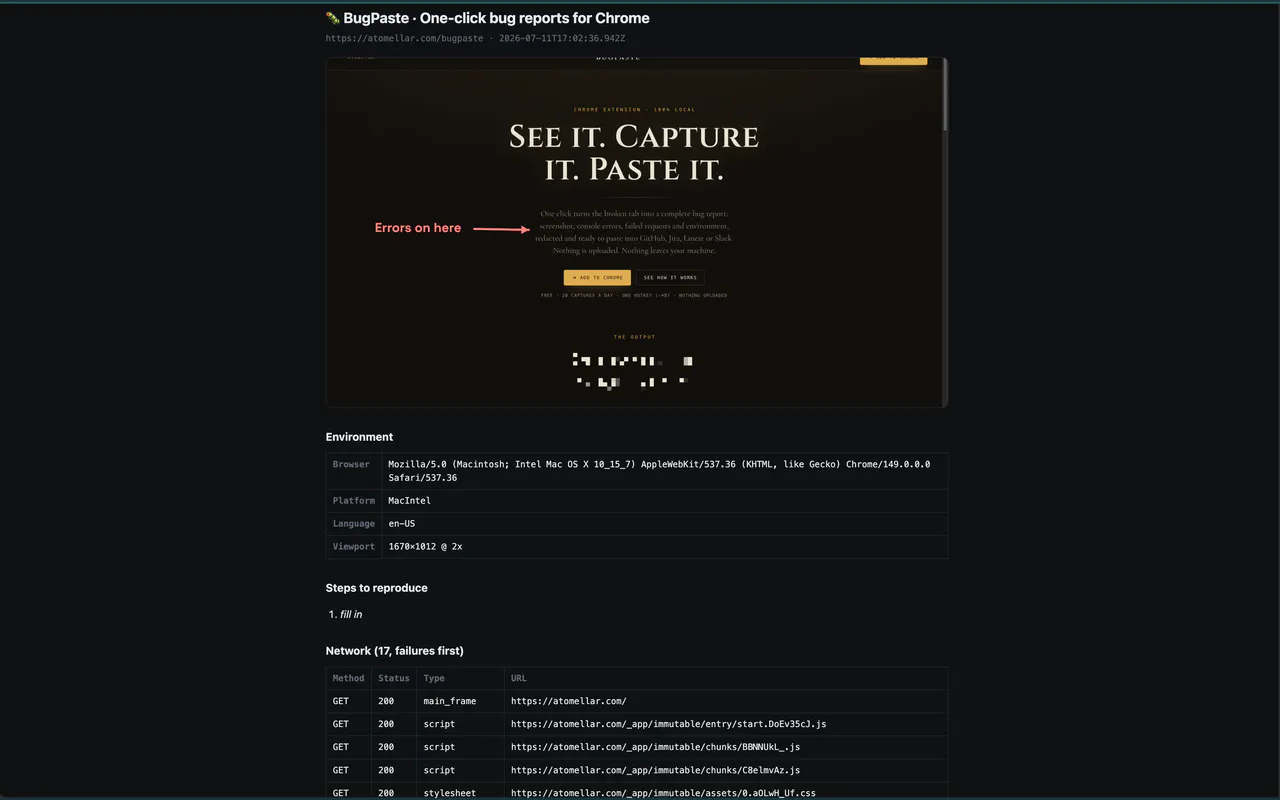
A Chrome extension that bundles a screenshot or recording with console logs, network requests and environment info into one bug report, entirely on your machine. Built for developers and QA.

Domain registered 22 days ago

Works offlineData stays with youCan export my data
What to know
How it works
A Chrome extension that captures a screenshot or video recording along with console logs, network requests and environment info, bundling them into one paste-ready bug report; can export a video to webm or a full HTML report.
What's different
Runs 100% locally — nothing leaves your machine.
Best for
Developers and QA testers who need a complete, shareable bug report without manually collecting logs and screenshots.

Watched for 5 days · last checked 4d ago

Details →
BugPaste
BugPaste
BugPaste

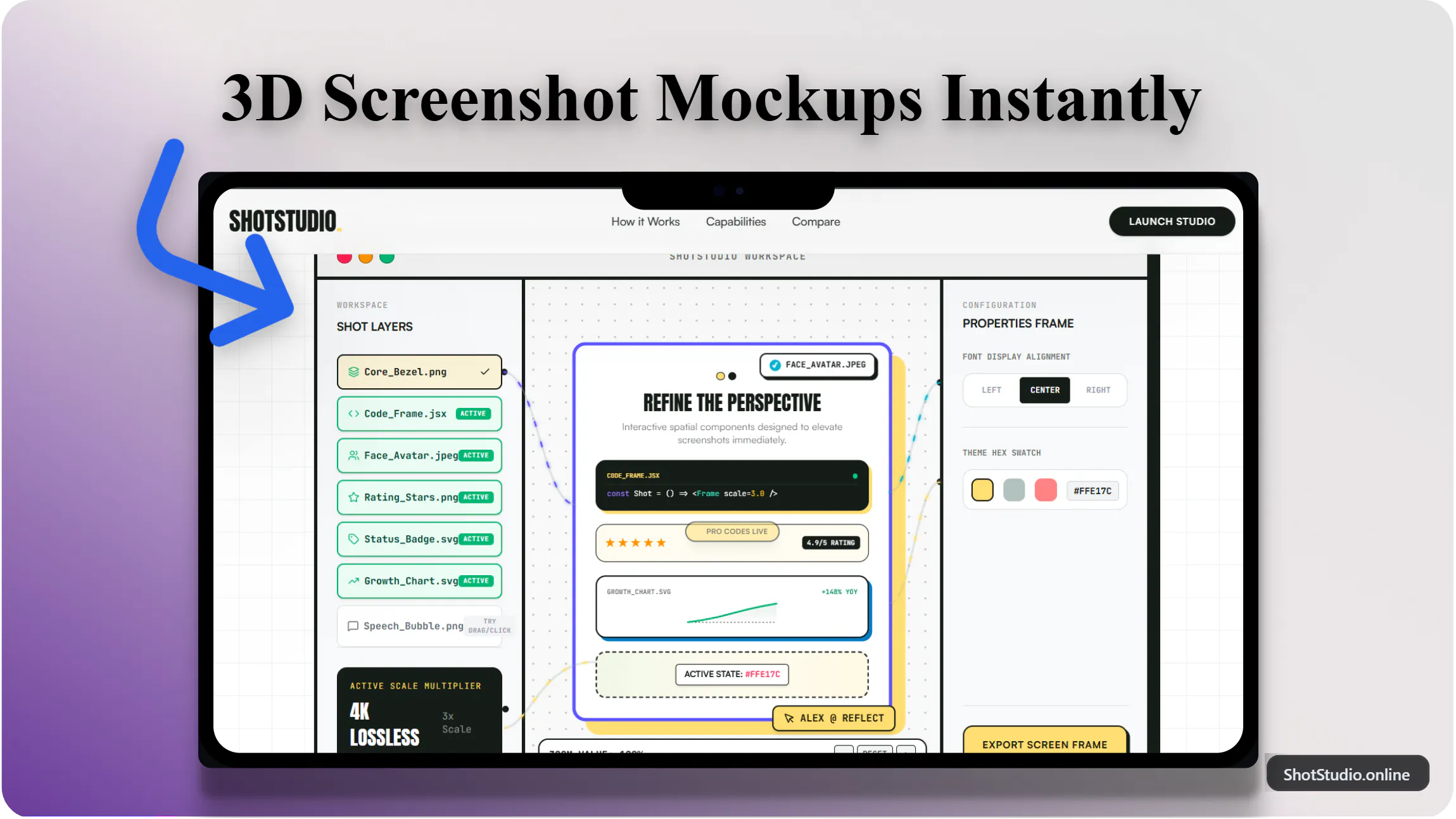
Turns app screenshots into animated mockups and generates localized App Store screenshot sets across 80+ languages and required device sizes — a marketing-asset tool for app developers, not itself a mobile app.

What to know
How it works
Turns app screenshots into animated GIF or WebM mockups and generates localized App Store screenshot sets across 80+ languages, covering required Apple and Google device sizes, using a library of templates and device frames.
Best for
App developers preparing store listings and localized marketing screenshots.

Watched for 7 days · last checked 5d ago

Details →

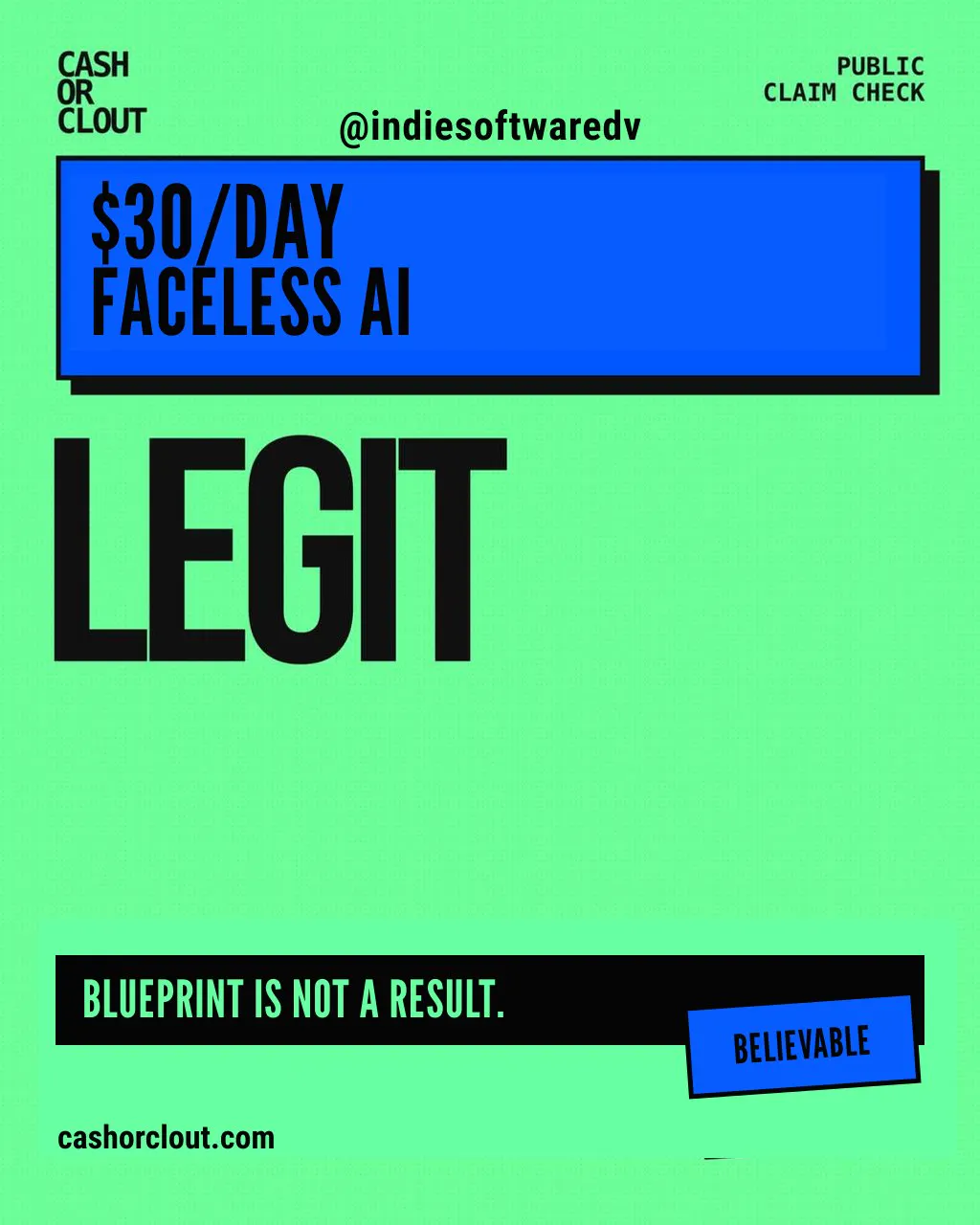
Fact-check online income claims. Share the verdict.

Watched for 7 days · last checked 6d ago

Details →
CashOrClout
CashOrClout
CashOrClout

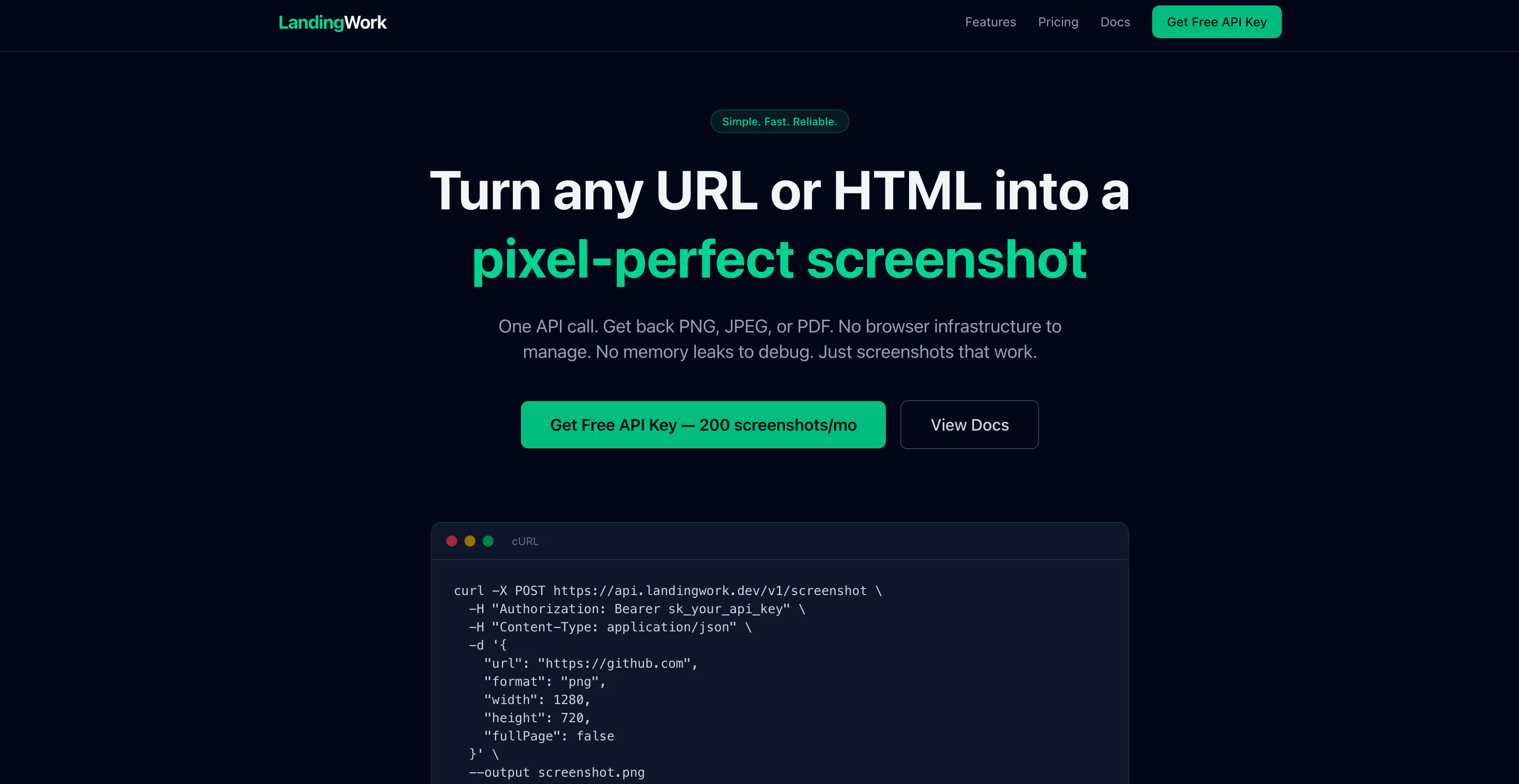
A screenshot API that turns any URL or HTML into a PNG, JPEG or PDF in one request, with a JSON-driven template mode for social share images. Built for developers; free for the first 200 screenshots a month.

Free
What to know
How it works
A single API call (curl + API key) turns any URL or HTML into a pixel-perfect PNG, JPEG or PDF screenshot; a JSON-plus-template mode also generates OG social share images without needing HTML/CSS skills.
What's different
No SDK or complex setup required, and screenshots run on a managed Chromium pool with no cold starts or timeouts.
Pricing
Free during beta — 200 screenshots per month, no credit card required.
Best for
Developers who need a screenshot or OG-image API without managing their own rendering infrastructure.

Watched for 8 days · last checked today
Details →
LandingWork

Converts SketchUp, Revit or Archicad screenshots into photorealistic renders in seconds. For architects and designers who want to skip slow render setups or paying an outside visualization studio.

What to know
How it works
Converts 3D model screenshots from tools like SketchUp, Revit or Archicad into photorealistic architectural visualizations in seconds, preserving the original geometry, camera perspective and composition while enhancing materials, lighting and environment.
What's different
Purpose-built for architectural workflows rather than general-purpose rendering, letting users test styles like daylight or golden hour without restarting the render.
Best for
Architects and designers who need presentation-ready visuals for early-stage concepts or client meetings without hours of rendering or outsourcing to a visualization studio.

Watched for 9 days · last checked today
Details →

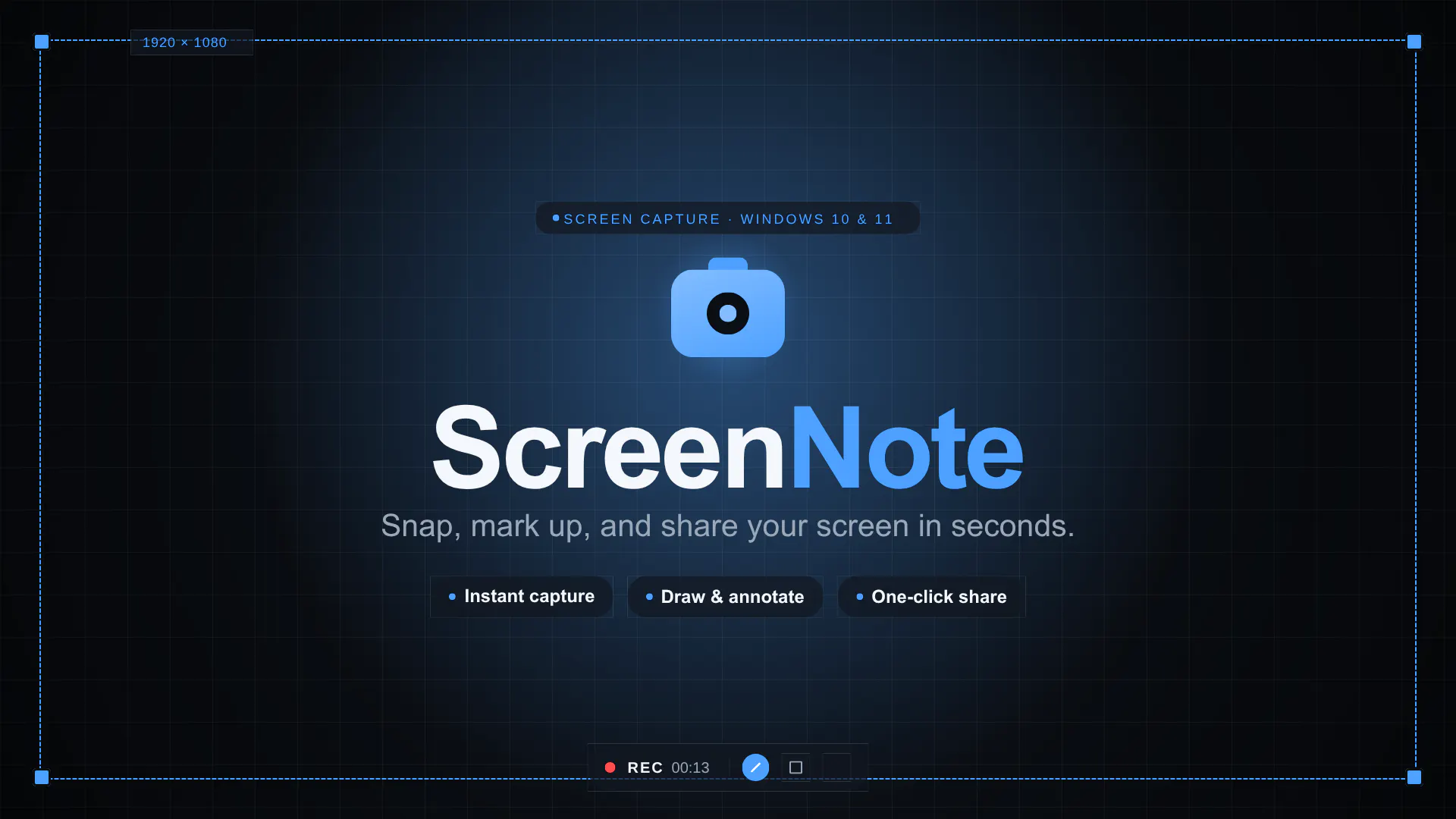
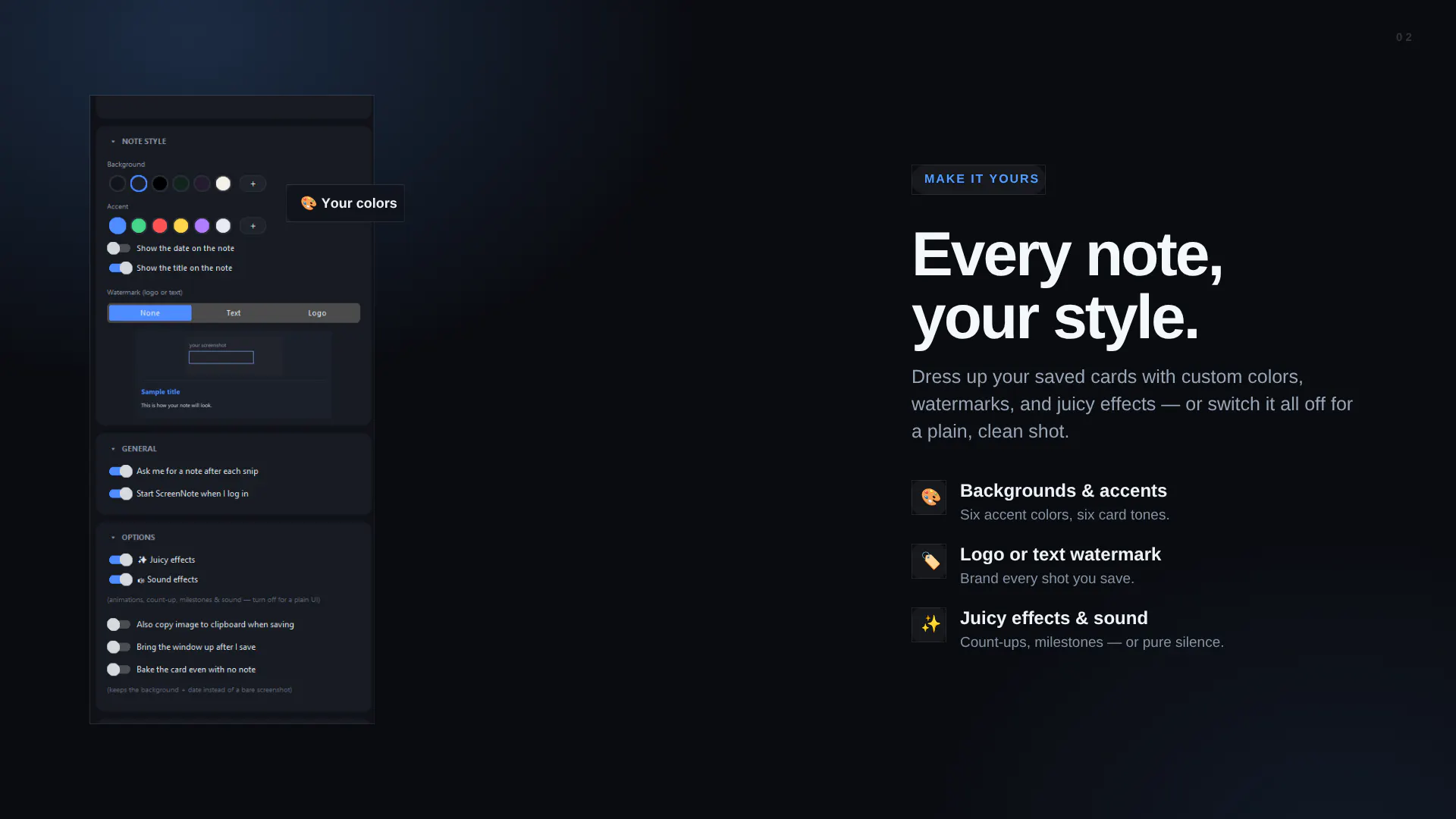
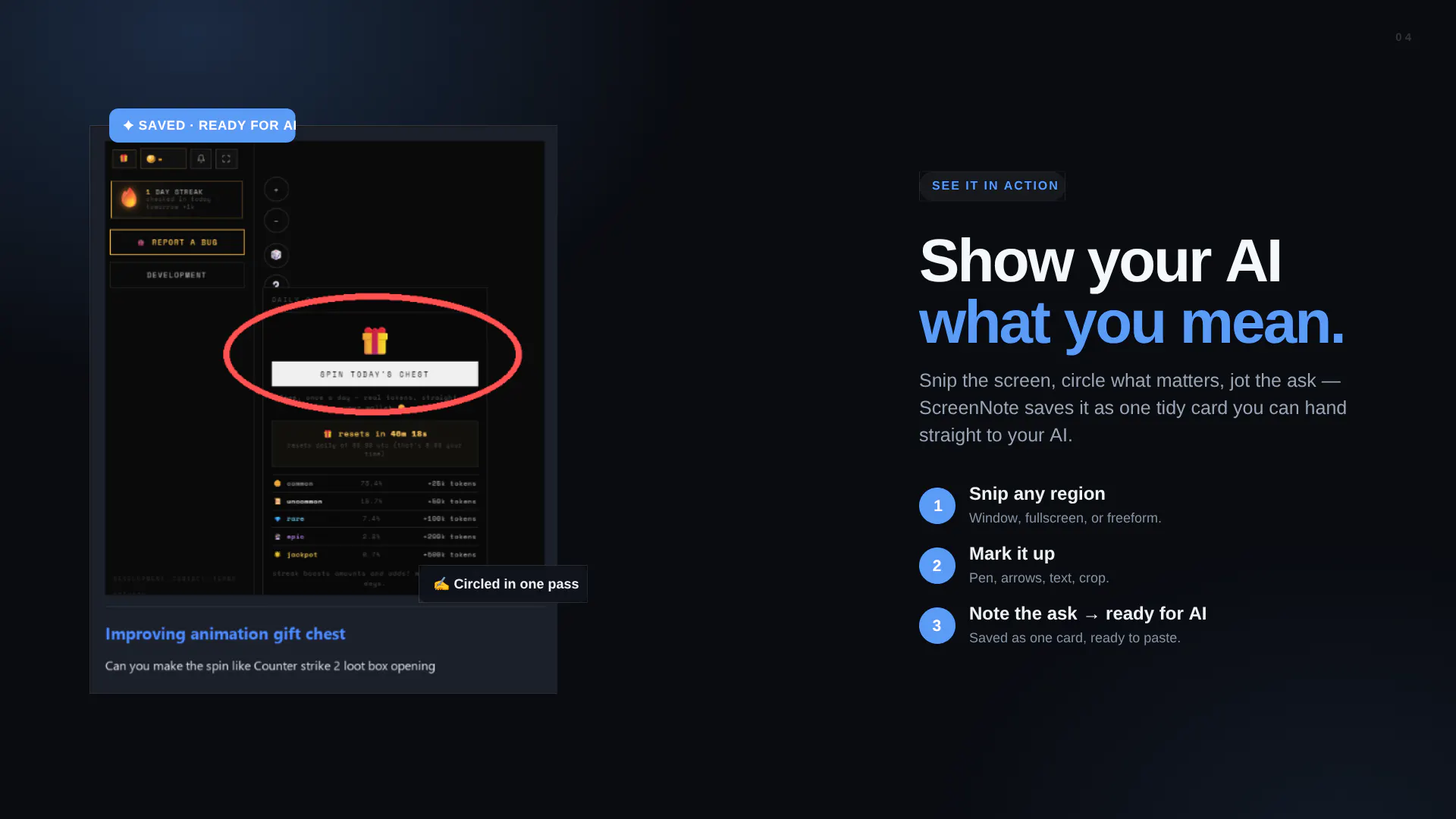
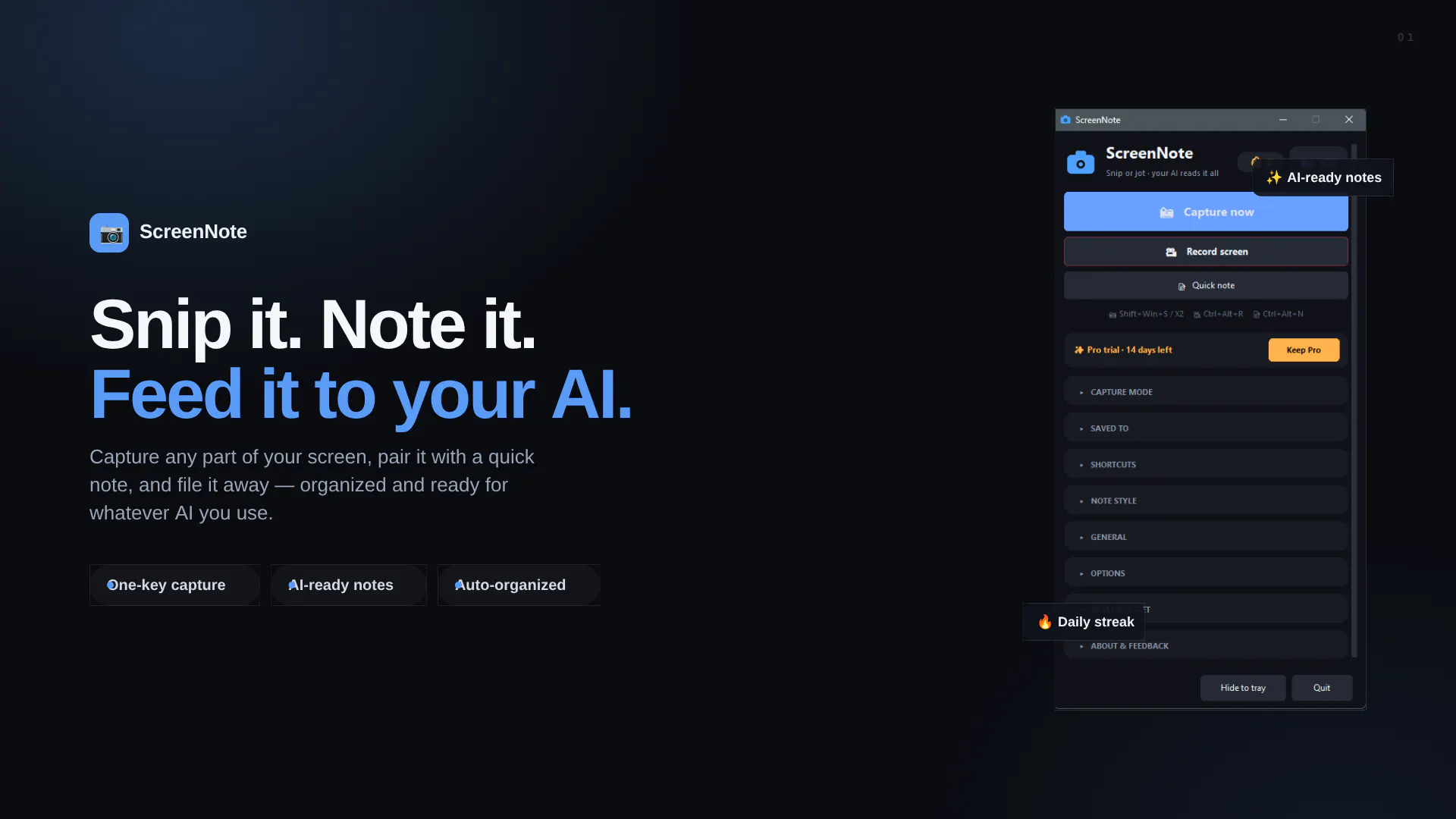
Stop explaining screenshots to your AI. Snip, note, done.

FreeNo sign-upWorks offlineNo subscription

Watched for 9 days · last checked today
Details →
ScreenNote
ScreenNote
ScreenNote
ScreenNote

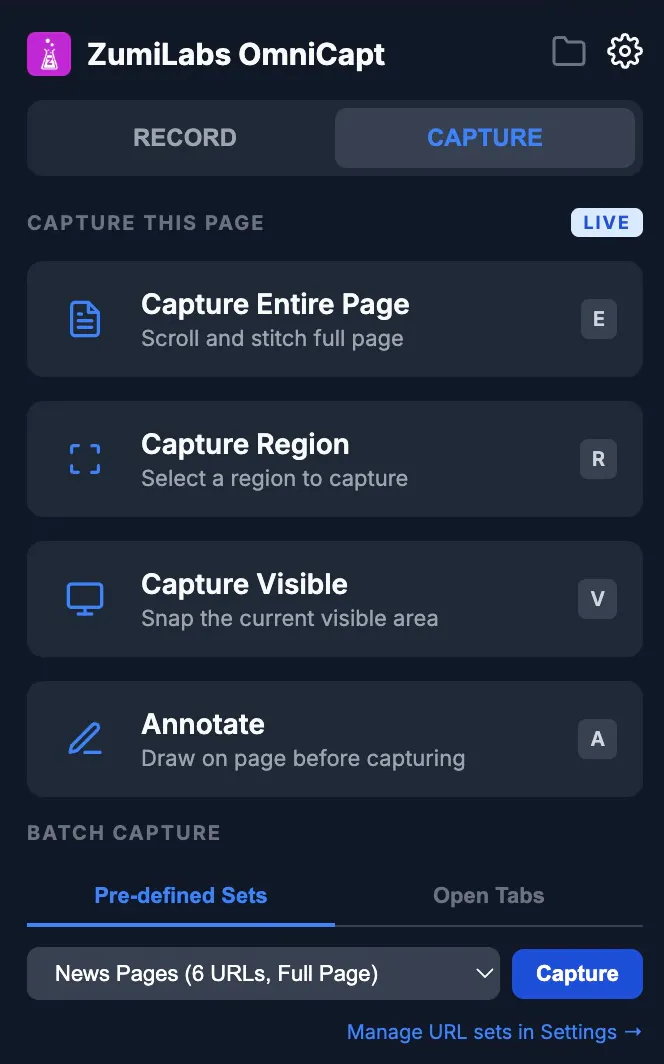
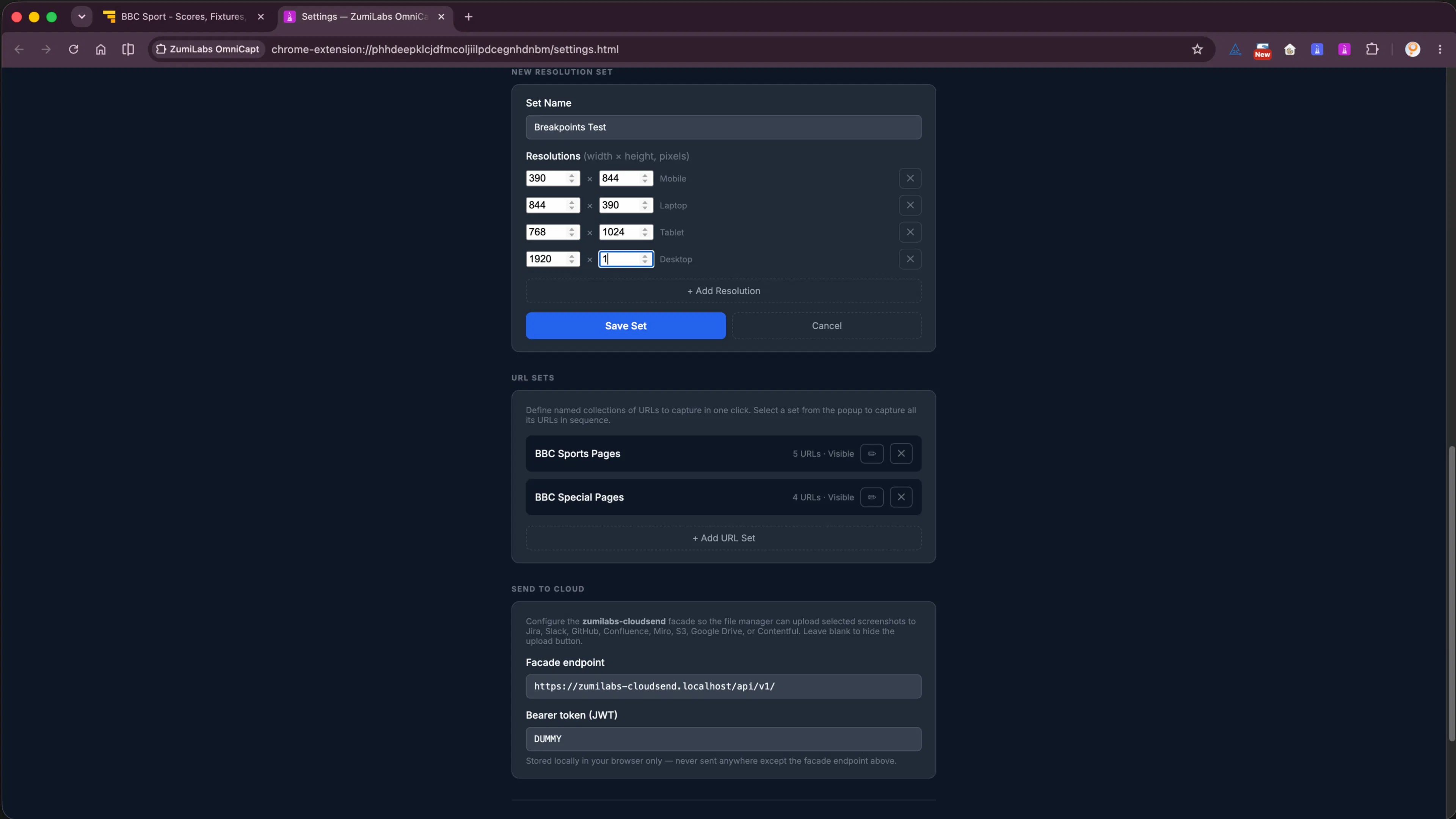
Capture one page or your whole site. All local. All private

Works offline

Watched for 9 days · last checked 2d ago

Details →
ZumiLabs OmniCapt
ZumiLabs OmniCapt
ZumiLabs OmniCapt
ZumiLabs OmniCapt

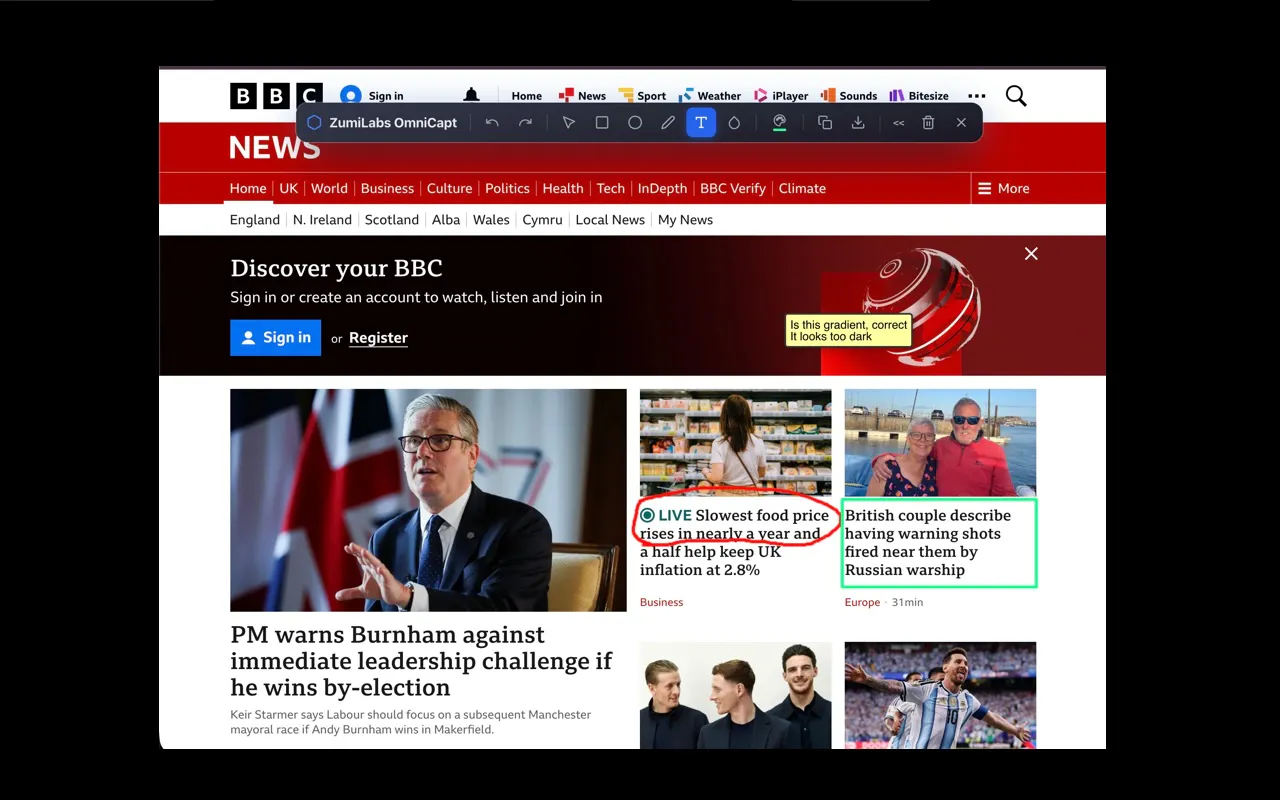
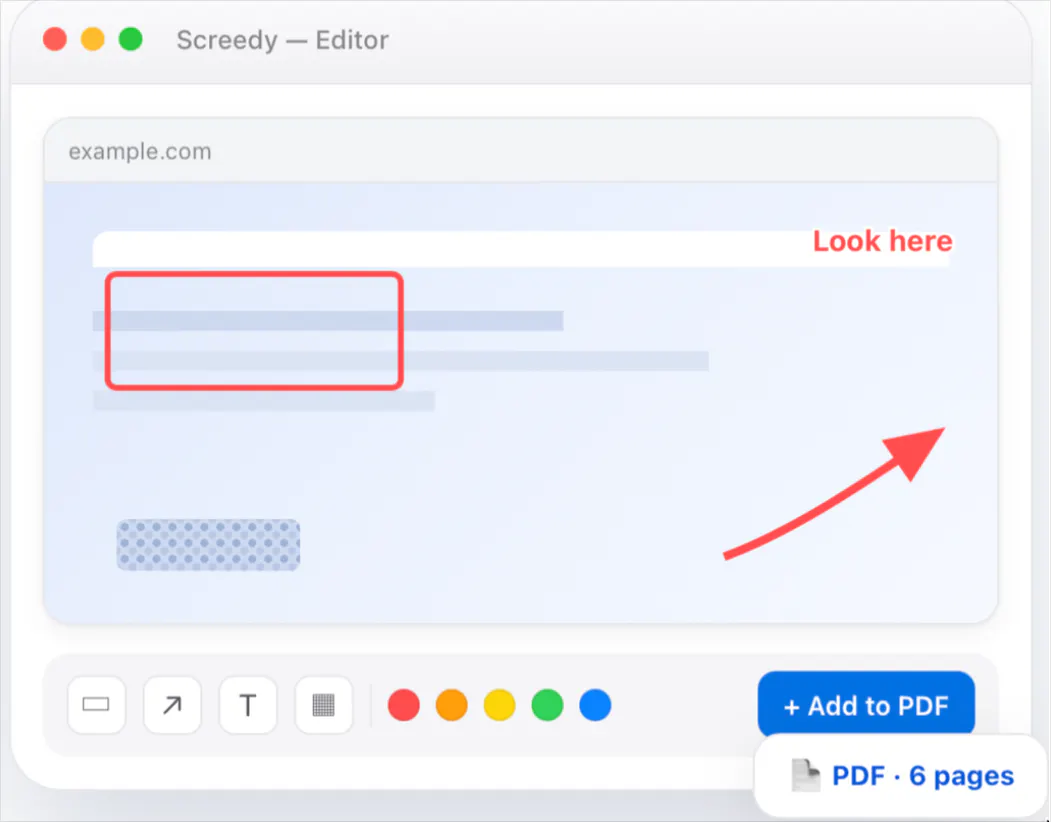
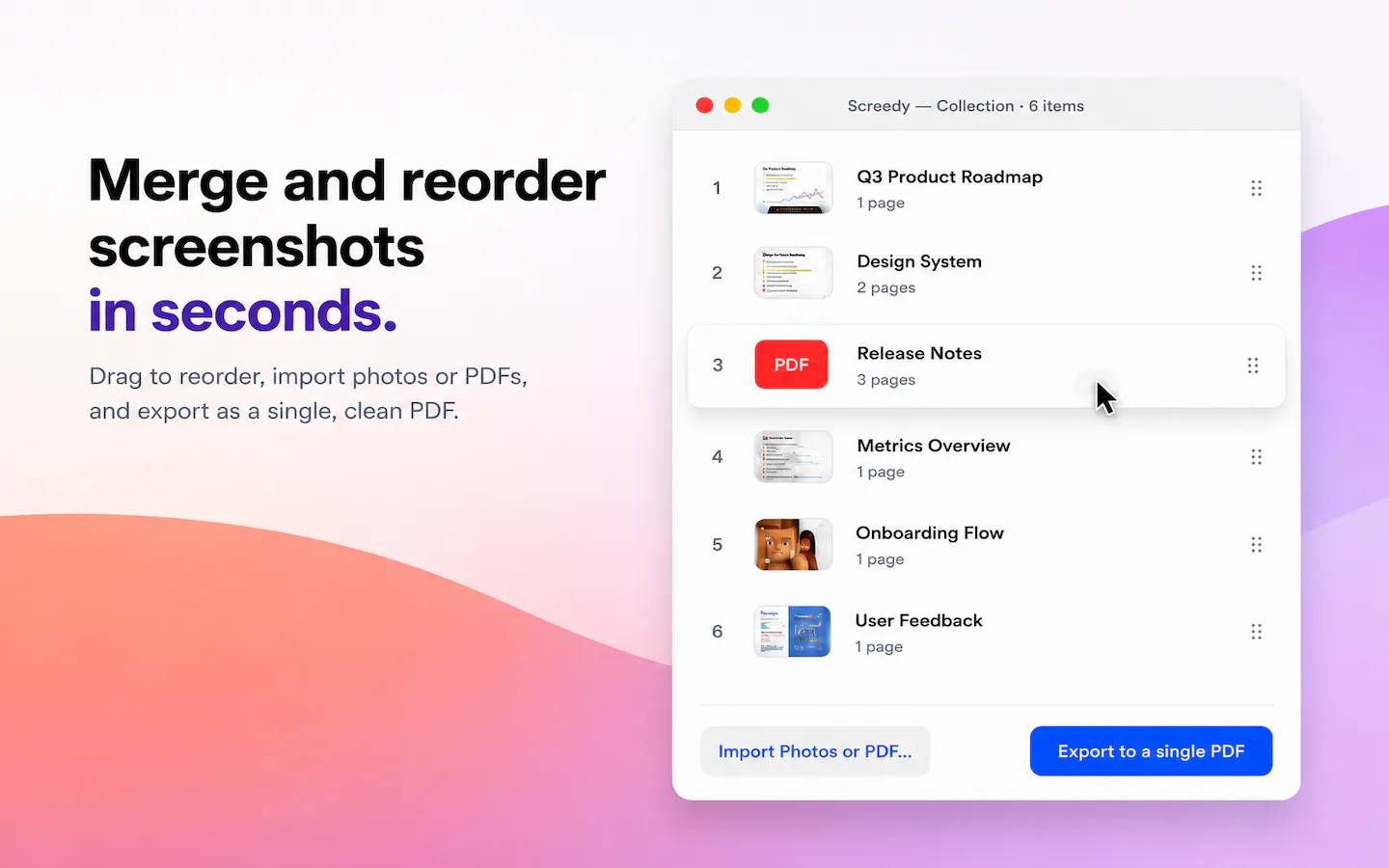
A free macOS app that captures, annotates and merges multiple screenshots into a single PDF, or exports PNG and JPEG, working fully offline with no account required.

FreeNo sign-upWorks offline
What to know
How it works
A free macOS app that captures a screen area, lets you annotate it, and merges multiple screenshots into a single PDF, also exporting as PNG or JPEG.
Pricing
Free.
Best for
Mac users who want to turn screenshots into a shareable PDF without an account or internet connection.
Watch out
Works fully offline with no account, so nothing is uploaded to a server.

Watched for 9 days · last checked 2d ago

Details →
Screedy
Screedy
Screedy
Screedy

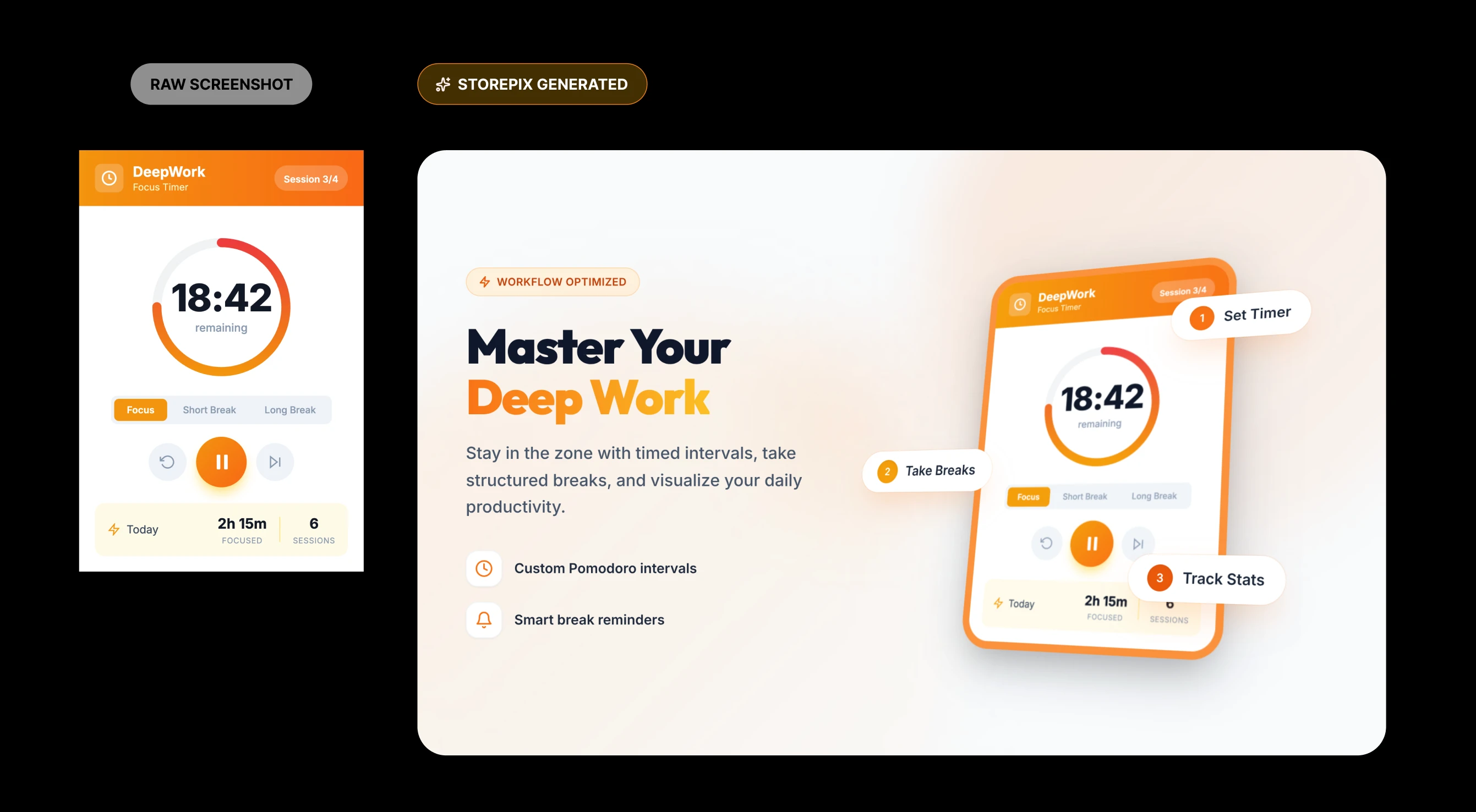
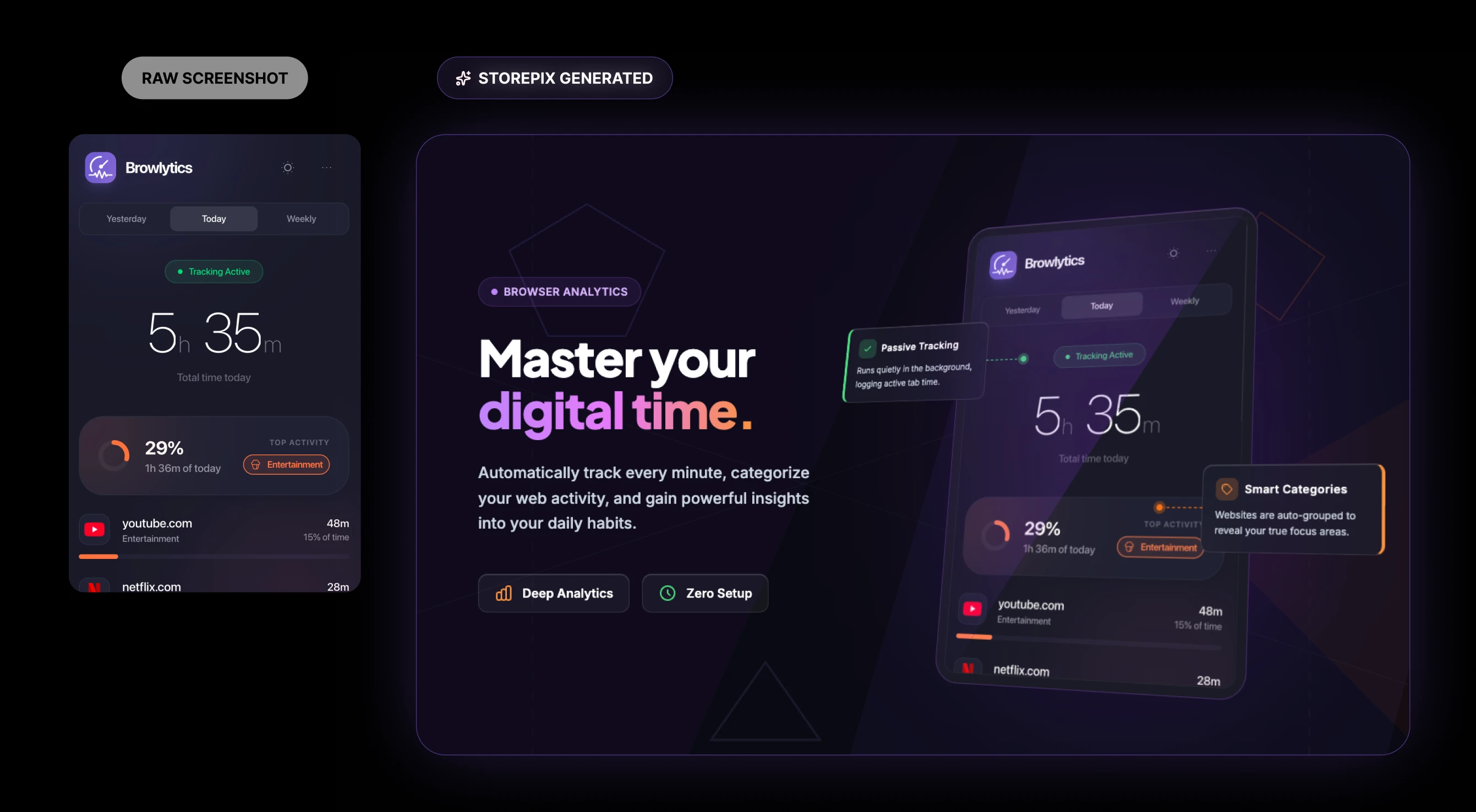
Turn raw screenshots into marketing assets

Watched for 8 days · last checked today
Details →
StorePix
StorePix
StorePix

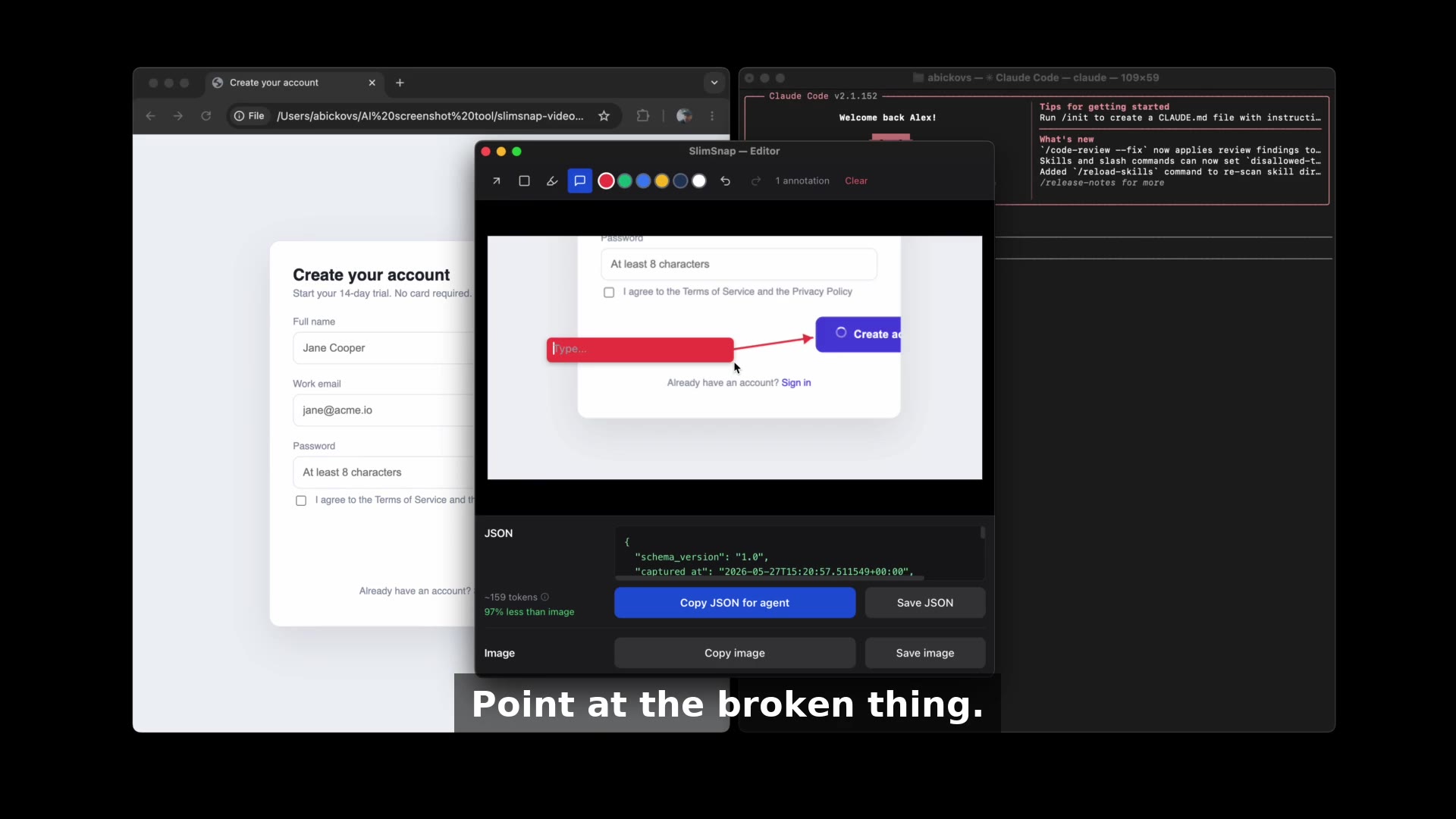
Screenshot tool for vibe coders

Watched for 6 days · last checked 6d ago

Details →
SlimSnap

Tools that work on screenshots — the short answers

Every number here comes from our own daily check — not from a vendor list.

Tools that work on screenshots — how many are there?
We're tracking 49 of them. 44 answered our check today, and 5 we couldn't reach — we don't claim those are dead.
Which ones are still maintained?
We knock on every door once a day and record the answer. 44 of these 49 responded on the latest run, so that number is what "still here" means on this page — not a review score.
Are any of them free?
13 of the live ones say so in their own words, and 10 let you start without making an account. We record the claim the product makes; we don't verify pricing.
What's the newest one?
Rizz app - Tchatcheur — first seen yesterday.
Did a person actually look at these?
28 of them we opened and read, then wrote a one-line summary in our own words instead of reusing the founder's tagline. The rest carry keyword labels we haven't confirmed by reading yet — and we say so rather than hiding it.